
Blur Background
AI-powered tool to remove or naturally blur photo backgrounds instantly in your browser.
About
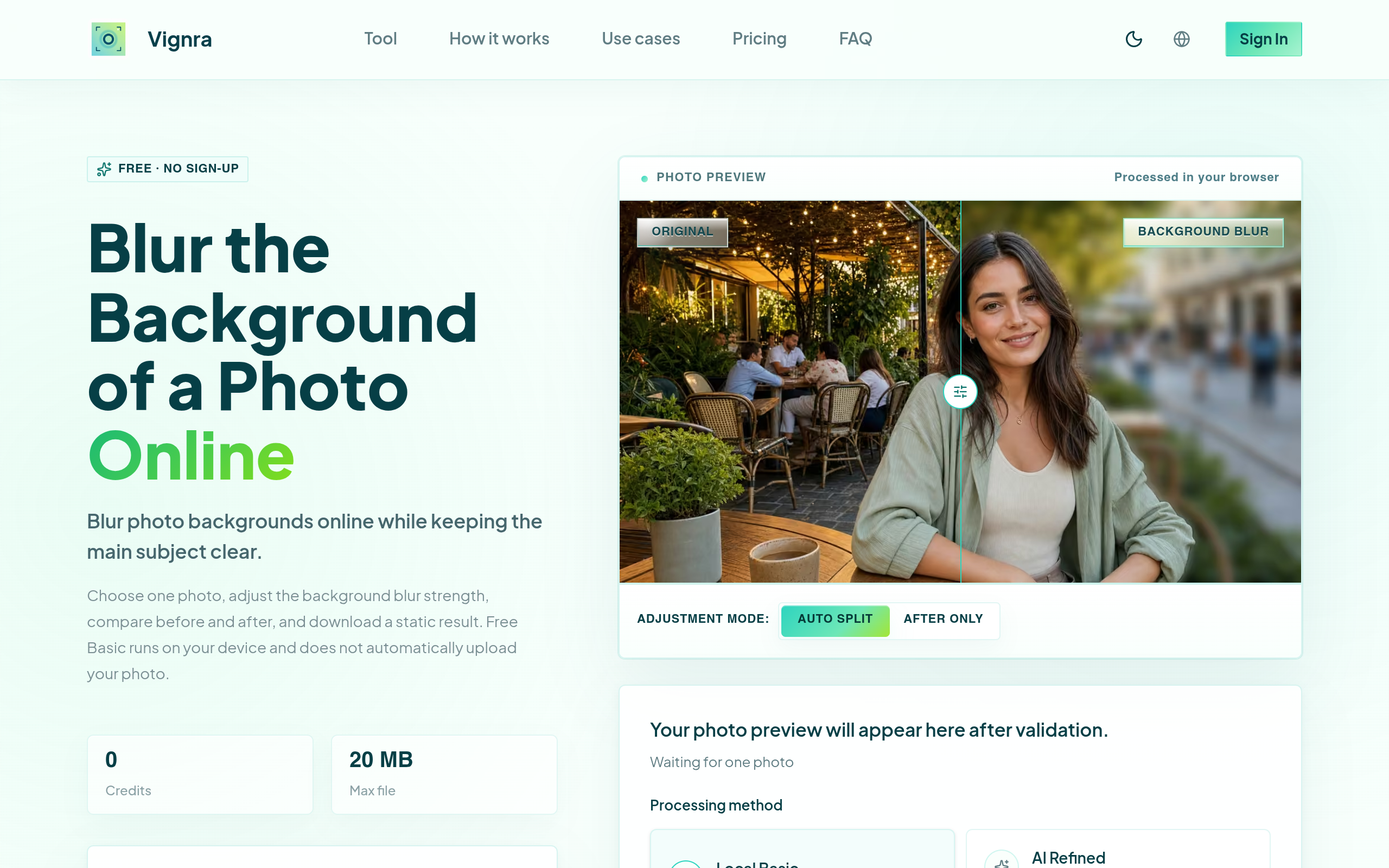
Blur Background is an AI-powered browser image editor that automatically detects the main subject and removes or applies a natural background blur in seconds. It helps users create polished portraits, product images, profile photos, social media graphics, and privacy-friendly edits without installing complex desktop software.
Key Features
Local Browser Processing (Free Basic)
Processes images directly in the browser without uploading files or requiring an account, keeping photos local and private when the local model is available.
Adjustable Blur Strength with Live Preview
Interactive slider and split-view preview let you control how strong the background blur is and compare before/after results before exporting.
Advanced Bokeh (Optional Cloud Refine)
An optional AI-refined bokeh mode processed in a private cloud for a more sophisticated depth effect; usage and privacy/credit costs are shown before upload.
Wide File Support & Size Limits
Accepts many formats (JPG, PNG, WebP, HEIC, AVIF, GIF, TIFF, SVG and more) with uploads up to 20 MB and 24 megapixels (some formats may be converted locally first).
Fast, Focused Three-Step Workflow
Simple flow — upload, apply/adjust background blur, compare and download — optimized for single static photos like portraits, products, and thumbnails.
How to Use Blur Background
Upload a photo, let the AI detect the subject, choose background removal or blur, preview the result, and download the edited image.