
BlueHumanizer
BlueHumanizer turns AI-generated text into clear, natural writing in one click. Better flow, sharper phrasing, your meaning intact. Free to start.
About
BlueHumanizer is an AI humanizer that transforms AI-generated text into clear, natural writing in one click. Paste output from ChatGPT, Claude, Gemini, or any AI writer, and BlueHumanizer rewrites it into polished, human-sounding prose with better flow and sharper phrasing, all while keeping your meaning, tone, and key points intact. Unlike basic tools that just swap words for synonyms, it reshapes sentence structure and restores the natural rhythm that makes writing feel real. Quotes and citations stay untouched. With 50+ language support, adjustable humanization levels, and tone controls, it's built for students, researchers, marketers, and anyone who writes with AI. Whether you're refining an essay, polishing a research paper, shipping on-brand marketing copy, or warming up everyday emails and reports, BlueHumanizer delivers writing that reads clean, natural, and ready to publish. Free to start, no credit card required.
Key Features
One-click Humanize
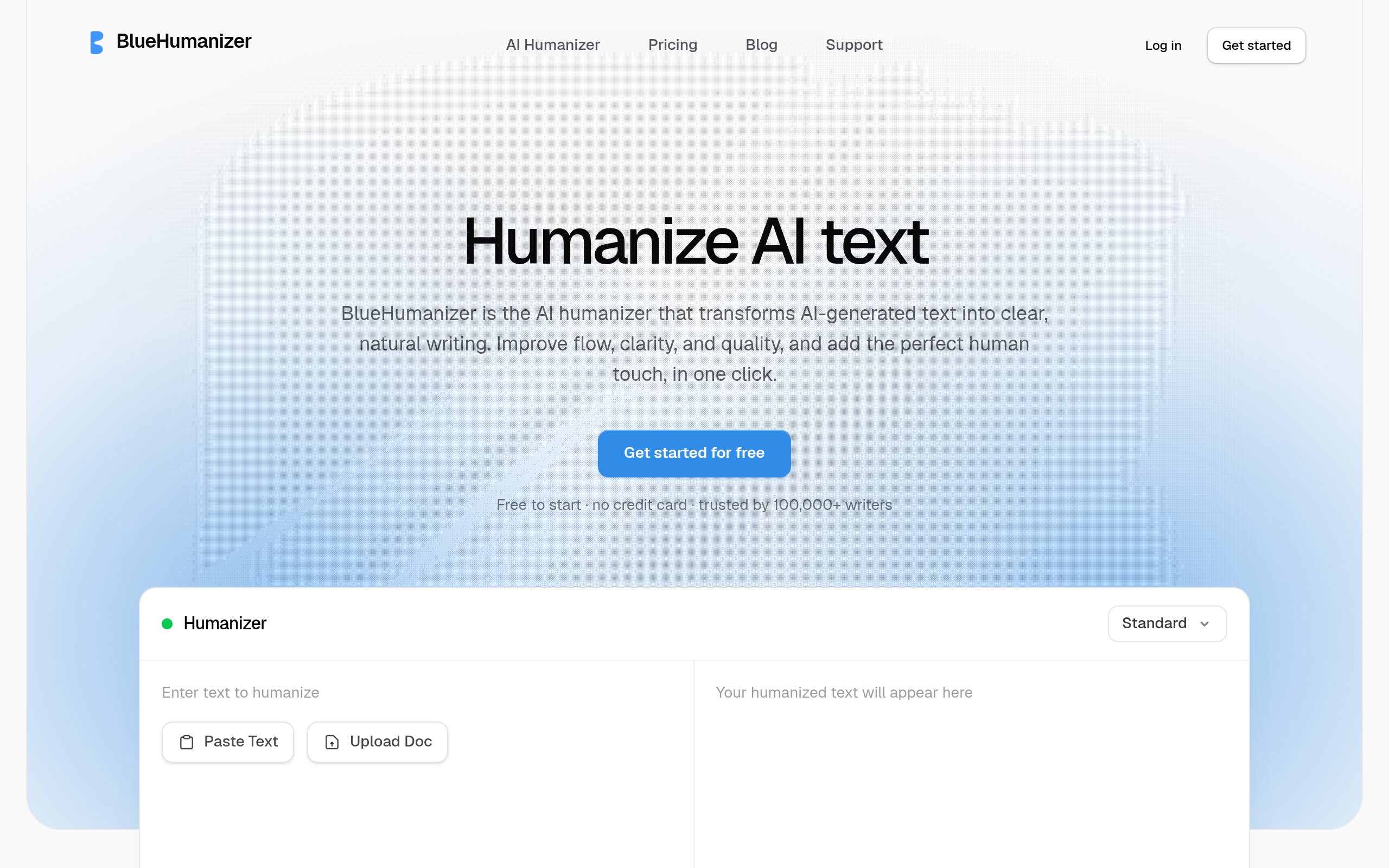
Paste or upload AI-generated text and convert it into clear, natural, human-sounding prose with a single click—no setup or editing skills required.
Adjustable Humanization & Tone Controls
Dial humanization strength and choose tones (e.g., casual, formal) so the rewrite matches the clarity and voice you need.
Citations & Quotes Preserved
Quotes, citations, and references remain untouched so academic and sourced material keeps its original form while surrounding prose is improved.
Multilingual Support & Auto-detection
Supports 50+ languages with automatic detection, producing natural-sounding output for non-native and international writers.
Paste or Upload Documents
Work directly in the editor by copying and pasting AI output or uploading documents to humanize longer drafts and files.
How to Use BlueHumanizer
1) Paste your AI-generated text into the editor or upload a document. 2) Select a humanization strength and choose the desired tone (e.g., casual, formal). 3) Click 'Humanize' to rewrite the text while preserving quotes and citations. 4) Review the humanized output, then copy, export, or paste it into your final document.