
BlitzCut
Blitzcut is an AI-powered video editor that auto-cuts silences, transcribes speech, and burns subtitles in for you to create viral videos fast!
About
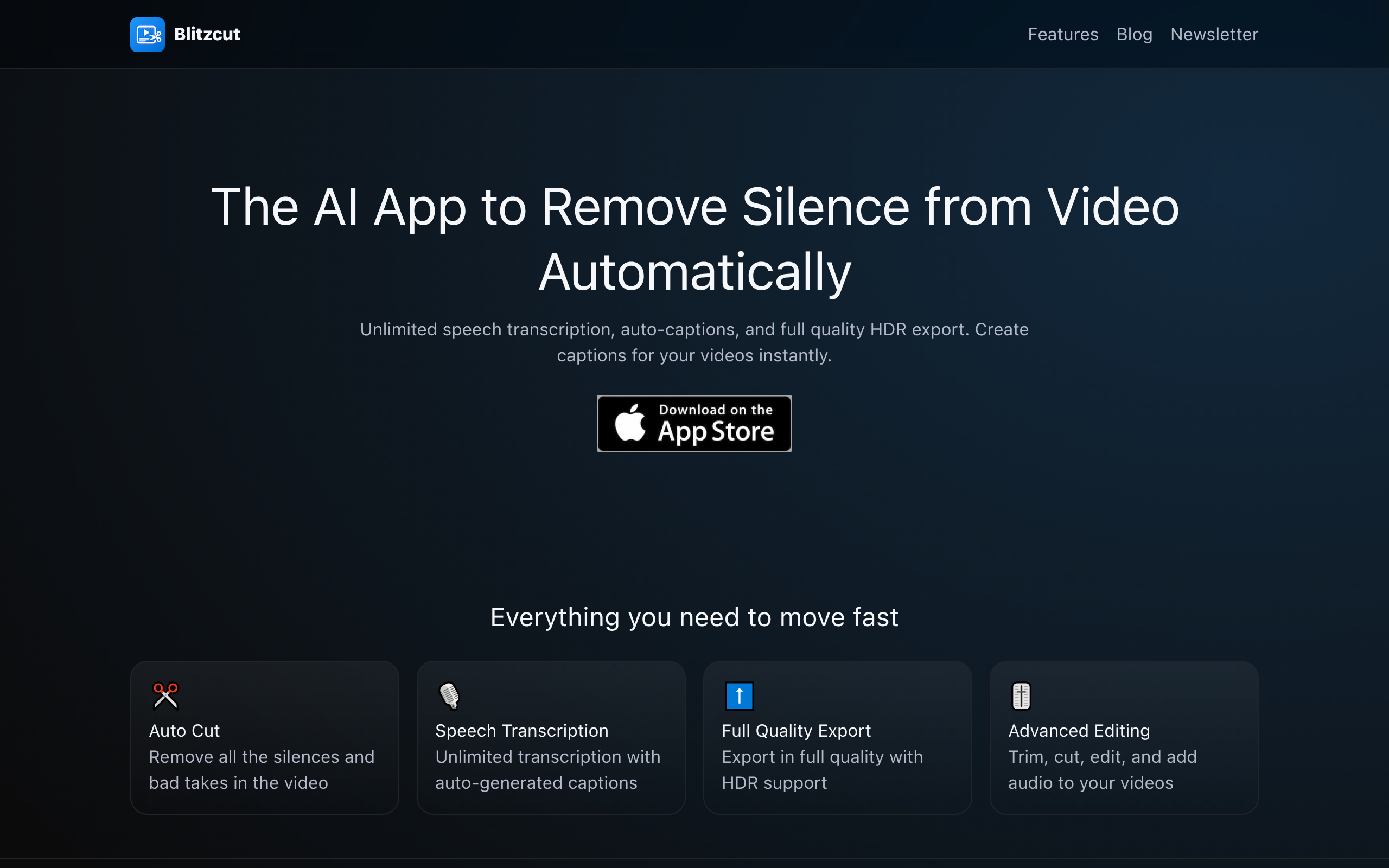
Our Mission Make professional video editing accessible to every content creator. • Speed matters more than feature count • Mobile-first is the future of editing • AI should automate tedious work, not replace creativity • Creators should focus on creating, not editing What We Built BlitzCut AI is the fastest AI video editor for social media content. Automatic Silence Removal AI removes all pauses instantly AI Captions 95%+ accuracy with viral styles Text-Based Editing Edit video by deleting sentences from transcription 2-Minute Workflow Import to export in under 2 minutes Mobile-First Built for iPhone, iPad, and Mac Why We Built This The Problem Traditional video editing is too slow for the creator economy. Manual silence removal takes 15-20 minutes. Manual caption styling takes 15-20 minutes. Daily posting becomes impossible. Our Solution Automate the tedious work with AI. Total editing time: 2 minutes per video. Daily posting becomes sustainable.
Key Features
Automatic Silence Removal
AI detects and removes pauses, filler words and bad takes automatically so clips are tightened instantly without manual scrubbing.
High-Accuracy Transcription & Captions
Speech-to-text engine with 95%+ accuracy that generates editable transcripts and viral-style burned-in captions automatically.
Text-Based Editing
Edit video by editing the transcript—delete sentences to cut the corresponding video segments for fast, intuitive trimming.
2-Minute Mobile Workflow & Full-Quality Export
Mobile-first editor (iPhone, iPad, Mac) optimized for import-to-export in under 2 minutes, with full-quality HDR export and advanced export options.
How to Use BlitzCut
1) Import your raw recording or clip into BlitzCut (from camera roll or cloud). 2) Let the app automatically transcribe audio and remove silences; review the generated captions. 3) Edit visually or by editing the transcript—delete sentences or trim segments to shape your clip. 4) Choose caption style, make minor adjustments (audio, cuts), then export in full quality for social platforms.