
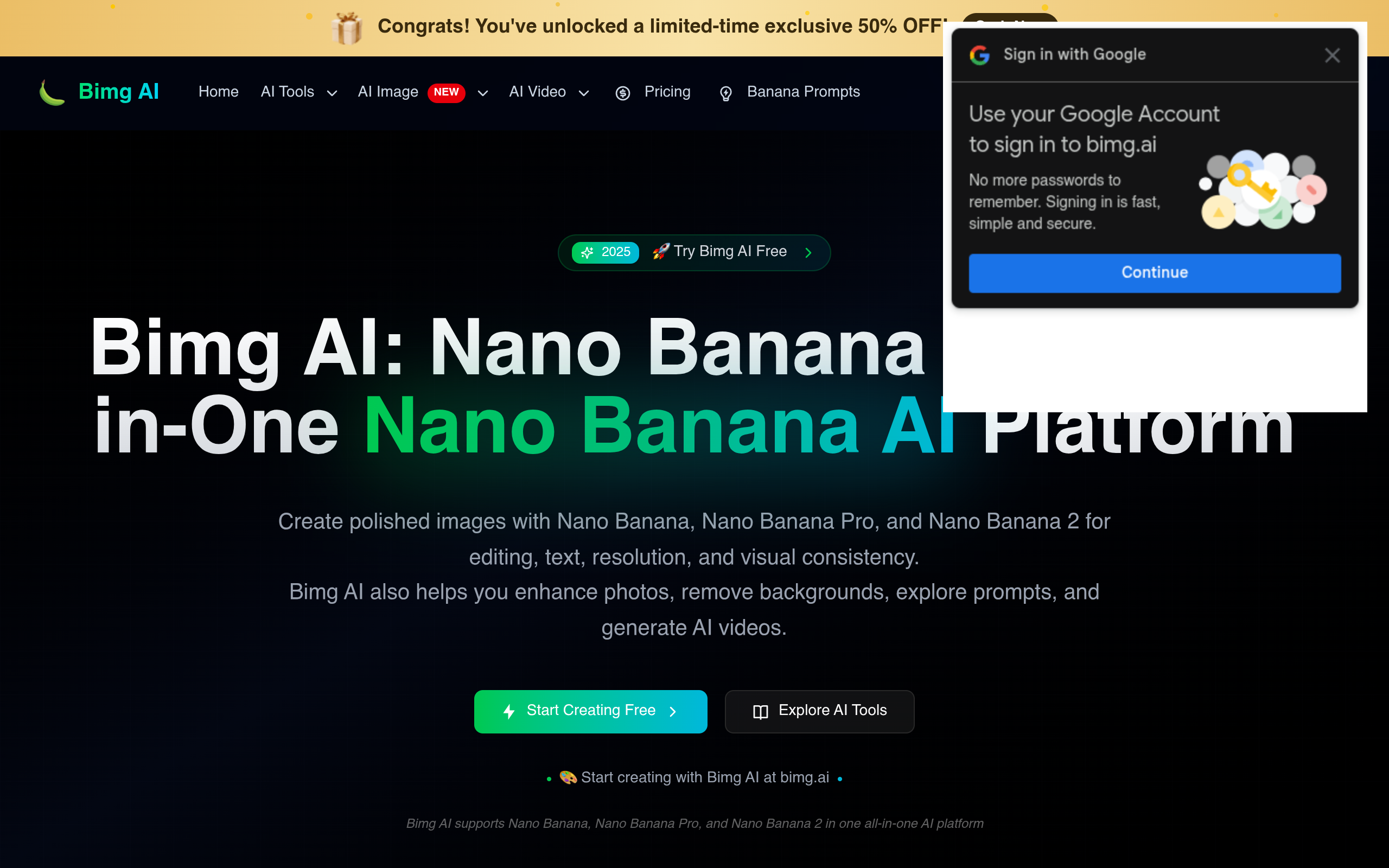
Bimg AI
Bimg AI is an all-in-one platform for Nano Banana, Pro and 2, with AI image editing, generation, upscaling, restoration, background removal, and AI vi
About
Bimg AI Introduction Bimg AI is a revolutionary all-in-one AI-powered image generation and editing platform that delivers exceptional text accuracy, visual consistency, and professional-grade output. Built around Nano Banana, Nano Banana Pro, and Nano Banana 2, it allows you to generate, edit, and enhance images with advanced multimodal capabilities. Key Features * Text-to-Image: Generate high-quality images from detailed text prompts with perfect text rendering * Intelligent Image Editing: Change backgrounds, add/remove objects, adjust lighting, colors, and composition using natural language * Image-to-Image Transformation: Upload reference images for style transfer, scene reconstruction, character consistency, and product mockups Core Advantages * Powered by the latest Gemini-based Nano Banana models, delivering 95%+ accurate, magazine-level text rendering with zero distortion * Native high-resolution output up to 4K — rich details perfect for professional printing, e-commerce, and large displays * Strong real-world knowledge and reasoning for accurate infographics, data visualization, and logical scene creation Target Users * Content Creators: Quickly produce social media visuals, thumbnails, and marketing graphics * Designers/Illustrators: Assist with branding, posters, product mockups, and style exploration * Marketers & E-commerce: Create ad creatives, product visuals, and promotional materials Frequently Asked Questions * Is it paid? — Offers a free trial with limited credits and flexible paid plans (higher quotas, 4K output, priority speed, no watermark) * Who owns the copyright of generated content? — Users retain full copyright of their generated content and can use it commercially (please comply with platform terms)
Key Features
Text-to-Image
Generate high-quality images from detailed text prompts with perfect text rendering
Intelligent Image Editing
Change backgrounds, add/remove objects, adjust lighting, colors, and composition using natural language
Image-to-Image Transformation
Upload reference images for style transfer, scene reconstruction, character consistency, and product mockups
How to Use Bimg AI
1) Sign up / Sign in and claim your free credits or select a paid plan. 2) Choose a workflow: Text-to-Image (create from prompt), Image Edit / Inpainting (upload an image and apply edits), or Enhancement tools (upscale, restore, unblur, background removal). 3) Enter a detailed prompt and optionally upload reference images or masks; choose model (Nano Banana / Nano Banana Pro / Nano Banana 2), resolution (up to 4K), and output count. 4) Generate, review results, iterate by refining prompts or using editing tools, then download/export final assets.