
BGChanger
AI studio for video background removal, text-to-video, image-to-video, editing, face swap, motion control, upscaling, extension, and music generation.
About
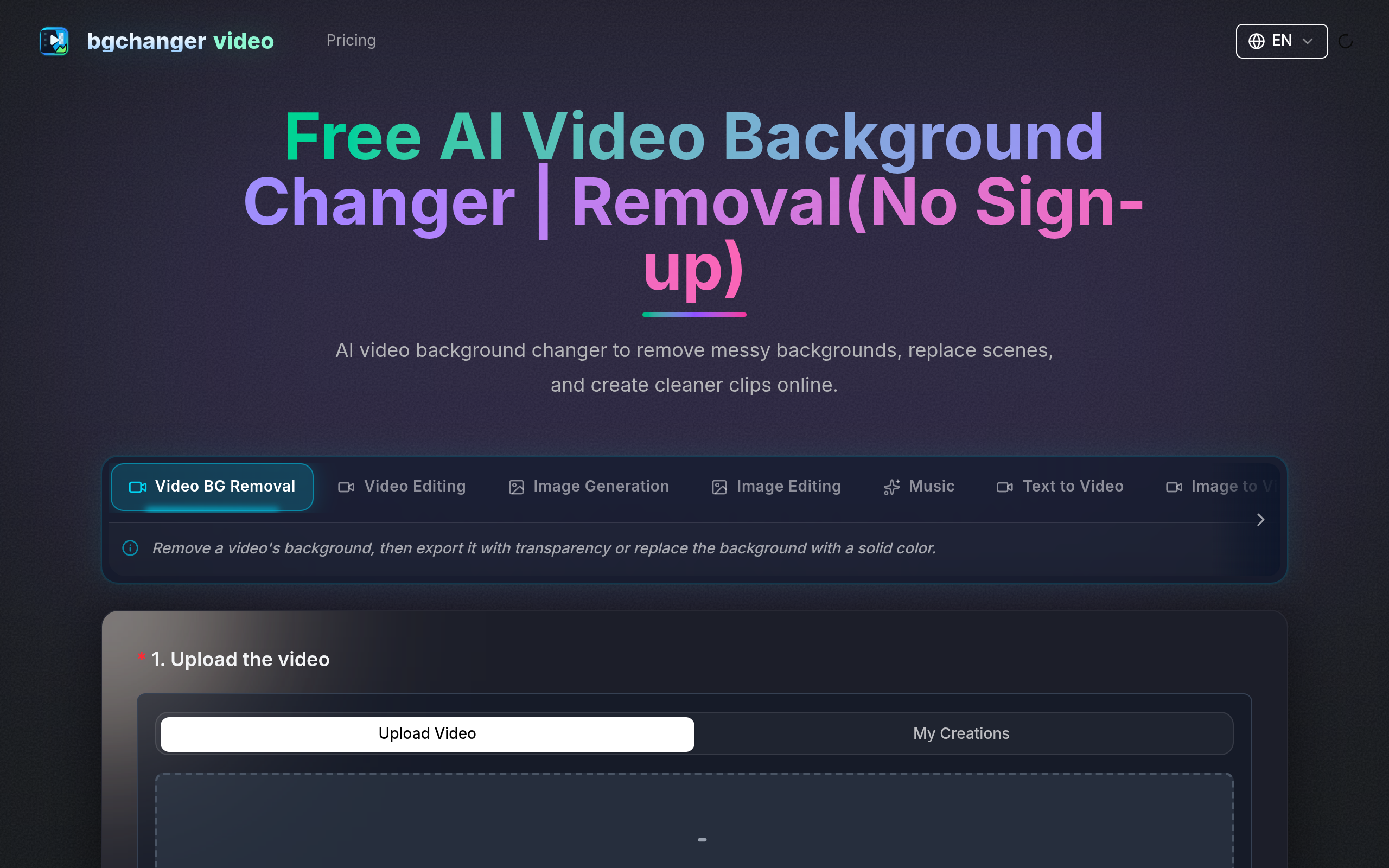
BGChanger is an online AI creative studio for turning everyday media into ready-to-use visual content. Remove or replace video backgrounds while preserving the subject, export transparent or solid-color backgrounds, and work with MP4, WebM, MOV, MKV, and GIF files with audio preservation. The platform also supports text-to-video, image-to-video, image generation, image editing, face swap, character replacement, scene redesign, motion control, video upscaling, video extension, and music generation. It is useful for social posts, product demos, marketing creatives, short-form video, and experiments. A free entry point is available, with optional paid subscription plans and credit-based usage.
Key Features
Video background removal
Remove or replace backgrounds and export transparent or solid-color video while preserving the subject and audio.
Text and image to video
Create short video concepts from text prompts or reference images for social content, demos, and creative experiments.
Image generation and editing
Generate images and refine existing visuals for product concepts, campaign assets, thumbnails, and creative variations.
Creative video controls
Use face swap, character replacement, scene redesign, motion control, video upscaling, and video extension to refine visual storytelling.
Audio and export flexibility
Generate music for creative projects and export common video formats including MP4, WebM, MOV, MKV, and GIF.
How to Use BGChanger
Upload an image or video, choose a tool, enter a prompt or editing instruction, preview the result, and export the finished asset. Start with the free entry point and upgrade only when you need more usage.