
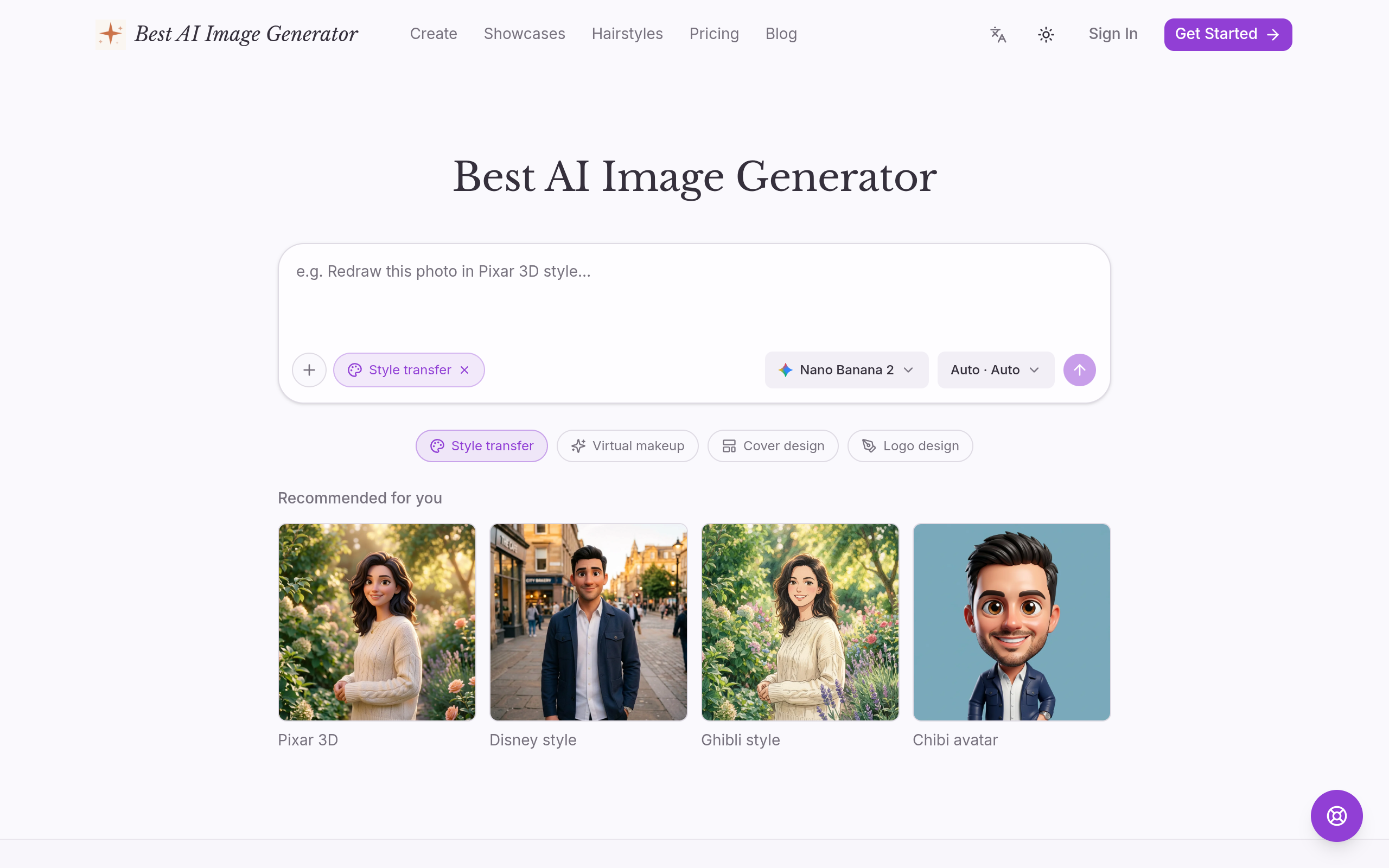
Best AI Image Generator - Text to Image
Turn text prompts into images in seconds - multiple art styles, adjustable aspect ratios, free with no account.
About
Best AI Image Generator is a free online tool that works entirely in your browser: open the site, enter your input, and get results in seconds with no account and no watermark. It supports the common formats and presets users need for everyday tasks, renders quickly so iterating is cheap, and exports clean output ready for blogs, social posts, product pages, and client work. The interface is minimal and focused, loads fast on mobile and desktop, and keeps every feature free without forced signups or paywalls on the core workflow.
Key Features
Instant Text → Image Generation
Type a prompt and get high-quality images in seconds, with no complex settings required.
Multiple Models & Art Styles
Switch between models (Nano Banana 2, Nano Banana Pro, GPT Image 2.5) and choose presets like Pixar, Ghibli, photorealistic, chibi, and more to control look and feel.
Image Upload & Editable Edits
Upload reference photos to edit or restyle scenes—the tool keeps the original intact while applying requested changes (background swaps, outfit restyling, retouching).
Adjustable Aspect Ratios & Variations
Set output aspect ratios (1:1, 16:9, 9:16, etc.), generate variations of any image, and iterate quickly to refine composition and lighting.
Fast, Clean Exports — Free Core Workflow
Generates watermark-free images ready for blogs and social posts; core features are free to use without forced signups or paywalls.
How to Use Best AI Image Generator - Text to Image
Open the site in your browser, follow the on-screen form or prompt box, and download or copy the result. No account required.