
BeadPattern
BeadPattern is an AI-powered bead pattern generator that turns photos and ideas into printable Perler, Fuse, and Hama bead designs.
About
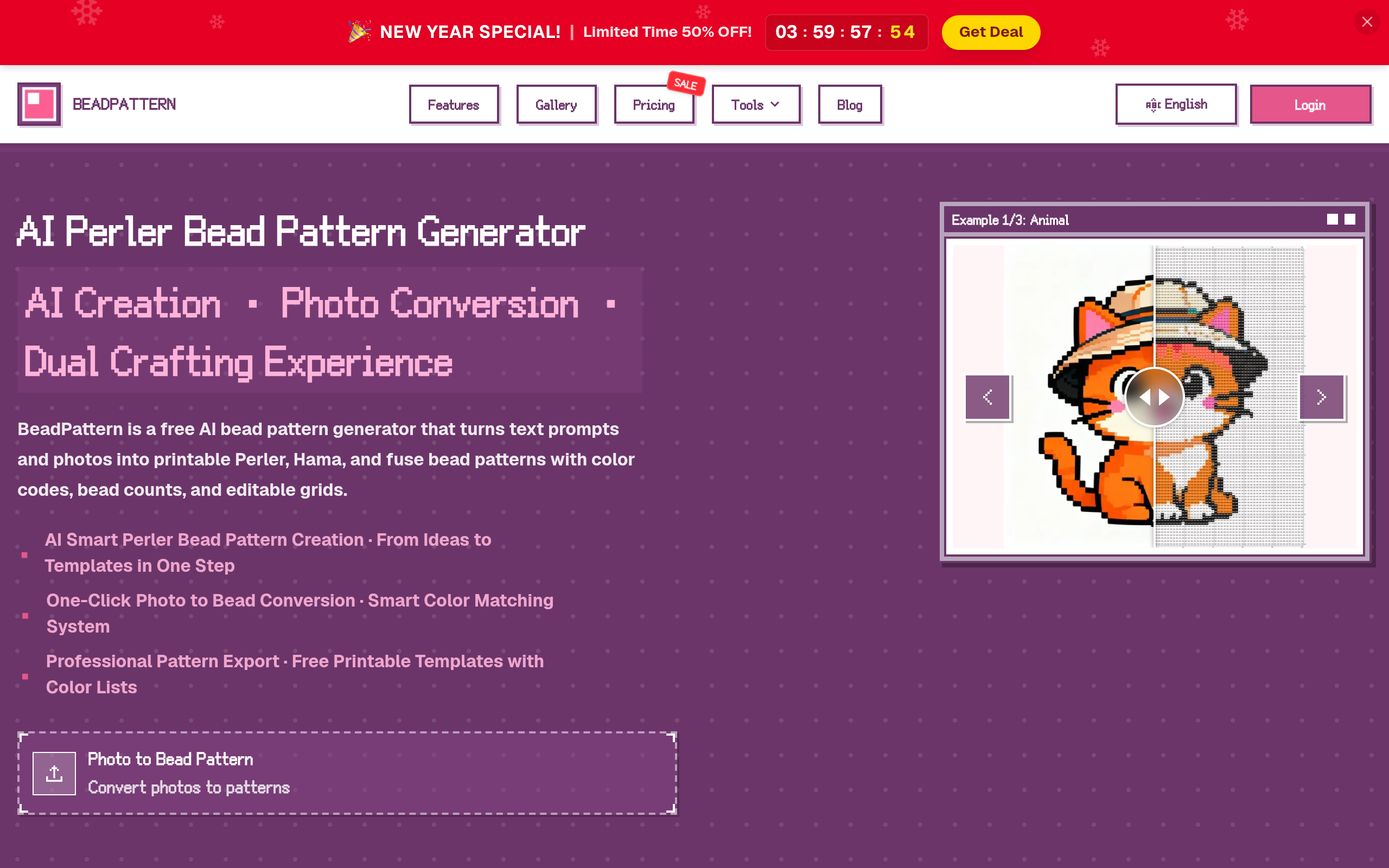
BeadPattern is an AI-powered bead pattern generator that transforms photos, images, and creative ideas into printable Perler Beads, Fuse Beads, and Hama Beads patterns. Users can upload an image, automatically convert it into a bead design, adjust color palettes, customize grid sizes, and export printable PDF patterns complete with color references and bead counts. The platform supports multiple bead brands and provides both beginner-friendly and advanced creation workflows. Whether you are creating pixel art, DIY decorations, handmade gifts, classroom projects, or large-scale bead artwork, BeadPattern helps simplify the design process with intelligent color matching and automated pattern generation. Key Features: - AI Bead Pattern Generator - Photo to Bead Pattern Conversion - Perler Beads Support - Hama Beads Support - Artkal Beads Support - Custom Color Palettes - Printable PDF Export - Bead Count Calculation - Pattern Gallery & Tutorials - Cloud Project Storage BeadPattern is built for hobbyists, crafters, educators, pixel artists, and makers who want to create professional-quality bead art without manually designing every pattern from scratch.
Key Features
AI Bead Pattern Generation
Automatically transforms uploaded photos or sketches into grid-based bead patterns optimized for Perler, Hama, and Artkal bead formats using intelligent color mapping.
Photo-to-Pattern Conversion
Converts images to bead-friendly pixel grids with adjustable resolution to control pattern detail and final size.
Custom Color Palettes & Brand Support
Choose or edit color palettes and map pattern colors to specific bead brands (Perler, Hama, Artkal) to ensure accurate bead matching.
Printable PDF Export & Bead Counts
Export ready-to-print PDF patterns that include grid layouts, color keys, bead counts, and assembly guides to simplify crafting and purchasing.
Cloud Project Storage & Gallery
Save projects to the cloud, browse a pattern gallery, and access tutorials to speed up learning and iterate on designs across devices.
How to Use BeadPattern
Upload an image, choose bead brand and grid settings, adjust the color palette, then export a printable bead pattern with color references and bead counts.