
BarBrain
Every bar and restaurant owner knows the pain: hours spent counting bottles, cross-referencing spreadsheets, and still ending up with numbers that don
About
Every bar and restaurant owner knows the pain: hours spent counting bottles, cross-referencing spreadsheets, and still ending up with numbers that don't add up. Inventory in hospitality is broken — not because operators don't care, but because the tools weren't built for them. Generic warehouse software doesn't understand pours, recipes, or perishables. BarBrain does. BarBrain is inventory management designed from the ground up for hospitality. It lets you count stock in minutes instead of hours, calculates your exact cost per drink and dish, flags waste and shrinkage in real time, and keeps your supplier orders in one place. No training manuals, no bloated feature sets — just a clean tool that works the way bars and restaurants actually operate. Whether you run a single cocktail bar or a multi-location restaurant group, BarBrain gives you the numbers you need to protect your margins and stop leaving money on the table.
Key Features
Rapid Mobile Inventory Counting
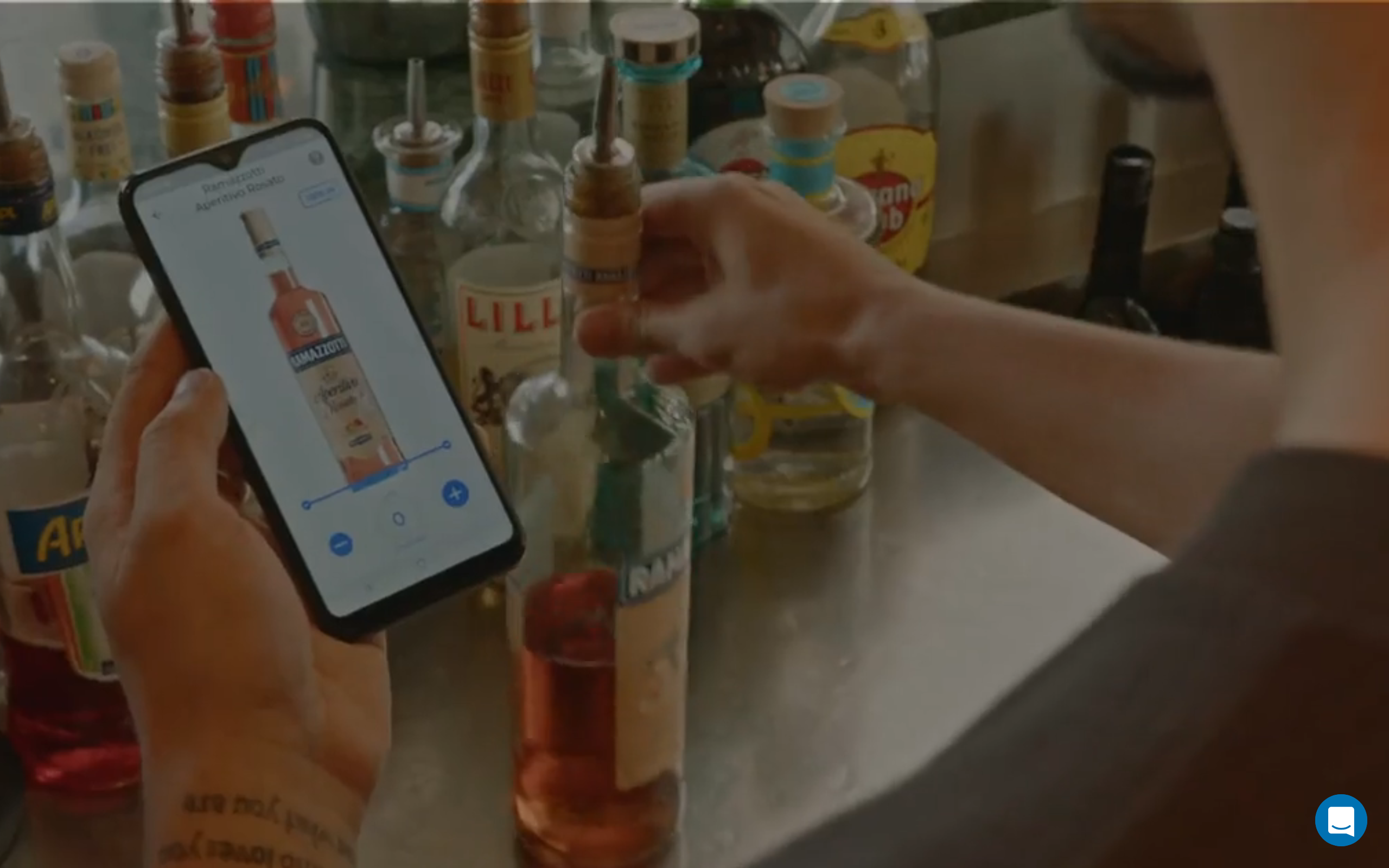
Count stock on iOS/Android devices in minutes using an intuitive interface and fill-level sliders for opened items to drastically reduce time spent on inventories.
Pour- and Recipe-aware Costing
Calculate exact cost per drink or dish by modelling pours, recipes and portion sizes so you can measure true food & beverage margins.
Automatic Inventory Reports & Analytics
Generate finished, consolidated inventory reports automatically after each count with shrinkage/waste flags and historical comparisons for fast decision-making.
Multi-location & Multi-user Support
Manage inventories across multiple sites, invite team members to count in parallel, and maintain a centralized view of usage and supplier orders for chains or groups.
Large Product Catalog & Supplier Order Management
Access a large prebuilt product catalog (20k+ items), customize products and keep supplier orders and restock lists in one place to simplify purchasing.
How to Use BarBrain
1) Book a demo or sign up and set up your account, locations and user permissions. 2) Build or import your product catalog (or request onboarding help) and configure recipes/pour sizes for drinks and dishes. 3) Launch a digital inventory: staff use the mobile app on multiple devices to count items (use fill-level sliders for opened products). 4) Review the automatically generated inventory report, analyze cost-per-item/drink, flag waste/shrinkage, and create supplier orders or adjustments.