
Banana AI
Nano Banana AI Image Editor|Edit Images via Text
About
Banana AI Photo Editor converts simple text prompts into richly detailed, studio-quality images in seconds using its proprietary Nano Banana generative technology.
Key Features
Text-to-Image Generation
Create studio-quality images from simple written prompts using the Nano Banana generative model — supports detailed prompts for photorealistic or stylized outputs.
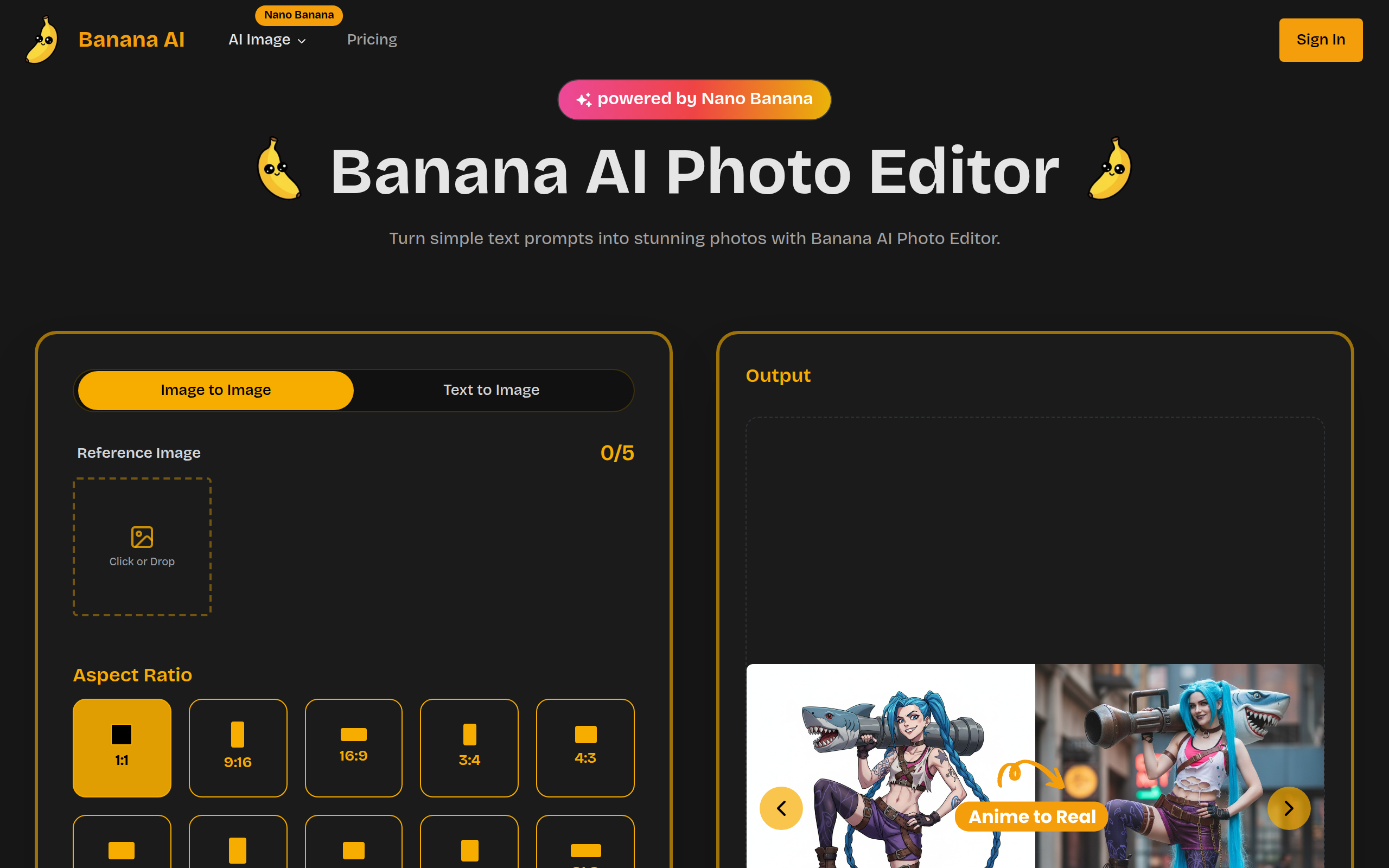
Image-to-Image Editing
Upload a reference image and apply transformations or reinterpretations while preserving structure and context for coherent edits.
Multi-Style Presets & Fine-Grained Controls
Choose from predefined style profiles (photorealistic, anime, watercolor, etc.) and tweak strength, detail, and other parameters to refine results without complex editing tools.
High-Resolution Export
Render and download images in high-fidelity formats with accurate colours, textures, and smooth gradients suitable for web and print.
Cloud Rendering & Fast Performance
All generation runs on high-performance servers (Nano Banana), providing quick, reliable outputs and freeing local resources.
How to Use Banana AI
1) Start a new project and enter your idea as a text prompt or upload a reference image. 2) Select an aspect ratio and pick a style preset (photorealistic, anime, watercolor, etc.). 3) Adjust sliders or fine-grain controls (style strength, detail) as needed, then click Generate. 4) Review outputs, iterate by refining the prompt or settings, and download your final high-resolution image.