
Backreply
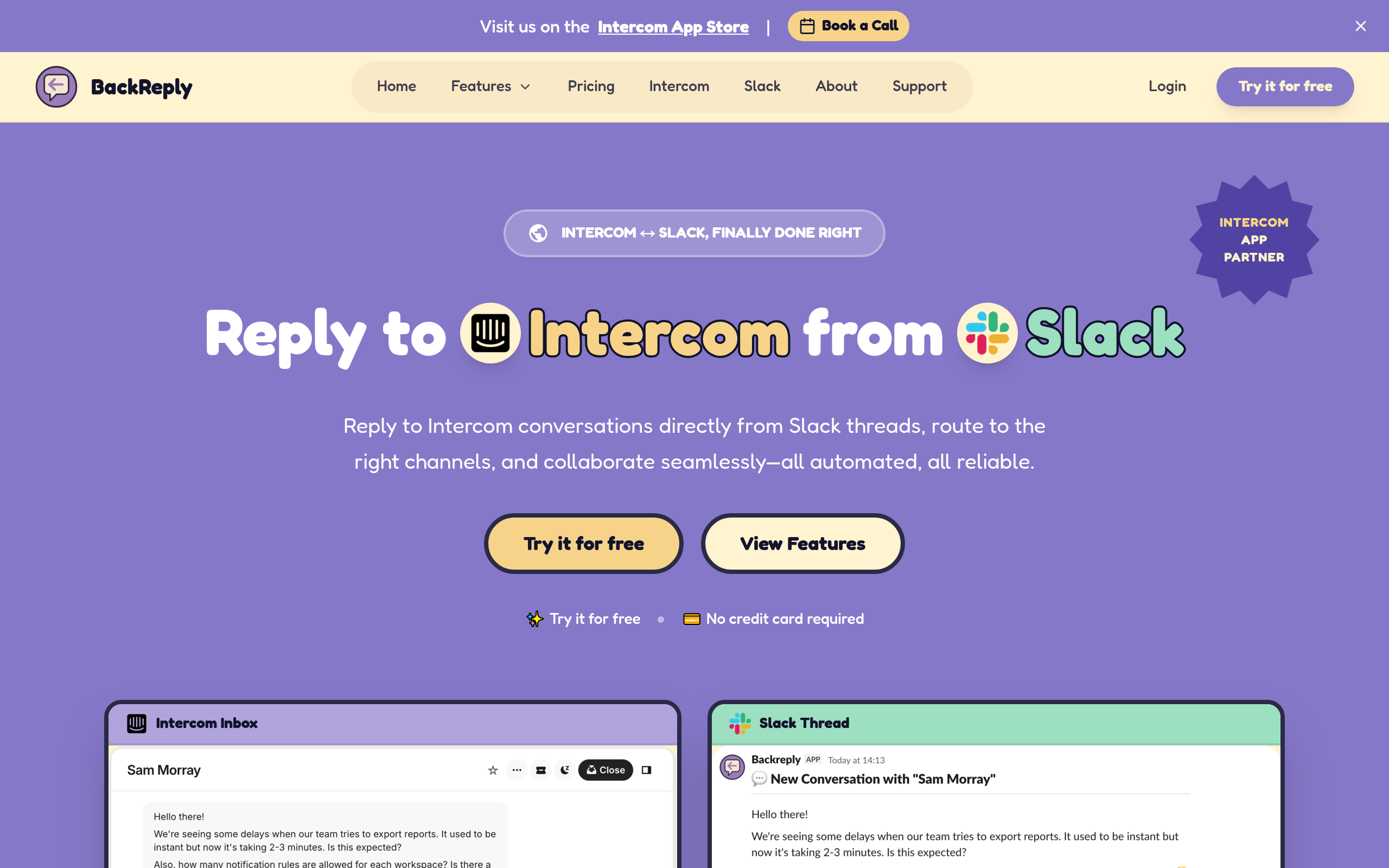
Backreply lets your team reply to Intercom conversations directly from Slack threads — with smart routing, one-click actions and no extra seats needed
About
Your support team lives in Slack, but customer conversations live in Intercom. Backreply bridges the two: customers message through Intercom, your team responds from Slack, and replies sync back instantly. Key features: — Reply from Slack: Respond to conversations in Slack threads with full formatting and attachments. Messages sync to Intercom in real time. — Smart routing: Route conversations to Slack channels based on tags, team assignments, or assignees. VIP customers go to #vip-support, billing goes to #billing — automatically. — One-click actions: Assign, add notes, view customer details, and close tickets using buttons in Slack, all synced back to Intercom. — Seat-saver collaboration: Loop in engineers or founders without buying Intercom seats. Anyone in the channel can help resolve issues. — Smart notifications: Get nudged when customers are waiting. Follow-ups never get buried in threads. Setup takes minutes via OAuth. No code required.
Key Features
Reply from Slack
Compose replies in Slack threads with full formatting and attachments; messages sync back to Intercom in real time so Slack becomes a safe reply surface while Intercom remains the system of record.
Smart routing & ownership
Automatically route conversations to the right Slack channels based on tags, inboxes, team assignments or assignees to ensure conversations land with the correct team and prevent reply collisions.
One-click actions
Take common Intercom actions directly from Slack — assign, add internal notes, view customer details, close tickets — using buttons in threads with all actions synced back to Intercom.
Seat-saver collaboration
Loop in engineers, founders, or other teammates to help resolve issues from Slack without purchasing additional Intercom seats; anyone in the channel can collaborate on replies.
Smart notifications & follow-up nudges
Surface buried thread activity and remind teams when customers are waiting so follow-ups don’t get missed and SLAs are easier to meet.
How to Use Backreply
1) Install BackReply in Slack and pick which channels should receive Intercom notifications. 2) Connect your Intercom account via secure OAuth and grant the requested read/write access. 3) Map Intercom inboxes, tags or assignees to Slack channels and define routing rules and ownership. 4) Reply directly in Slack threads or use action buttons (assign, add note, close) — all replies and actions sync back to Intercom automatically.