
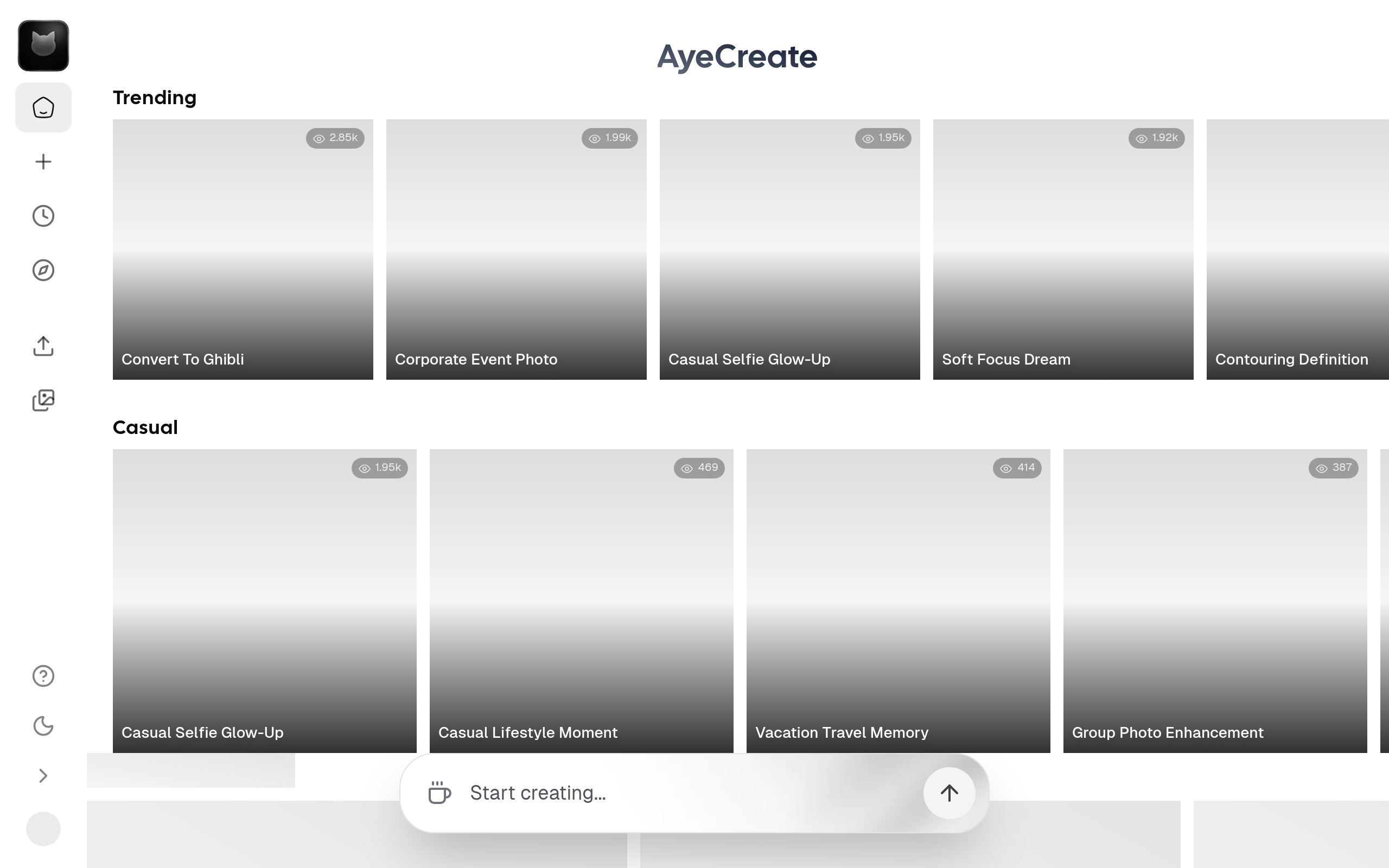
AyeCreate
State of the Art AI Image, Photo & Video Content Creation Studio
About
Think of it like Midjourney but with access to Top AI image models and Editing capabilities and also predefined stylepacks and clean and simple user experience. Generate images, edit photos, create videos, and ship content fast switch between multiple popular ai models like Nanobanana Pro, Sora, Flux, GPT Image, Kling and more, Stylepacks, and workflows in one place. It empowers creators, designers, and businesses to produce professional-quality images, graphics, and visual content in seconds AI Content Creation Studio. Generate images, edit photos, create short videos, and ship content fast switch between multiple popular ai models like Nanobanna Pro, Sora, Flux, GPT Image, Kling and more, stylepacks, and workflows in one place. Our next-generation AI studio empowers creators, designers, and businesses to produce professional-quality images, graphics, and visual content in seconds no design skills required.
Key Features
Multi‑Model Generator
Switch between top AI models (Nanobanana Pro, Sora, Flux, Kling, GPT Image, etc.) to get different aesthetics and quality levels from a single interface.
Stylepacks & Presets
Curated stylepacks (photorealistic, cinematic, anime, illustration, brand-consistent themes) to apply consistent looks across images and videos quickly.
Advanced Photo Editor
AI-powered editing tools including upscaling, background removal, inpainting/outpainting, object removal and enhancement to polish generated or uploaded photos.
Image-to-Video & Animation
Convert static images into dynamic short videos with camera movements, motion effects and cinematic rendering suited for social and marketing content.
Project Workspace & Commercial Export
Organize assets, reuse characters/avatars, export high-quality files and obtain commercial licenses for content created on the platform.
How to Use AyeCreate
1) Sign up and create a project: register or log in, start a new project and choose whether you want Image, Photo Edit, or Video. 2) Choose model & style: pick an AI model and a stylepack or preset that matches the look you want. 3) Generate or upload: enter a text prompt (or upload an image) to generate content; iterate by tweaking prompts, model, or style. 4) Edit & export: use the photo editor or image-to-video tools to refine results, then export assets with the desired resolution and license settings.