
AutoBacklinks
AI link-building outreach tool that finds relevant backlink prospects, verifies contacts, writes personalized emails, and tracks replies in one place.
About
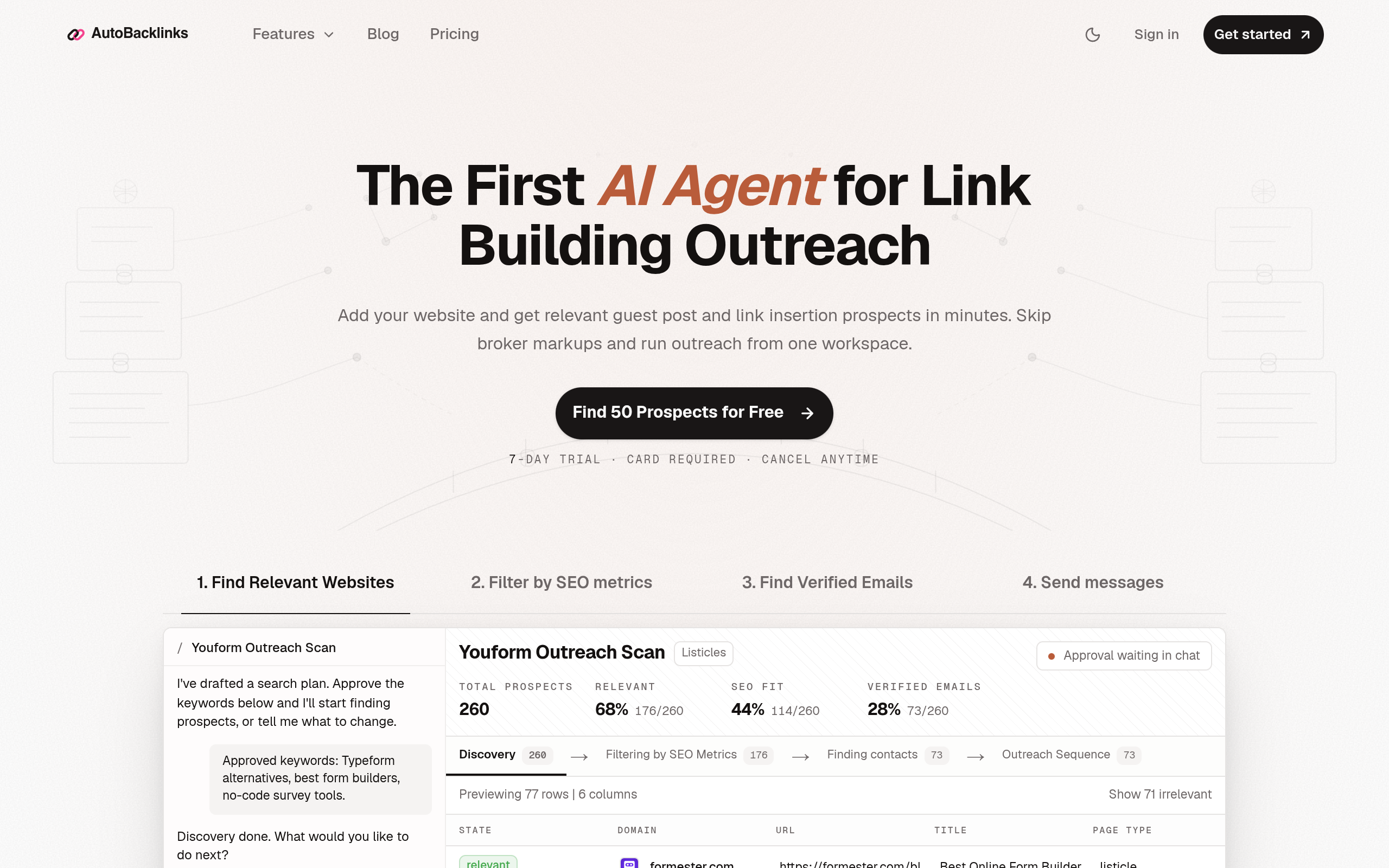
AutoBacklinks is an AI-powered link-building outreach tool that runs the whole workflow in one place. It discovers relevant backlink prospects through web scans and competitor backlink scans, then filters them by real SEO signals: DR and organic traffic. Every prospect gets an AI relevance score based on topical fit, so high authority never overrides low relevance. The tool finds verified contact emails, then generates a personalized email and follow-ups written from each prospect's own page content, not a generic template. You review and approve everything before it sends, and replies are tracked automatically. It works across guest posts, link insertions, resource pages, listicles, directories, and competitor-linked pages. Built for in-house SEOs, agencies, and founders who want link building to be a predictable, repeatable pipeline instead of a one-off scramble.
Key Features
AI Outreach Agent
An autonomous agent that runs the full outreach pipeline — discovers prospects, finds contacts, drafts and sends emails, and reads replies — all from a single chat/workspace.
Prospect Discovery & AI Relevance Scoring
Scans the web and competitor backlinks to find prospective pages and scores each by topical relevance (so high authority sites that aren’t relevant are deprioritized).
Verified Email Finder & Mailbox Connect
Finds and verifies deliverable contacts (name, role, email status) and connects to Gmail, Google Workspace, Outlook or SMTP with warmup enabled for reliable sending.
AI-Personalized Email & Follow-ups
Generates first-touch emails and follow-ups tailored to each prospect using the prospect page content (not generic templates), with a review step before sending.
Campaign Tracking & Reply Opportunities Board
Tracks opens and replies in-context, surfaces positive replies on a kanban board with extracted terms (pricing, link requirements), and helps move deals from review to published.
How to Use AutoBacklinks
1) Add your website (or competitor URLs) and approve or enter target keywords to start discovery. 2) Review discovered prospects, apply filters (Domain Rating, organic traffic) and sort by AI relevance to shortlist qualified pages. 3) Find and verify contact emails, connect your mailbox, and preview/edit the AI-generated outreach emails and follow-up sequence. 4) Launch the campaign, monitor opens and replies in the workspace, and manage accepted opportunities on the reply board until links are published.