
Audionotes: AI Note Taker App & Summarizer | Voice to Notes
Audionotes offers an innovative AI-driven solution that helps users record meetings, lectures, ideas, and personal reflections, and instantly converts
About
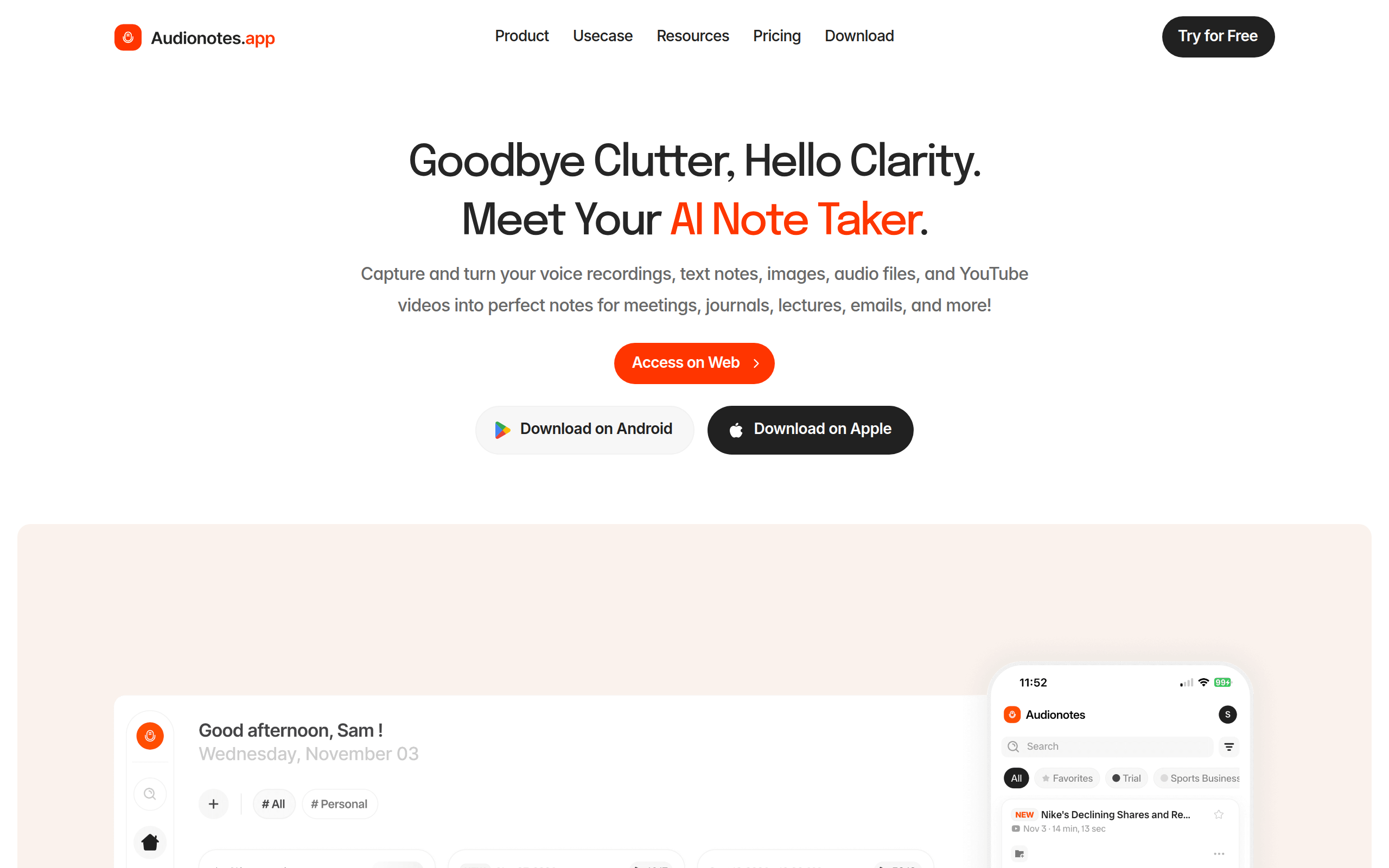
Audionotes is an AI-powered note-taking and productivity platform designed to revolutionize how individuals capture, organise, and utilise information. Whether you’re a busy professional, student, educator, or content creator, Audionotes enables you to record meetings, lectures, brainstorming sessions, and personal reflections effortlessly. Beyond simple recording, it uses advanced AI to instantly transform voice recordings, text notes, images, audio and video files, and even YouTube videos into structured, high-quality outputs. Users can generate detailed meeting minutes, concise summaries, lecture notes, flashcards, quizzes, journal entries, and polished documents with just a few clicks. Audionotes integrates seamlessly with popular tools like WhatsApp, Notion, and Zapier, ensuring your notes sync with your daily workflow for maximum efficiency. With features such as speaker diarization, multilingual support for over 30 languages, and Magic Chat for conversational AI assistance, Audionotes is not just a note-taking app – it’s your intelligent assistant for organising knowledge and driving productivity in your personal and professional life.
Key Features
Instant Transcription
Automatically transcribe recordings, uploaded audio/video files or YouTube links into accurate text transcripts in minutes.
Smart Summaries & Outputs
Generate concise summaries, meeting minutes, lecture notes, flashcards, quizzes or custom templates from transcripts with one click.
Speaker Diarization & Multilingual Support
Detects and tags different speakers in conversations and supports transcription/translation in 30+ (site claims up to 80+) languages with auto-language detection.
Chat with Your Notes (Magic Chat)
Interact with your notes using conversational AI — ask follow-up questions, pull action items, or create drafts (emails, blog outlines) from the captured context.
Integrations & Export
Seamless integrations with tools like Notion, WhatsApp and Zapier plus options to publish, share, download recordings or export notes in multiple formats.
How to Use Audionotes: AI Note Taker App & Summarizer | Voice to Notes
1) Record or upload: Open Audionotes and either record directly, upload an audio/video file, paste a YouTube link, or add a text/image note. 2) Configure: Choose language/transcription settings, enable speaker detection if needed, and pick an output template (summary, meeting minutes, flashcards, etc.). 3) Generate: Click Generate to get a transcript and AI-produced outputs (summaries, action items, documents). Review and edit as required. 4) Save & share: Use Magic Chat to query the note, export or publish the result, or sync it to integrations (Notion, Zapier, WhatsApp) for further workflow use.