
Attentionclaw
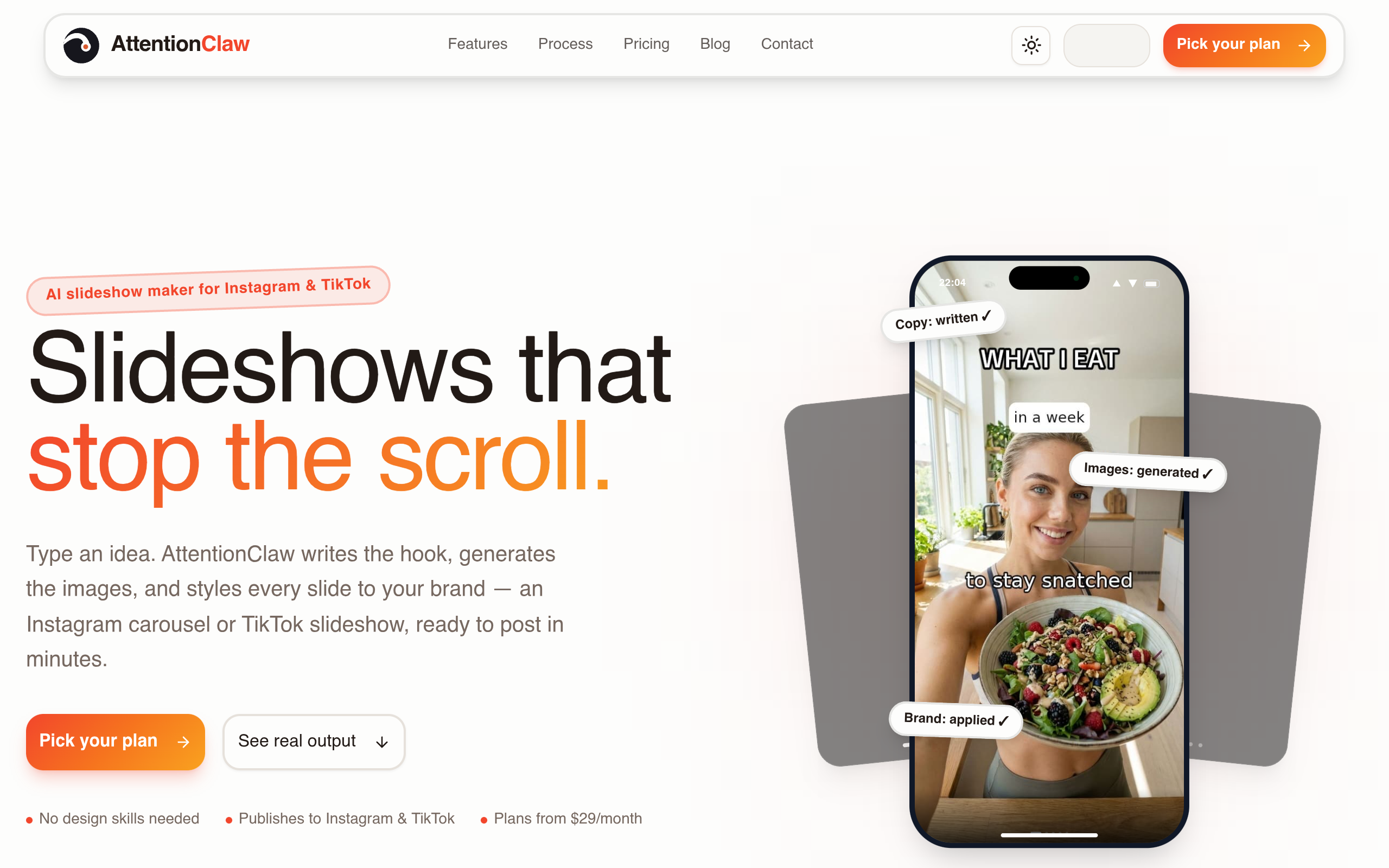
AI slideshow maker that turns ideas into on-brand Instagram carousels and TikTok slideshows with copy, images, layouts, and publishing.
About
AttentionClaw is an AI-powered slideshow maker for social media. Add your product or brand details, choose a visual style, and it generates complete, on-brand slideshows with AI-written hooks, copy, images, and layouts. Users can create Instagram carousels and TikTok slideshows in minutes instead of spending hours in Canva or starting from a blank design canvas. The platform handles layout, typography, image generation, brand styling, and copywriting automatically. Teams can upload their own product photos, edit every generated slide, batch-create content on higher plans, and publish directly to Instagram and TikTok from one dashboard. It is built for creators, SaaS products, app developers, e-commerce brands, agencies, coaches, consultants, and small businesses that want to post consistently, grow organically, and keep their feed full without hiring a designer or social media team.
Key Features
AI Slideshow Generation
Automatically drafts complete slide-by-slide Instagram carousels and TikTok slideshow drafts including hooks, body copy, suggested layout, and slide order from a topic or brief.
On-Brand Styling & Templates
Save brand colors, fonts, and visual direction; generated slides automatically follow the chosen visual style (Cartoon, UGC, etc.) so every draft stays consistent with brand identity.
AI Image Creation & Asset Upload
Generates supporting images with AI based on your brief and visual style, and also allows uploading of your own product photos to include in slides.
Editor, Scheduling & Direct Publishing
Built-in editor to review and fine-tune every slide, plus scheduling and direct publishing to Instagram and TikTok from a single dashboard.
Batch Creation & Team Workflows
Batch-generate multiple slideshow drafts for the same app or portfolio on higher plans, enabling teams and agencies to scale content production efficiently.
How to Use Attentionclaw
1) Create an account and add your app/brand: enter app name, positioning, target audience and upload any product photos or brand assets. 2) Lock in your look: choose colors, fonts and a visual style (e.g., Cartoon, UGC) so generated slides match your brand. 3) Generate a slideshow: pick a topic or use a suggested concept—AttentionClaw will draft hooks, copy, images and layouts. 4) Review and publish: edit any slide in the built-in editor, then schedule or publish directly to Instagram or TikTok.