
Atomic Chat
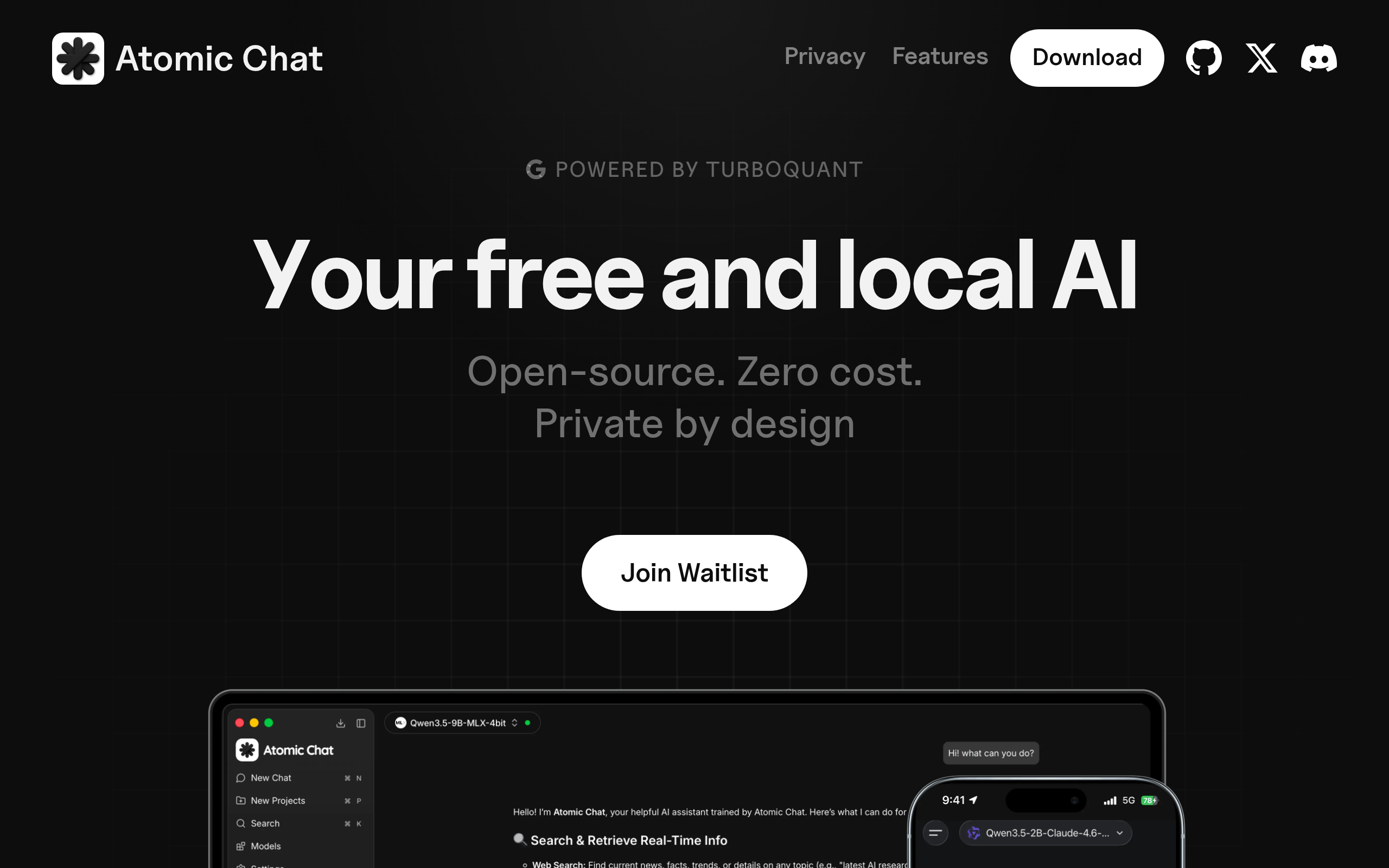
Open-source ChatGPT alternative that runs locally on your computer (offline) with full data privacy
About
Features Runs LLMs locally (Llama, Qwen, DeepSeek, etc.) with no cloud dependency 100% offline + private (no data leaves your device) Supports 1000+ models from Hugging Face ecosystem Custom AI assistants + agent workflows Built-in local API server (OpenAI-compatible) Integrations with cloud providers (optional): OpenAI, Anthropic, etc. Project-based chats, file uploads, persistent memory Optimized inference (faster + lower memory via quantization) Free (no subscription, no limits) Who it’s for Developers and AI enthusiasts who want local LLM control Privacy-focused users (no cloud, no tracking) Power users running models on their own hardware Teams experimenting with AI agents and workflows locally
Key Features
Local LLM Inference
Run hundreds to thousands of models (Llama, Qwen, DeepSeek, Mistral, Gemma, etc.) locally on your machine without cloud dependency, with GGUF/ONNX/MLX support.
100% Offline & Private
All processing happens on your device — zero data leaves your computer, no tracking, and no rate limits or subscriptions.
OpenAI-Compatible Local API Server
Built-in local API server compatible with OpenAI endpoints so developers can prototype and integrate local models into apps with minimal changes.
Custom Assistants & Agent Workflows
Create persistent project-based chats, custom AI assistants, and autonomous agent workflows that can think, act, and execute locally with memory and file uploads.
Optimized Inference (TurboQuant & Quantization)
Faster, lower-memory inference via TurboQuant and quantization (smaller KV cache, 3-bit compression) so larger models run smoothly on consumer hardware.
How to Use Atomic Chat
1) Download and install Atomic Chat for your platform (Windows, macOS, Linux, iOS/Android). 2) Open the app and pick or download a model from the built-in model browser (Hugging Face models supported). Adjust quantization/performance settings if needed. 3) Start a new Project or Chat: type prompts, upload files, and enable persistent memory. Create custom assistants or set up agent workflows for automated tasks. 4) (Optional) Enable the local OpenAI-compatible API to integrate Atomic Chat with your tools, or connect optional cloud providers (OpenAI, Anthropic) if you need remote models.