
ArchyBase
AI Design
About
AI Design For room
Key Features
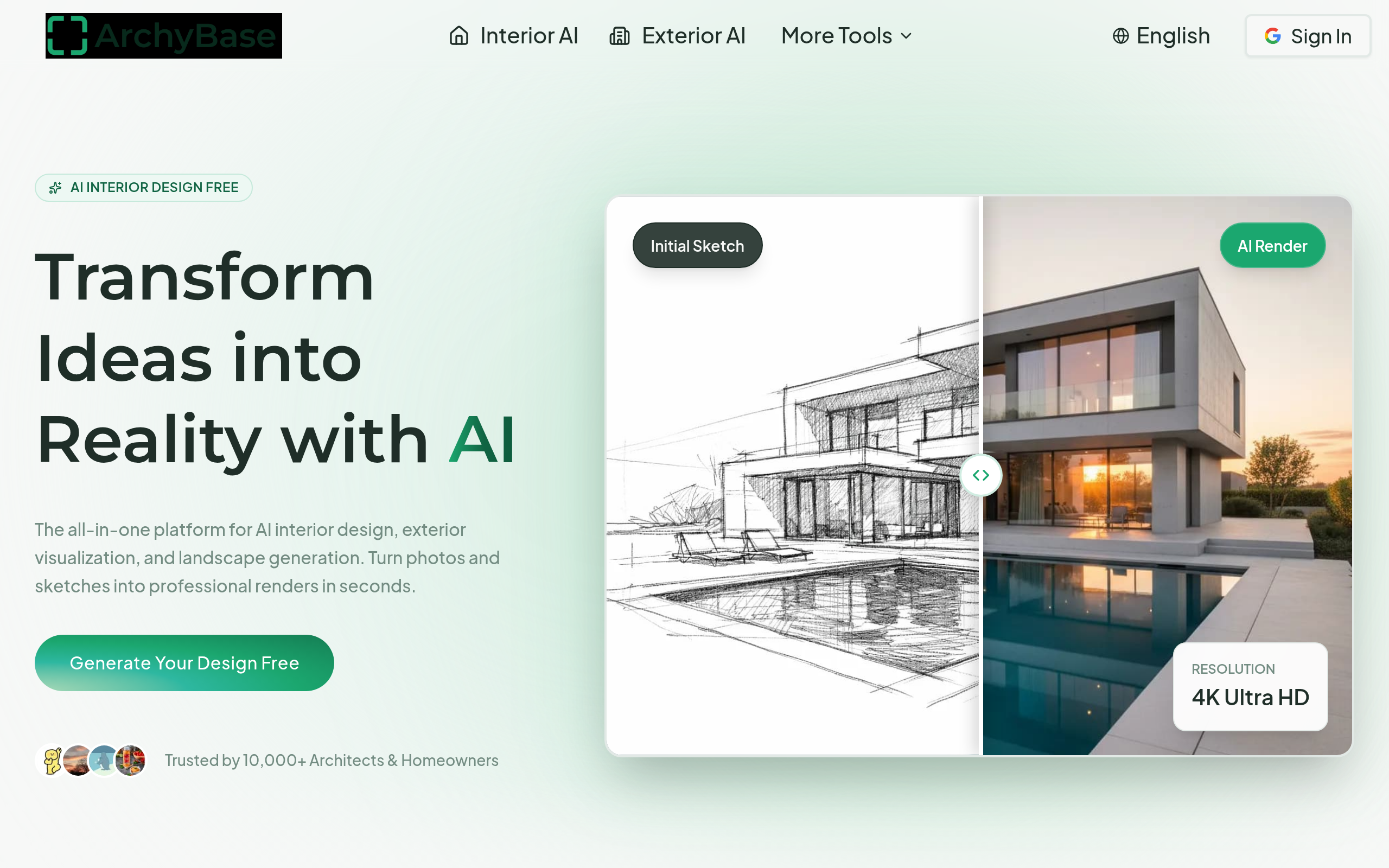
Photorealistic 4K Renders
Generate high-quality, photorealistic interior and exterior renders in up to 4K resolution that accurately represent lighting, textures and materials.
Sketch-to-Render Conversion
Turn hand-drawn sketches, napkin concepts or CAD drawings into polished photorealistic visualizations instantly.
Photo-Based Redesign
Upload photos of existing rooms, facades or yards and apply new styles, materials, furniture or landscaping while preserving structure and perspective.
AI Landscape & Exterior Generator
Design outdoor spaces—gardens, pools, patios and facade makeovers—visualized in different seasons, materials and lighting conditions.
Style Library & Quick Iteration
Choose from 30+ architectural and interior styles (e.g., Modern, Scandinavian, Industrial) and produce multiple design variations in seconds for rapid client review.
How to Use ArchyBase
1) Open ArchyBase and sign in (or continue as guest). 2) Choose the tool you need: Interior, Exterior (Facade) or Landscape. 3) Upload a photo or sketch (or start from an empty room), select a style, materials, furniture options and output resolution. 4) Click Generate, review the render, make adjustments or generate additional variations, then download or export final images.