
ArchRender
Photorealistic AI Rendering for Architects & Designers
About
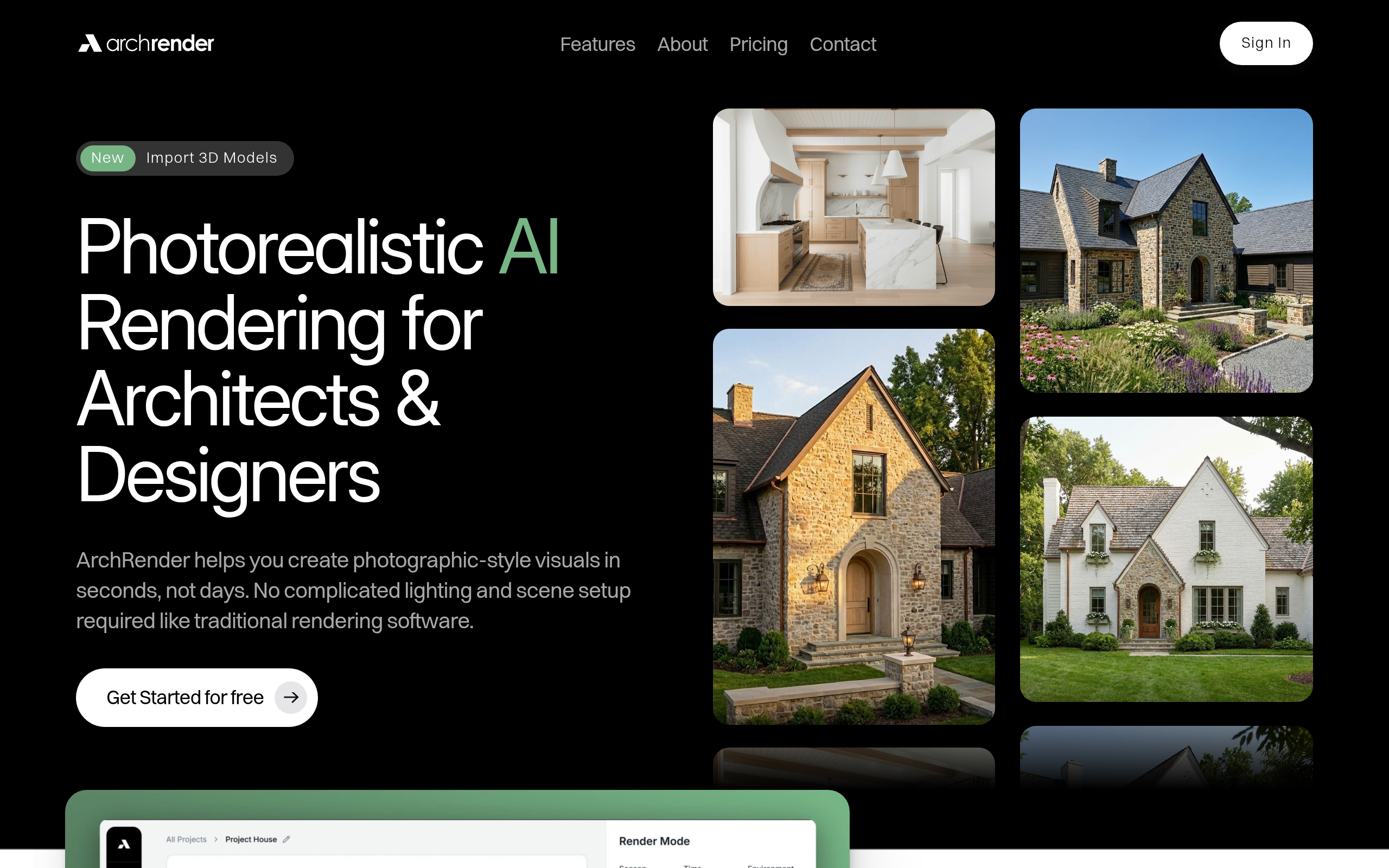
ArchRender helps you create photographic-style visuals in seconds, not days. No complicated lighting and scene setup required. Create renders from drawings and sketches or import 3D models from popular architectural software.
Key Features
3D Model Import & Quick Render
Import OBJ, FBX, and GLB files from popular architectural tools, choose camera angle/FOV/aspect ratio, and generate photorealistic renders without manual lighting setup.
Prompt-Driven Styling & Moodboards
Use natural-language prompts to define materials, style, and mood or drop in a single moodboard — the AI interprets colors, finishes and applies them to the scene.
Time, Season & Environment Controls
Adjust time of day, lighting and seasons (spring/summer/fall/winter) and choose surrounding environments to visualize how designs look in different conditions.
Edit Mode & Iteration
Refine renders with an interactive edit mode, generate multiple variations, save custom prompts, and iterate quickly to converge on the desired look.
4K Upscaling & Export
Upscale renders to crisp 4K resolution for presentations, client proposals and print-ready marketing assets.
How to Use ArchRender
1) Start a new project and choose Render (from a drawing/model) or Edit (an existing render/photo). 2) Import your 3D model (OBJ/FBX/GLB) or upload sketches/photos and set camera angle, FOV and aspect ratio. 3) Define style using a natural-language prompt or upload a moodboard; tweak time of day, season and environment. 4) Generate the render, iterate using Edit Mode or saved prompts, then upscale/export the final image (4K).