
archmaster
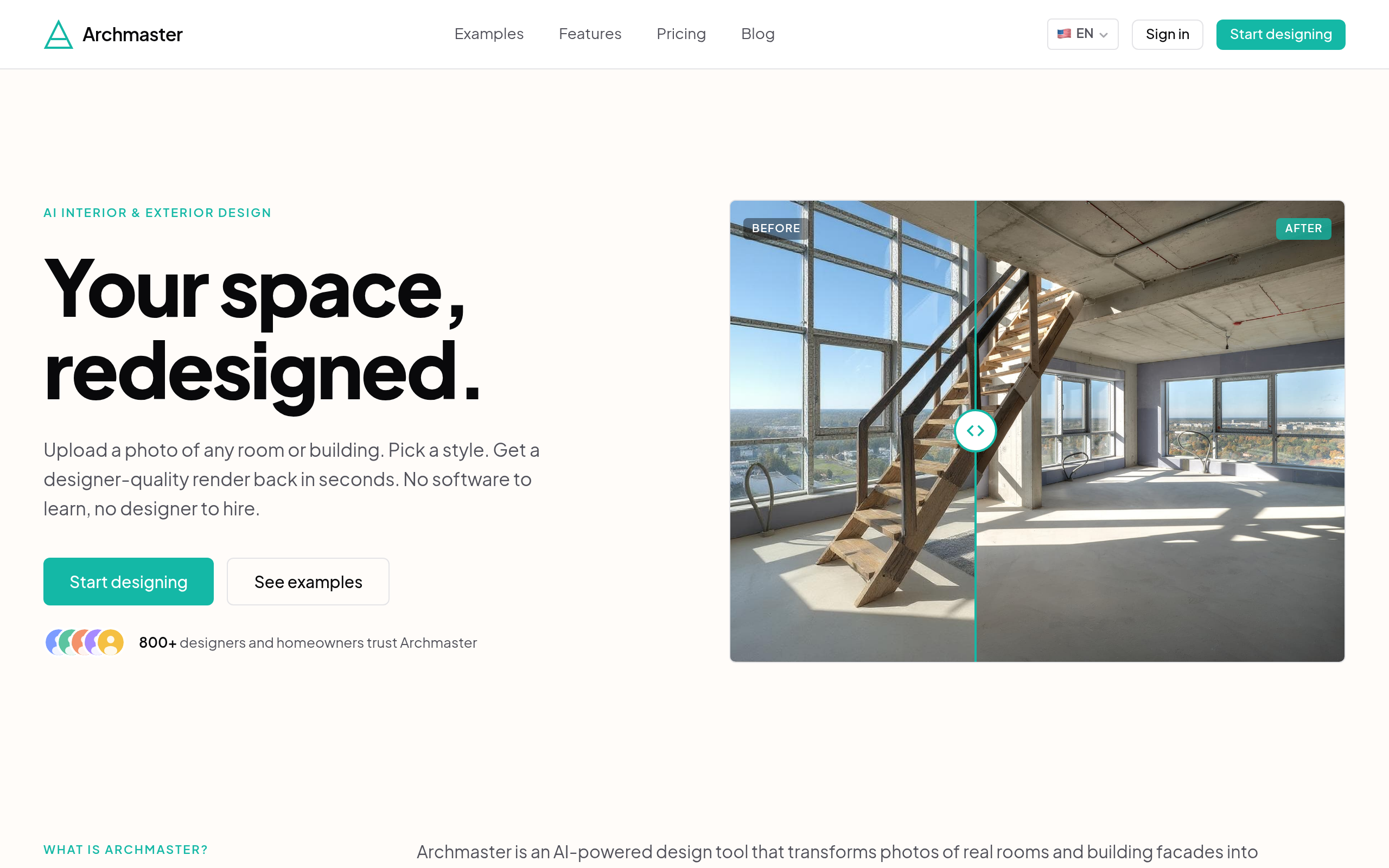
AI interior design and architectural rendering tool. Upload a photo, get a photorealistic redesign of any room, exterior, or facade.
About
Archmaster is an AI-powered interior design and architectural rendering platform. Upload a photo of any room, exterior, or outdoor space — choose a style — and get a photorealistic render in seconds. Features: • Interior AI Design — redesign living rooms, bedrooms, bathrooms, and kitchens • Exterior & Facade Design — transform home exteriors, front yards, and outdoor spaces • Kitchen AI Design — visualize countertops, cabinets, and layouts before committing • Sketch to Render — convert architectural sketches into photorealistic images • AI Render Enhancer — upscale and sharpen any architectural visualization • Edit & Modify — inpaint and refine specific areas of any generated design • Architecture AI Video — animate renders into short walkthrough videos Built for homeowners planning renovations, interior designers presenting concepts, and architects creating client visualizations. No 3D modeling or design software skills required.
Key Features
Interior Redesign
Upload photos of living rooms, bedrooms, bathrooms or other interiors and apply one of many style presets to generate photorealistic redesigned images in seconds.
Exterior & Facade Transformation
Convert house exteriors, facades, front yards and outdoor spaces into new architectural styles or updated looks with realistic materials, lighting and landscaping.
Sketch-to-Render
Turn hand-drawn sketches or rough architectural drafts into polished, photorealistic renders suitable for client presentations or concept exploration.
AI Render Enhancer & Upscaler
Upscale, denoise and sharpen generated outputs to print- or presentation-ready quality, preserving architectural detail and textures.
Targeted Edit & Video Walkthrough
Use AI inpainting to edit or refine specific areas (furniture, finishes, colors) and animate static renders into short walkthrough videos for client previews.
How to Use archmaster
1) Upload a clear photo of the room, building facade, sketch or outdoor area. 2) Choose a generation type (Interior, Exterior, Sketch-to-Image) and pick a style preset or custom options. 3) Optionally mask or mark areas to inpaint or modify (swap furniture, change finishes). 4) Generate the render, then upscale or export as an image or short walkthrough video.