
apptovid
AI powered Promotional Video Maker that can directly turn URL to Video for apps
About
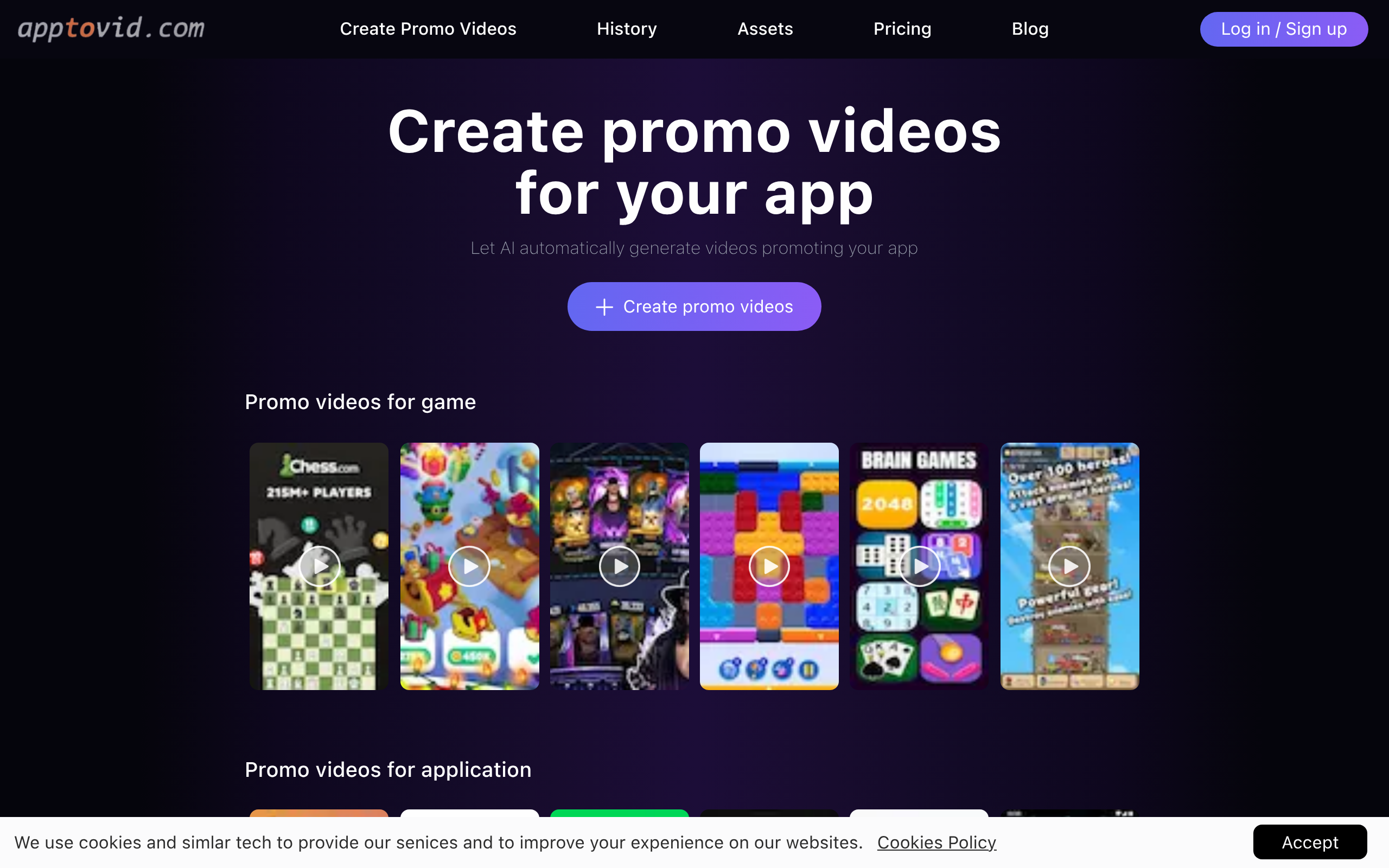
1.An generative AI advertising tool that generate promotional video suitable for TikTok, Facebook, and YouTube, X, Insgram,suitable for app developers and game developers for promotional purposes. 2.By simply using your app's URL from the Apple App Store or Google Play Store, this tool can retrieve the description and know the specific information of your game, including demo videos, features, advantages, and usage scenarios. It can understand what kind of materials your product should match and extract popular materials based on this information to generate different versions opening scenes,help Marketers quickly iterate through A/B testing. 3.If you want to re-create high-quality but declining materials, apptovid can also release multiple versions of video ideas with different openings in large quantities.
Key Features
URL-to-Video Conversion
Automatically fetches app metadata, screenshots and demo assets from an App Store or Google Play URL and uses them to create a promo video.
Automated Asset Extraction & Understanding
Uses AI to read app descriptions, features and demos to select and arrange the most relevant visuals, copy and scenes for each video.
Multiple Creative Variations
Generates many distinct versions of a promo (different openings, transitions, audio and scene order) for A/B testing and to prevent ad fatigue.
Platform Optimization
Produces videos formatted and tuned (aspect ratio, pacing, hooks) for short-form social platforms like TikTok, Instagram Reels, YouTube Shorts, X and Facebook.
Bulk Generation & Versioning
Create large batches of ad creatives at once and iterate quickly to replace declining creatives with fresh variations.
How to Use apptovid
1) Sign up or log in to Apptovid and click Create Promo Video. 2) Paste your app's Google Play or Apple App Store URL (or upload screenshots/description) so the AI can retrieve assets and metadata. 3) Choose target platform(s), video length and creative style or add custom text prompts if desired. 4) Click Generate, review produced variations, edit any copy or scenes if needed, then download/export the final videos for ad campaigns.