
Allscreenshots
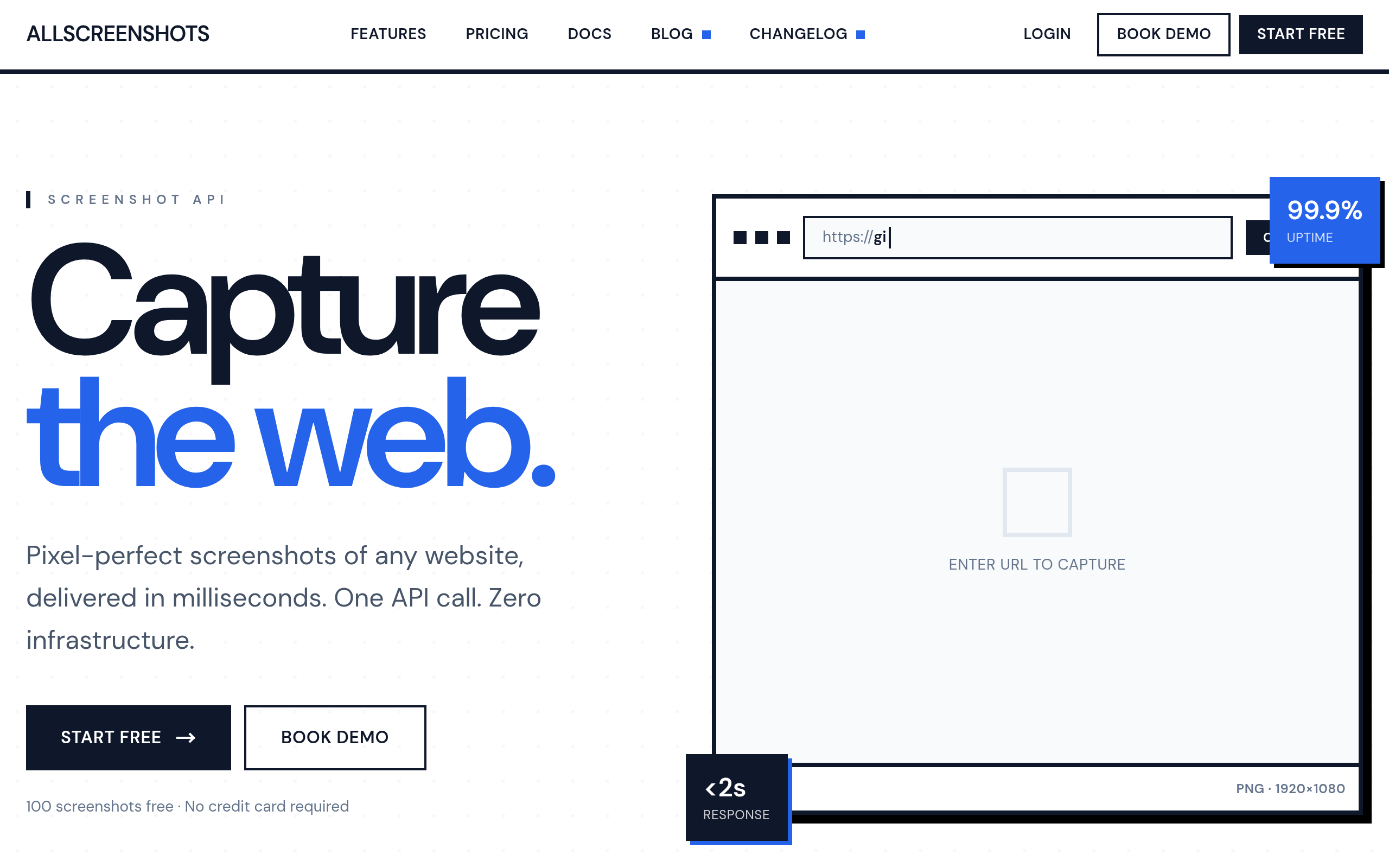
Allscreenshots provides a screenshot API that helps developers and businesses capture, combine, and automate website screenshots at scale.
About
Allscreenshots started with a simple frustration: existing screenshot APIs were either overpriced, overcomplicated, or missing features developers actually need. To fix this, we're building the screenshot service we wished existed when we needed one. A service which respects both your budget and your time, with great support whenever you need it. No surprise bills from runaway usage, and just a clean, well-documented API that does exactly what it promises. What makes us different? We went beyond single captures. Our compose endpoint lets you combine multiple screenshots into comparison views, grids, and layouts, thus eliminating the work required by teams so they can focus on more rewarding features. We're building this in public, documenting the real decisions, trade-offs, and challenges along the way. Because we believe the best tools come from developers who've felt the same pain points you have, and allowing you to provide input in the direction we're taking, so we can best address the challenges you face! We offer simple, affordable pricing, easy documentation, and great support. Plus, screenshots that just work.
Key Features
One-call Screenshot API
Capture pixel-perfect screenshots of any URL with a single API call, supporting full-page and viewport captures with low latency and global regions.
Compose Endpoint
Combine multiple screenshots into comparison views, grids, and custom layouts to create side-by-side diffs and marketing-ready image collages without extra client-side work.
Content Blocking & Cleanup
Automatically removes cookie consent banners, ads, chat widgets and popups so captures are clean and consistent.
Smart Loading & Dynamic Content Handling
Handles lazy-loaded images, infinite scroll and async elements by auto-scrolling and waiting for network/DOM conditions or custom wait rules before capture.
Integrations & Flexible Output
Direct uploads to S3/GCS/Azure, webhook notifications, CI/CD hooks, and multiple export formats (PNG, JPEG, WebP, PDF, GIF, AVIF).
How to Use Allscreenshots
1) Sign up or start a free trial to get an API key (100 free screenshots). 2) Call the capture endpoint with the target URL and options (viewport size, format, theme, geolocation, blocking flags). 3) Receive the capture as a direct image URL or have it uploaded to your configured storage (S3/GCS/Azure) or webhook. 4) Use the compose endpoint to merge multiple captures (comparisons/grids) or integrate captures into your CI/CD, monitoring, or design workflows.