
Alertr: Inventory Management
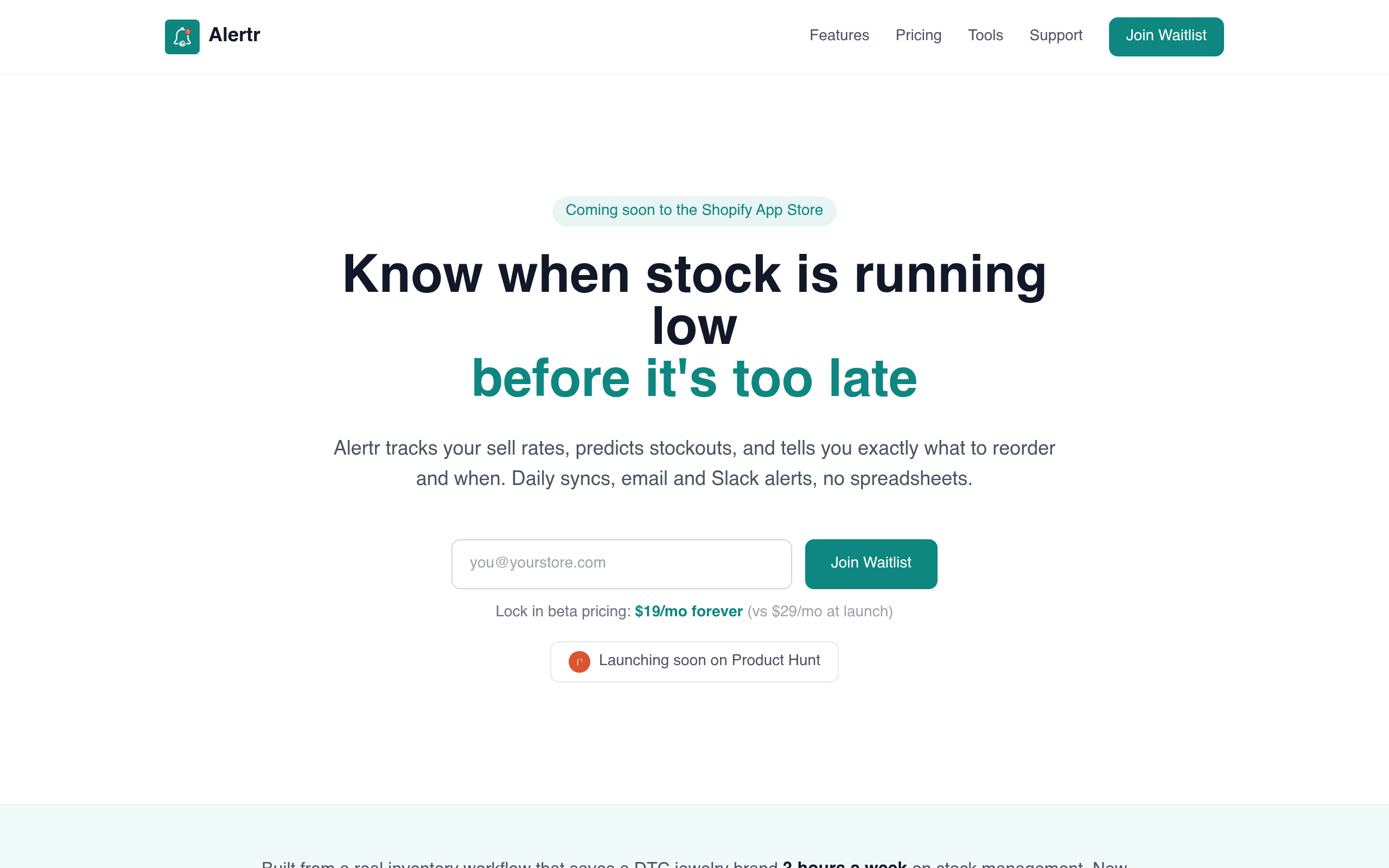
The Shopify inventory app that actually works. Tells you what's about to run out and when to reorder — nothing more.
About
The simplest Shopify inventory app on the market. 1-click setup. Tracks what's about to run out, tells you when to reorder. Manual stock checks miss things. By the time you notice, you've already lost sales. Spreadsheets go stale. Shopify's built-in tools don't alert you proactively. The apps that do cost $40-$250/mo. Syncs your inventory daily, calculates sell rates, and alerts you when stock drops below your thresholds. Configue your own assumptions and export your data to CSV.
Key Features
Daily Inventory Sync
Automatically imports product and recent order data from Shopify every day so your stock and sell-rate calculations stay up to date without manual checks.
Sell-Rate & Stockout Predictions
Calculates SKU-level sell rates and projects days-of-stock remaining to predict when items will run out and when to reorder.
Smart Reorder Alerts (Email & Slack)
Notifies your team via email or Slack when items drop below configurable thresholds and recommends reorder quantities based on sell rate and lead time.
Inventory Dashboard & Filters
Central dashboard that shows all SKUs, days of stock remaining, sell rates, and status filters (low stock, needs reorder, out of stock) for fast triage.
CSV Export & Configurable Assumptions
Export inventory and reorder data to CSV for purchase orders or reporting, and customize lookback windows, lead times, safety stock and alert frequency.
How to Use Alertr: Inventory Management
1) Install Alertr from the Shopify App Store and connect to your store. 2) Run the 1‑click setup — Alertr will perform a daily sync of products and recent orders to compute sell rates. 3) Configure your store-wide or SKU-specific assumptions (lookback window, lead time, threshold and alert frequency). 4) Receive reorder alerts by email or Slack, review recommended reorder quantities on the dashboard, and export CSVs for purchase orders.