
AICost
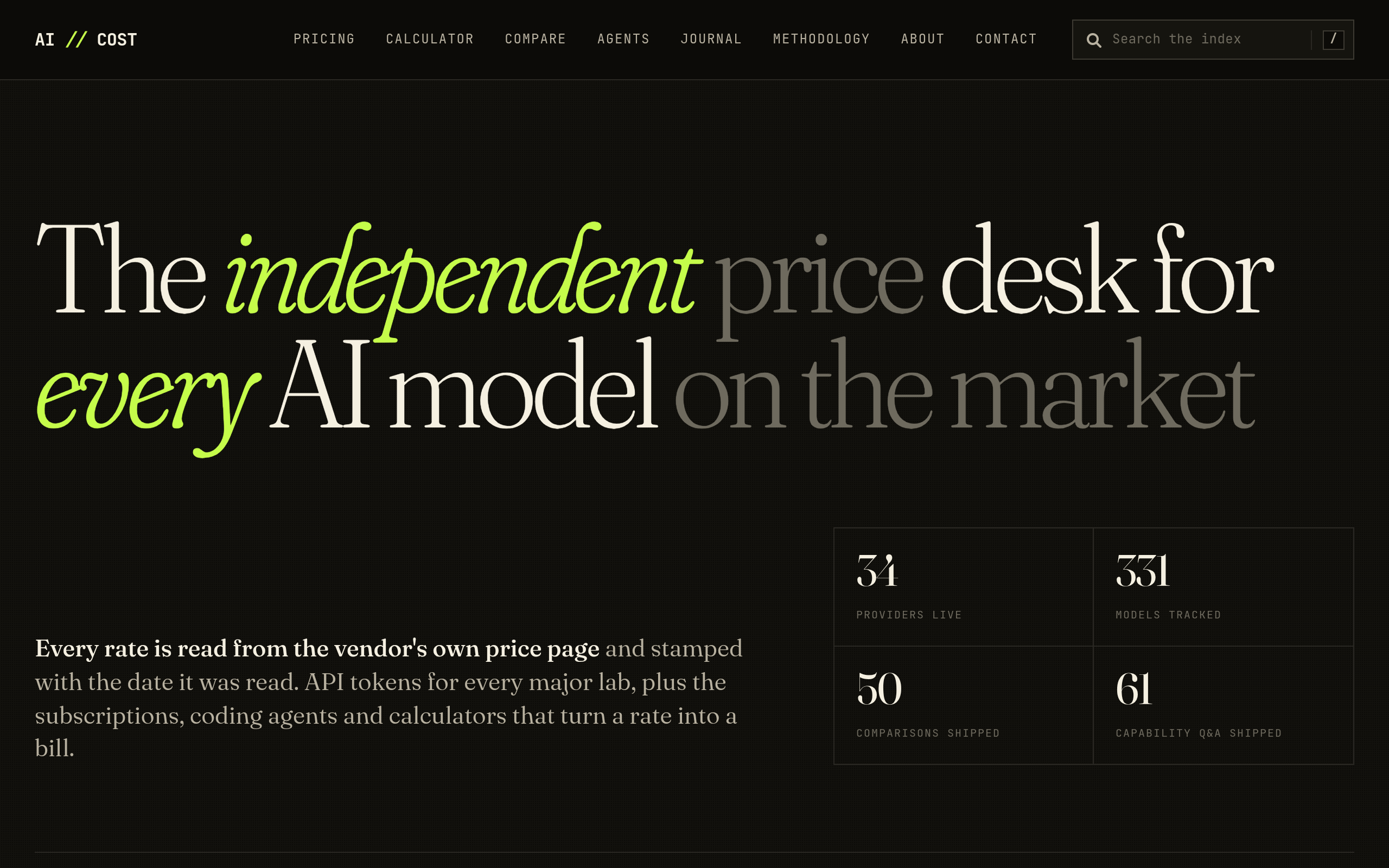
AICost is an independent price desk for AI models, built around one question: what will this actually cost me?
About
AICost is an independent price desk for AI models, built around one question: what will this actually cost me? It tracks input, output and cache rates per million tokens for 300+ models from 30+ providers, including OpenAI, Anthropic, Google, Mistral, DeepSeek, Qwen and Kimi. Every price is traced to the vendor's own pricing page, dated, kept with its history, and made comparable across APIs, subscriptions and AI coding tools; corrections are published in a public log. Free, embeddable tools include an LLM API cost calculator, token counter, subscription-vs-API calculator and text-to-speech cost calculator, turning your usage into a real monthly bill. Side-by-side model comparisons show the true difference between options, and pricing guides cover AI coding agents such as Claude Code, Codex and Cursor.
Key Features
Live, Source-Verified Pricing Index
Tracks input, output and cached token rates for 300+ models from 30+ providers; every rate is traced to the vendor's pricing page and timestamped with a historical record.
Cost Calculators
Free embeddable tools including an LLM API cost calculator, token counter, subscription-vs-API break-even calculator and a text-to-speech cost calculator to turn usage into a realistic monthly bill.
Side-by-Side Comparisons & Benchmarks
Two-way head-to-head model comparisons with live pricing, performance benchmarks, workload assumptions and verdicts by use case to highlight true cost/performance tradeoffs.
Model Pricing Pages & Historical Charts
Per-model pages with raw input/output/cache rates, blended effective rates (with documented assumptions), and interactive historical price charts.
Transparent Methodology & Public Corrections Log
Documented methodology, capability Q&As, editorial analysis and a public corrections log so price changes and errors are auditable and explained.
How to Use AICost
1) Search or pick a provider/model from the Pricing Index. 2) Open the model page to view raw input/output/cache rates, the blended effective rate and the timestamped source link. 3) Enter your expected usage (tokens in/out, cache hit rate, or monthly minutes for TTS) into the appropriate calculator to get a monthly cost estimate. 4) Use the Compare tool to run side-by-side cost and benchmark comparisons and read the journal/methodology notes to understand assumptions.