
AIClipPilot
Turn recorded podcasts and interviews into short clips with AI highlights, editable captions and framing controls.
About
AIClipPilot helps creators repurpose existing podcasts, interviews and spoken recordings into short social clips. Upload source footage, review AI-suggested highlights, adjust clip boundaries, correct automatic captions and choose the framing before export. It edits recorded video rather than generating footage from text. The $0 entry option is limited free access, not unlimited ongoing editing. Creator costs $14.99 per month and Pro $29.99 per month; annual billing is also available. Longer videos require a paid plan and sufficient input-minute allowance. See https://aiclippilot.com/pricing for current limits and billing.
Key Features
AI-Suggested Highlights
Automatically transcribes audio and proposes self-contained moment candidates from long recordings so you can quickly find clips worth exporting.
Editable Captions & Transcript
Generates automatic captions from the transcript and lets you correct subtitles, adjust timing, and update titles before rendering.
Framing & Aspect Controls
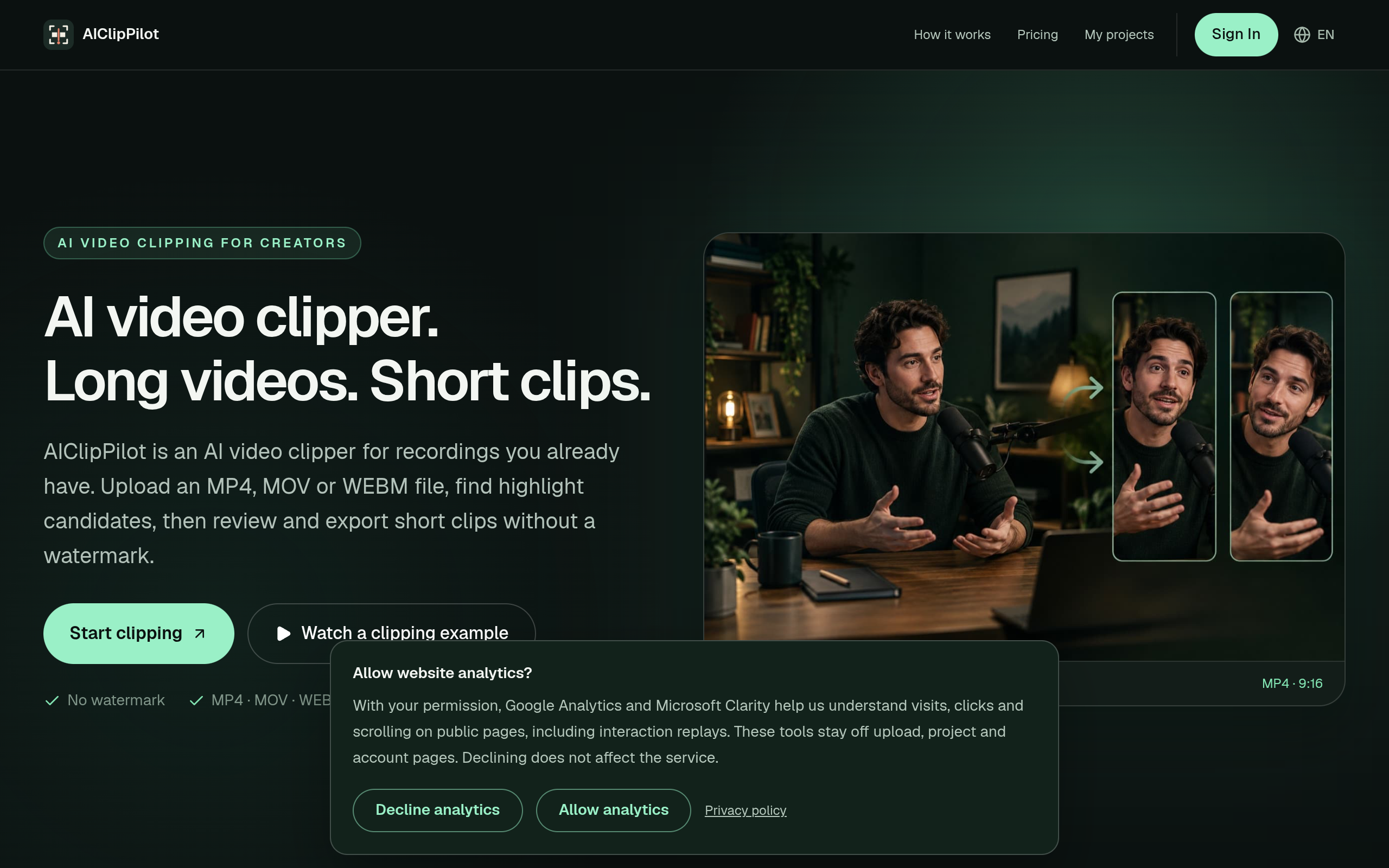
Smart framing options (vertical 9:16 and full-frame) and reframing tools keep speakers and slide content readable when converting landscape recordings to social formats.
Watermark-free Export & Batch Download
Export reviewed clips as watermark-free MP4 files, with ZIP batch downloads available on paid plans for efficient publishing.
How to Use AIClipPilot
1. Sign in and upload a supported source video within your plan limits. 2. Review the AI-suggested highlight clips. 3. Adjust the cuts, correct captions and choose framing. 4. Preview and export your selected clips.