
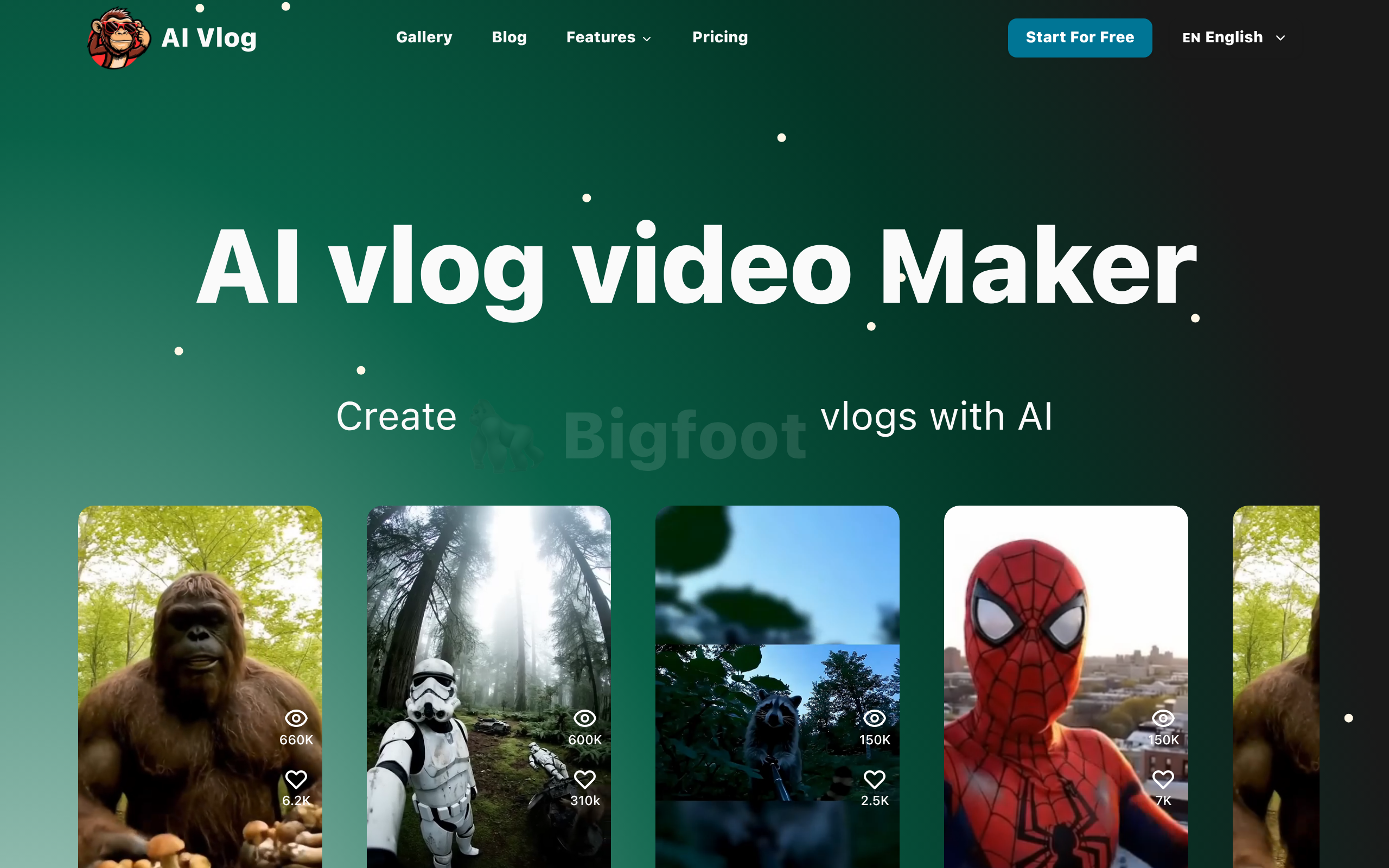
AI vlog video Maker
AI Vlog Video Maker turns text into vlog-style videos with Google Veo 3, generating realistic visuals and motion automatically.
About
AI Vlog Video Maker is a web-based platform that uses Google Veo 3 technology to convert written text into vlog-style videos. The system interprets text prompts and generates corresponding visuals, camera movements, and sound design to create content that resembles real vlogs. The tool allows users to structure scenes, define character behavior, and choose visual themes without filming or manual editing. It supports a variety of use cases, including travel diaries, lifestyle storytelling, educational content, or creative projects. AI Vlog Video Maker maintains visual and contextual consistency across scenes, enabling smoother transitions and a coherent narrative flow. All generated sequences can be downloaded or refined in video editing software if needed. Designed for creators, educators, and businesses, the tool provides a text-to-video workflow for quickly transforming ideas into video narratives that simulate authentic vlog experiences.
Key Features
Text-to-Vlog Conversion
Automatically transforms written prompts into multi-scene vlog-style video sequences with generated visuals, camera movements, and pacing.
Image-to-Vlog Support
Upload up to 1–3 images to seed scenes — the system integrates them into generated vlogs for contextual continuity and visual reference.
Scene & Character Controls
Define scene structure, character behavior, and visual themes to control narrative flow and maintain consistency across cuts.
Automatic Sound Design & Motion
Generates appropriate ambient audio, voice and sound effects along with realistic camera motion and transitions for authentic vlog feel.
Export & Edit-Friendly Output
Download generated video clips for direct use or further refinement in external editors (e.g., CapCut) for fine-tuning and publishing.
How to Use AI vlog video Maker
1) Plan: brainstorm the vlog idea and write a short prompt describing scenes, characters, tone, and any visual references. 2) Input: on the site enter your prompt and optionally upload 1–3 reference images (JPG/PNG/WebP). 3) Configure: choose a visual theme or style, set scene structure and character behaviors if available. 4) Generate & refine: click Generate to produce the vlog preview, review the result, then download the clip or export it to a video editor for additional edits before publishing.