
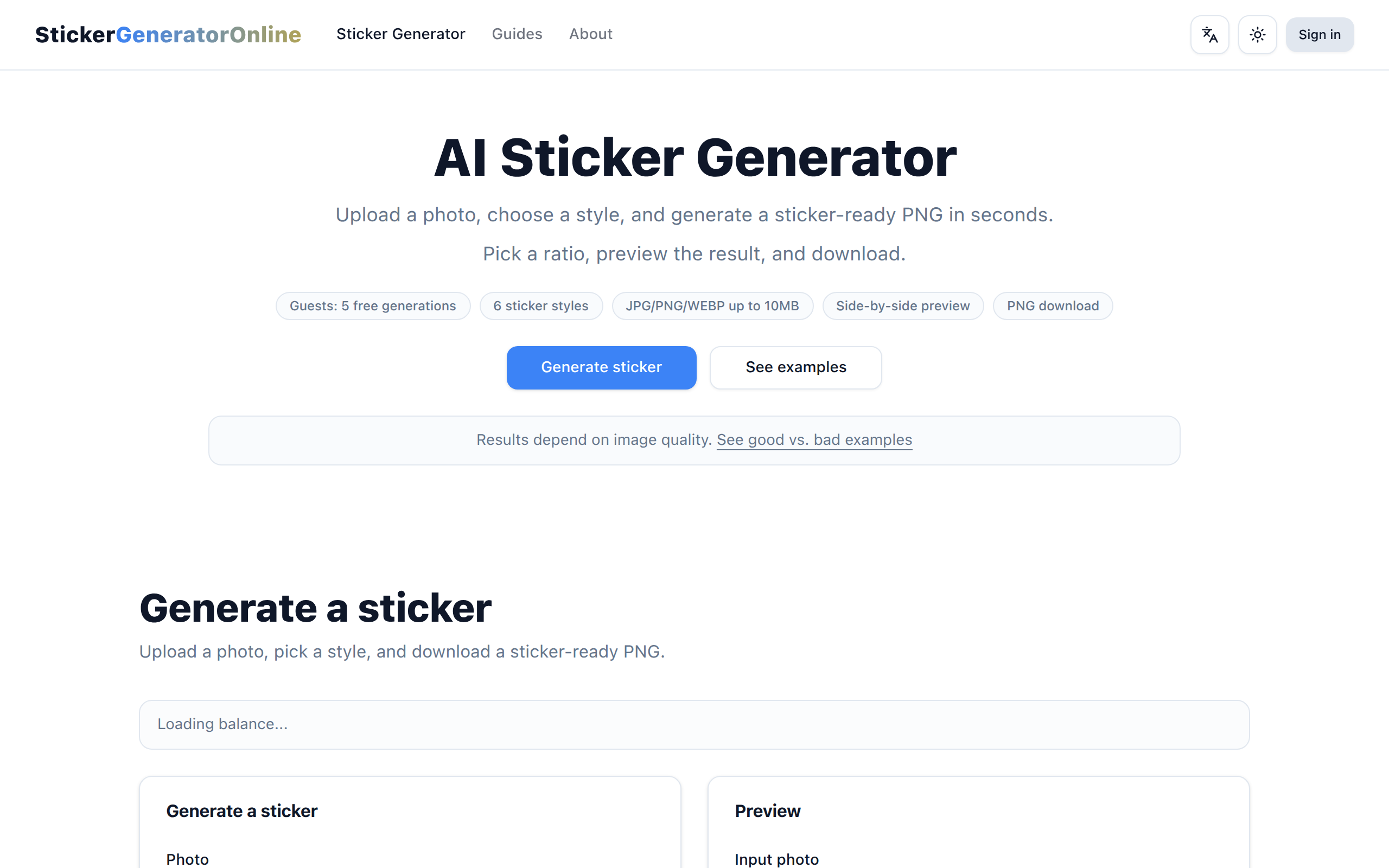
AI Sticker Generator
AI sticker generator that turns photos into sticker-ready PNGs for creators and teams, with preset styles and credit-based usage.
About
StickerGenerator helps people quickly turn photos into sticker-ready PNGs without manual editing. Users upload a JPG, PNG, or WebP, choose one of six sticker styles and an aspect ratio, then generate and download a transparent PNG. Key features include preset styles, ratio selection, side-by-side preview, mobile-friendly flow, and credit-based usage with a limited free guest quota. It is for creators, small businesses, and teams who need stickers for chat apps, social posts, product mockups, or printable sheets. Output is a downloadable PNG suitable for digital use or print.
Key Features
Transparent PNG Export
Generates sticker-ready PNGs with transparent backgrounds for easy overlay in chat apps, social posts, and mockups.
Preset Sticker Styles
Six one-click styles (Clean, Cartoon, Kawaii, Pixel, 3D/Toy, Ink/Sketch, Watercolor) to quickly transform photos without manual editing.
Aspect Ratio Selection & Mobile-friendly Flow
Choose between 1:1, 3:2, and 2:3 ratios (1:1 recommended for chat stickers) with a streamlined browser workflow optimized for mobile and desktop.
Side-by-side Preview & Credit System
Preview original vs generated outputs before downloading; guests get a limited free quota (5 generations) and signed-in users consume credits per generation.
How to Use AI Sticker Generator
1. Upload a JPG, PNG, or WebP image. 2. Pick a sticker style. 3. Choose an aspect ratio. 4. Generate and download the PNG.