
AI Sound Effects Generator
AI Sound Effects Generator — Free Sample Editor
About
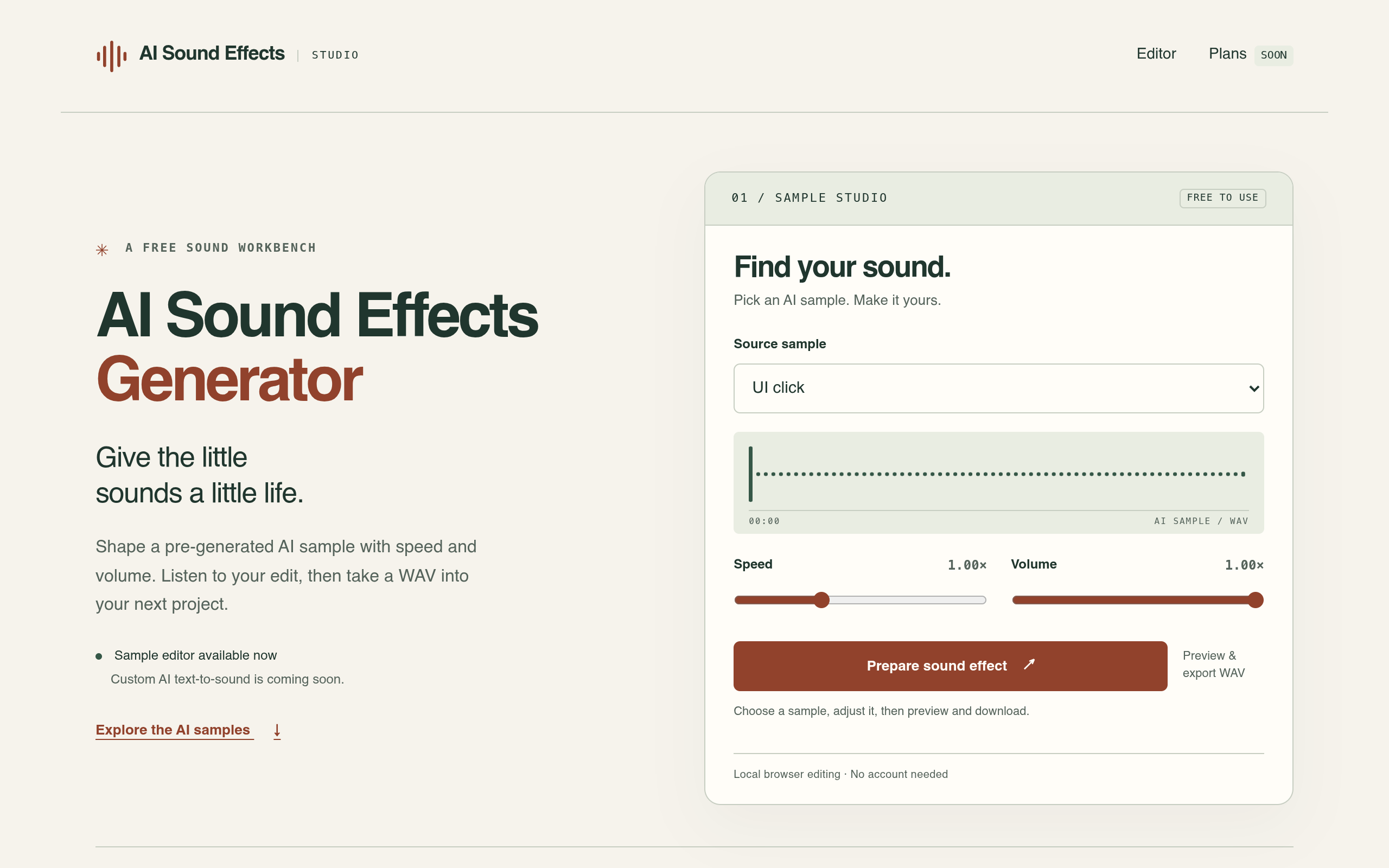
Preview and edit sound effect samples in your browser. Adjust speed and volume, then download a WAV. Custom AI sound generation is coming soon.
Key Features
Browser-based Sample Editor (No Account)
Edit sound effects directly in your browser without signing up. All editing happens locally in your device for quick access and privacy.
Pre-generated AI Sound Library
Start from 19 curated AI-generated samples across categories like Game, Transition, Ambience, Foley, and Interface to quickly find the right sound.
Speed & Volume Controls
Adjust speed (which also shifts pitch) and volume to shape the sample to your needs. Keep speed at 1× to change loudness without altering timing or pitch.
Preview and Download WAV
Prepare and preview the exact edited file in the player, then export a WAV file ready for use in games, videos, podcasts, or other projects.
Local Editing & Clear Attribution
Edits are performed on-device with a clear source/license for samples; the tool provides notes about where samples were generated and how licensing applies.
How to Use AI Sound Effects Generator
1) Open the Sample Studio and pick a pre-generated sample from categories (Game, Ambience, Foley, Interface, Transition). 2) Use the Speed and Volume sliders to shape the sound (note: Speed changes length and pitch together; leave at 1× to only adjust loudness). 3) Click 'Prepare sound effect' to generate the edited preview file, then play it under "Your sound effect" to confirm. 4) When satisfied, click 'Download WAV' to export the edited WAV file and use it in your project.