
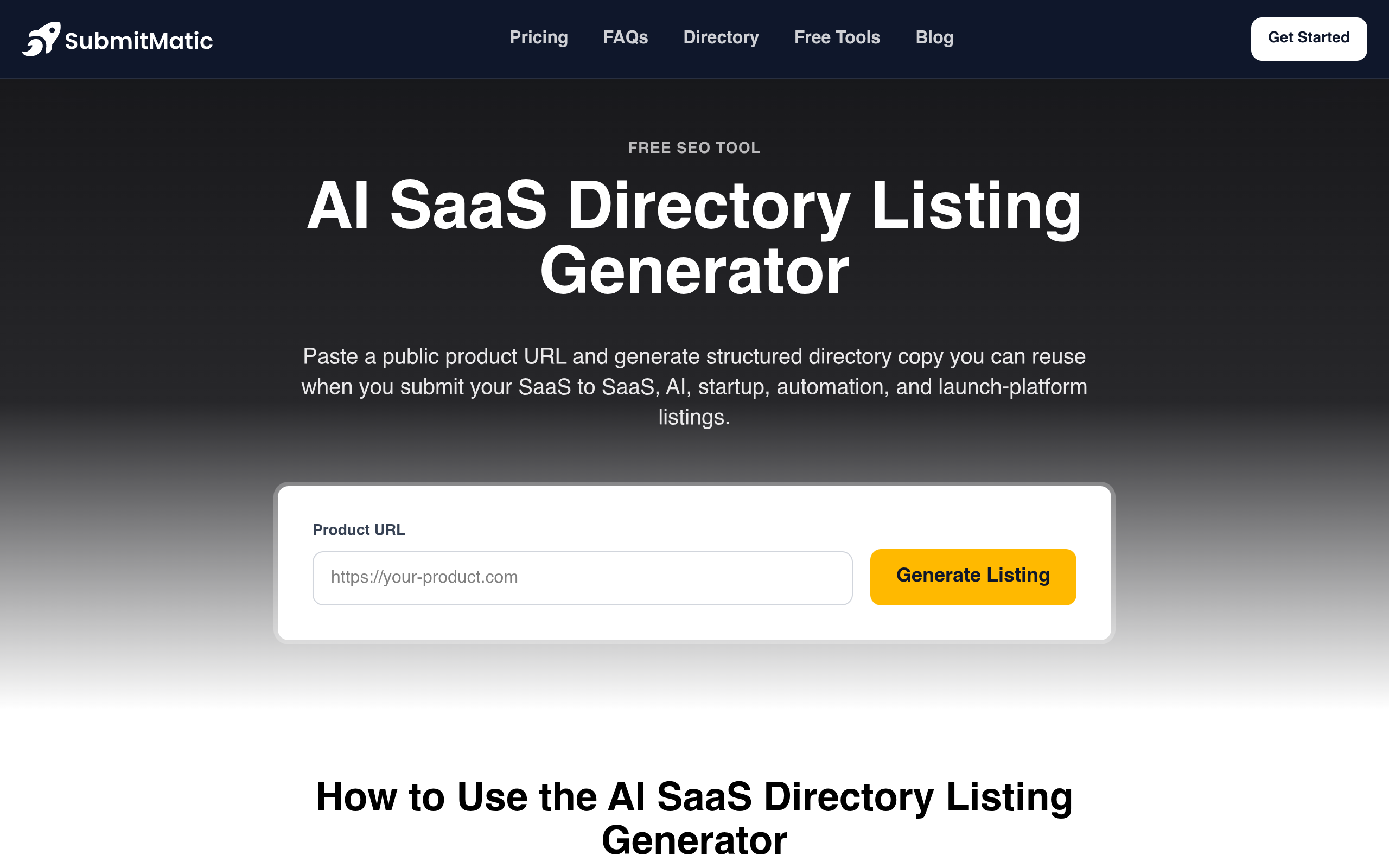
AI SaaS Directory Listing Generator
Paste a public product URL to instantly generate structured directory copy optimized for submitting your SaaS to AI and startup launch platforms.
About
The AI SaaS Directory Listing Generator by SubmitMatic helps founders and marketers save hours on copywriting. By simply pasting a public product URL (such as your homepage or landing page), the AI reads the visible content and automatically converts it into structured directory fields with practical character limits. It generates clean starting points for tags, short descriptions, and long descriptions that you can reuse as your master listing profile. This ensures faster manual directory submissions and prevents every new startup, SaaS, or automation directory form from turning into a fresh copywriting task.
Key Features
URL-based Content Extraction
Paste a public marketing URL (homepage or product landing page) and the tool automatically reads visible content to source product details and positioning.
Structured Directory Fields
Generates common directory fields (product name, tagline, short description, long description, categories, tags) formatted to typical character limits for easy pasting into submission forms.
Character-Limit Aware Output
Produces copy that respects common directory length restrictions so you spend less time trimming fields for each platform.
Master Listing Workflow
Creates a reusable master listing profile you can refine once and then paste into multiple SaaS, startup, AI, or launch directories to speed up submissions.
Privacy by Design
Generated copy is shown in your browser and not stored by SubmitMatic, ensuring temporary, local-only results unless you choose to save them.
How to Use AI SaaS Directory Listing Generator
1) Copy the public marketing URL for the page that best explains your product (homepage or product landing page). 2) Paste the URL into the generator and click Generate Listing — the AI will read visible page content and produce structured directory fields. 3) Review and edit the generated fields (tighten claims, add specific use cases, adjust tone or length to match target directories). 4) Save the reviewed copy as your master listing and paste it into directory submission forms or use SubmitMatic's submission services.