
AI Photo Editor - Free Online AI Image Editor & Enhancer
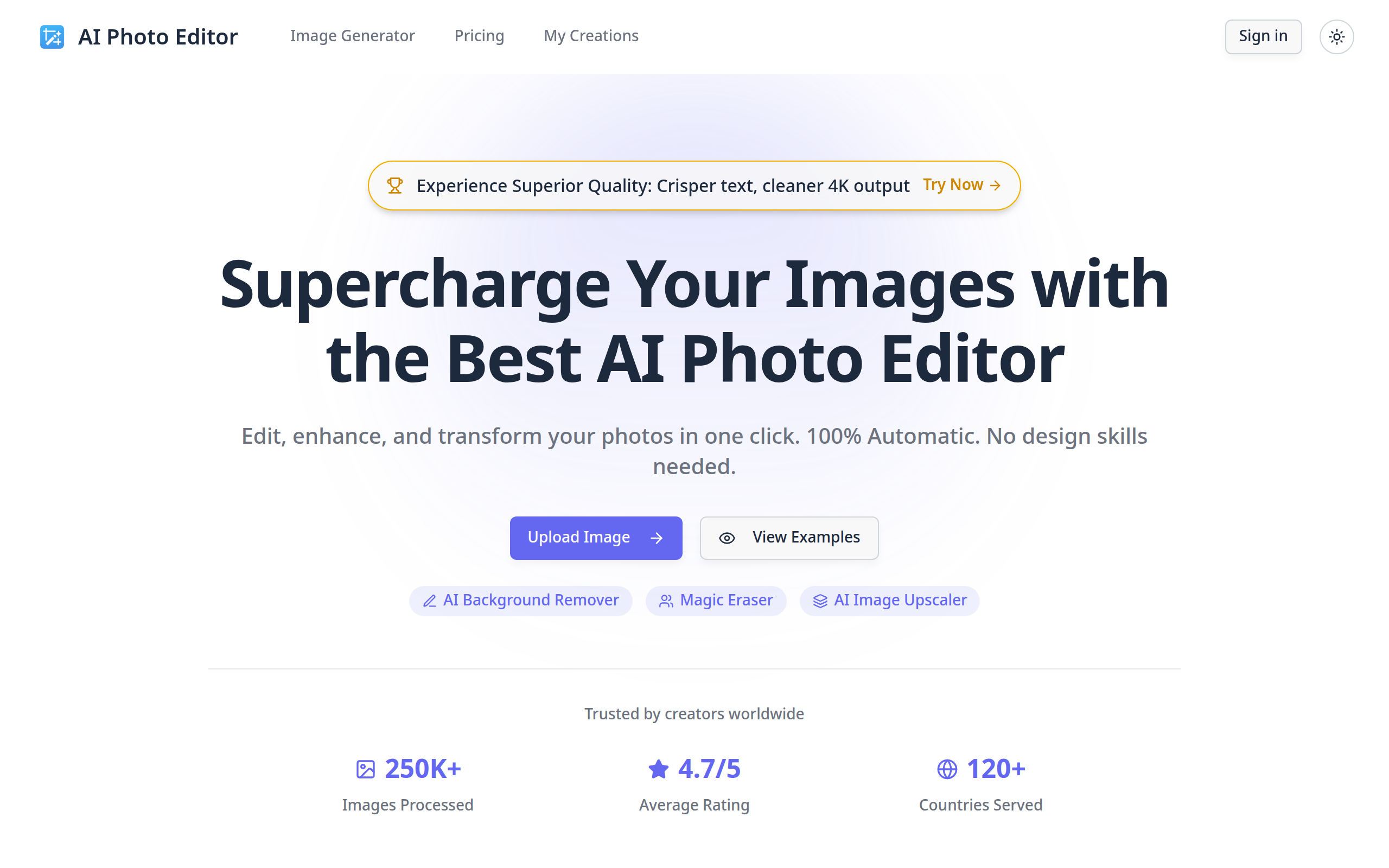
The best free AI Photo Editor to edit images in seconds. Remove backgrounds, erase objects and upscale image quality instantly. No download required. Start editing for free.
About
AI Photo Editor is a cutting-edge SaaS platform designed to supercharge image editing with artificial intelligence. It allows users to edit, enhance, and transform photos automatically with a single click, requiring no design skills. This powerful tool is ideal for a wide range of users, including social media managers, e-commerce sellers, digital marketers, real estate agents, graphic designers, small business owners, and educators looking to create professional visuals instantly.
Key Features
AI Background Remover
Automatically detects subjects and creates transparent backgrounds in seconds.
Magic Eraser / Object Removal
Seamlessly removes unwanted objects, watermarks, or photobombers from images.
AI Image Upscaler
Transforms low-resolution images into crisp, high-definition photos without quality loss.
Generative Fill / AI Filters
Applies various styles, lighting, and moods to photos with one click.
How to Use AI Photo Editor - Free Online AI Image Editor & Enhancer
1) Upload one or more images (PNG/JPG/JPEG/WEBP, up to 10MB each) by drag & drop or browsing your files. 2) Choose the AI tool or describe edits in the prompt — e.g., Background Remover, Magic Eraser (object removal), Image Upscaler, Generative Fill or filters. You can also upload reference images for image-to-image edits. 3) Adjust any available settings (strength, output size/scale, style presets or batch options), preview the result and refine the prompt or selection if needed. 4) Apply the edit and download the final image or save it to "My Creations." For multiple files, use batch processing to apply the same edits to all images.