
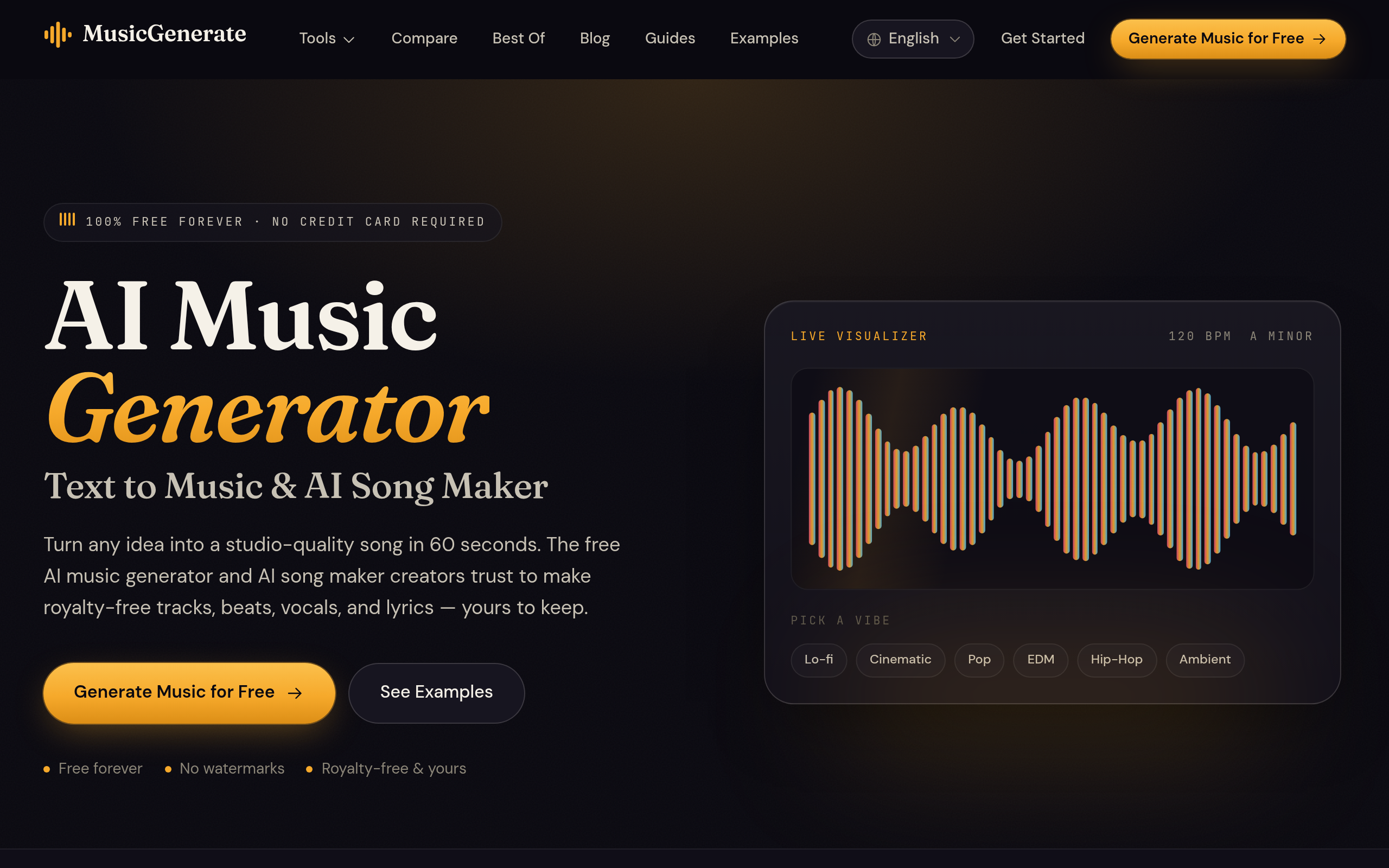
AI Music Generator
AI Music Generator: Create Royalty-Free Songs from Text in SecondsTurn Text into Music with the Most Advanced AI Song Generator
About
MusicGenerate.ai is a powerful AI music generator that transforms text prompts, lyrics, and creative ideas into studio-quality songs in seconds. Create original AI-generated music, custom songs, instrumentals, beats, soundtracks, and royalty-free tracks with advanced AI music technology. Whether you're a content creator, musician, YouTuber, podcaster, marketer, or game developer, MusicGenerate.ai helps you generate professional music with AI vocals, custom lyrics, and high-quality production across multiple genres including pop, hip-hop, EDM, rock, lo-fi, classical, and cinematic music. Generate, customize, and download copyright-safe music instantly—no music production experience required. Meta Description (155–160 characters) Create AI-generated music, songs, beats, and royalty-free soundtracks instantly with MusicGenerate.ai. Turn text and lyrics into studio-quality music.
Key Features
Text-to-Music Composer
Generate full, arranged and mastered songs from a simple text prompt in about 60 seconds — choose genre, mood, BPM and key.
Lyrics-to-Song with AI Vocals
Paste your lyrics and select realistic AI voices to produce finished vocal tracks in multiple languages and styles.
Instrumental & Beat Generator
Create instrumentals and beats in any BPM, key and genre — ideal for rapping, singing or scoring projects.
Stems, Multitrack & Stem Separation
Export stems or split tracks into clean vocals, drums, bass and instruments for remixing, sampling or professional mixing.
Royalty-free License & Fast Export
All generated tracks are royalty-free for commercial use with fast downloads in high-quality formats (MP3/WAV) and no watermarks.
How to Use AI Music Generator
1) Go to MusicGenerate.ai and click "Generate Music" (create a free account if required). 2) Enter a text prompt or paste lyrics; pick a genre, vibe, BPM/key and (if desired) an AI vocal/voice. 3) Click Generate, preview the produced track, and tweak the prompt or settings (stems, length extender, instruments) until satisfied. 4) Download the finished song or stems in your chosen format (WAV/MP3) and use it royalty-free in your projects.