
AI Line Art
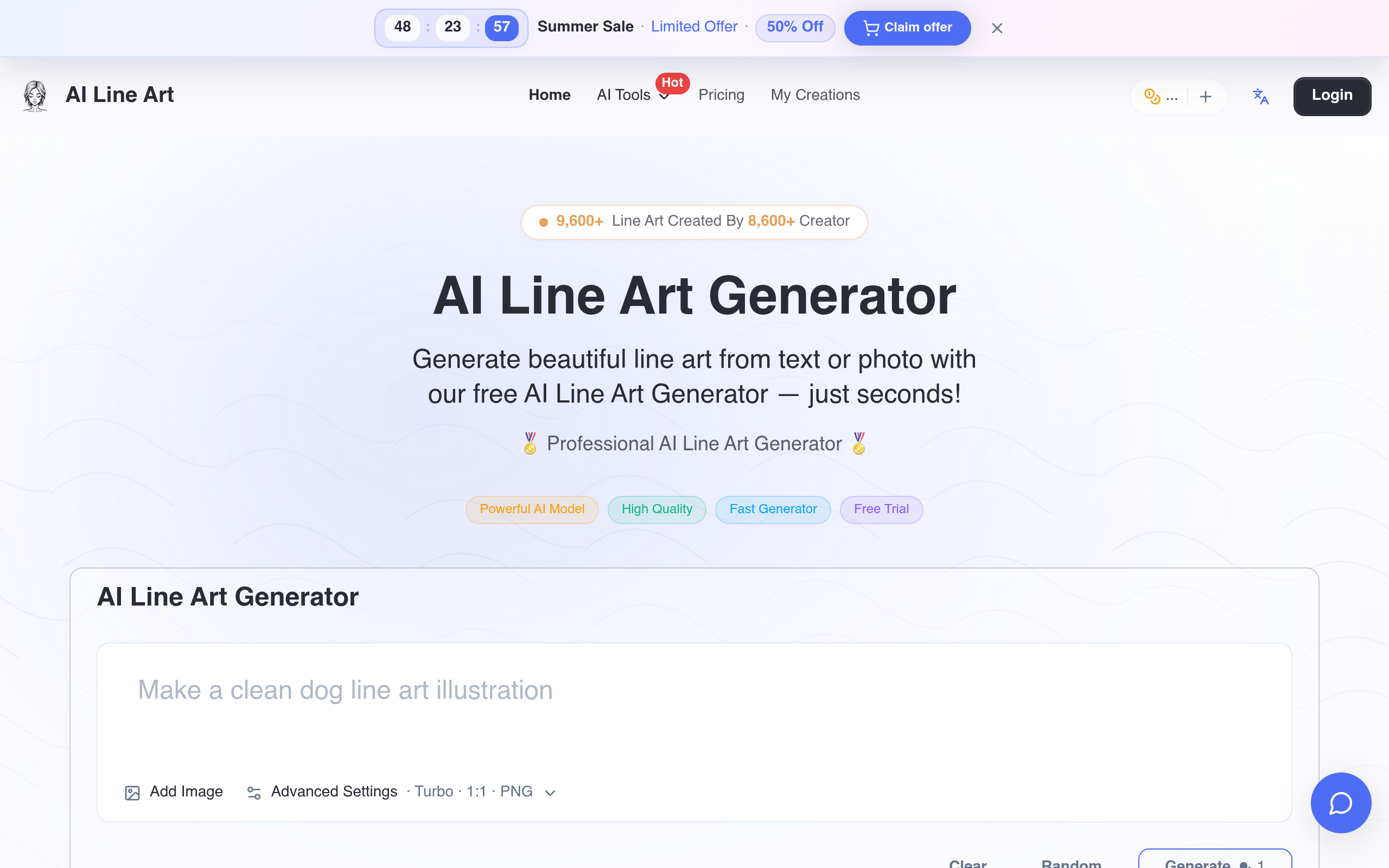
AI Line Art Generator - Create Line Art For Free
About
Create professional line art drawing in seconds with AI Line Art Generator. Multiple styles, image upload support, fast generation. Free trial available.
Key Features
One‑Click Line Art Generation
Generate clean line art instantly with a single click — no manual tracing or technical setup required.
Multiple Art Styles
Choose from a variety of styles (sketch, pencil, woodcut, watercolor, minimalist) to match your project aesthetics.
Image Upload & Image-to‑Image Conversion
Upload photos as references and convert them into high‑contrast line drawings or use them to guide new compositions.
Fast, High‑Resolution Export
Optimized models deliver results in seconds and allow high‑resolution exports suitable for print and professional use.
Advanced Customization
Fine‑tune prompts, aspect ratios, composition and lighting settings to get precise, print‑ready line art.
How to Use AI Line Art
1) Upload your photo or choose to start from a text prompt. 2) (Optional) Enter a prompt describing the desired style, subject adjustments or details. 3) Select a line art style or customization options (aspect ratio, composition, lighting) and click Generate. 4) Review the result and download the high‑resolution line art (or rerun with adjusted prompts/settings).