
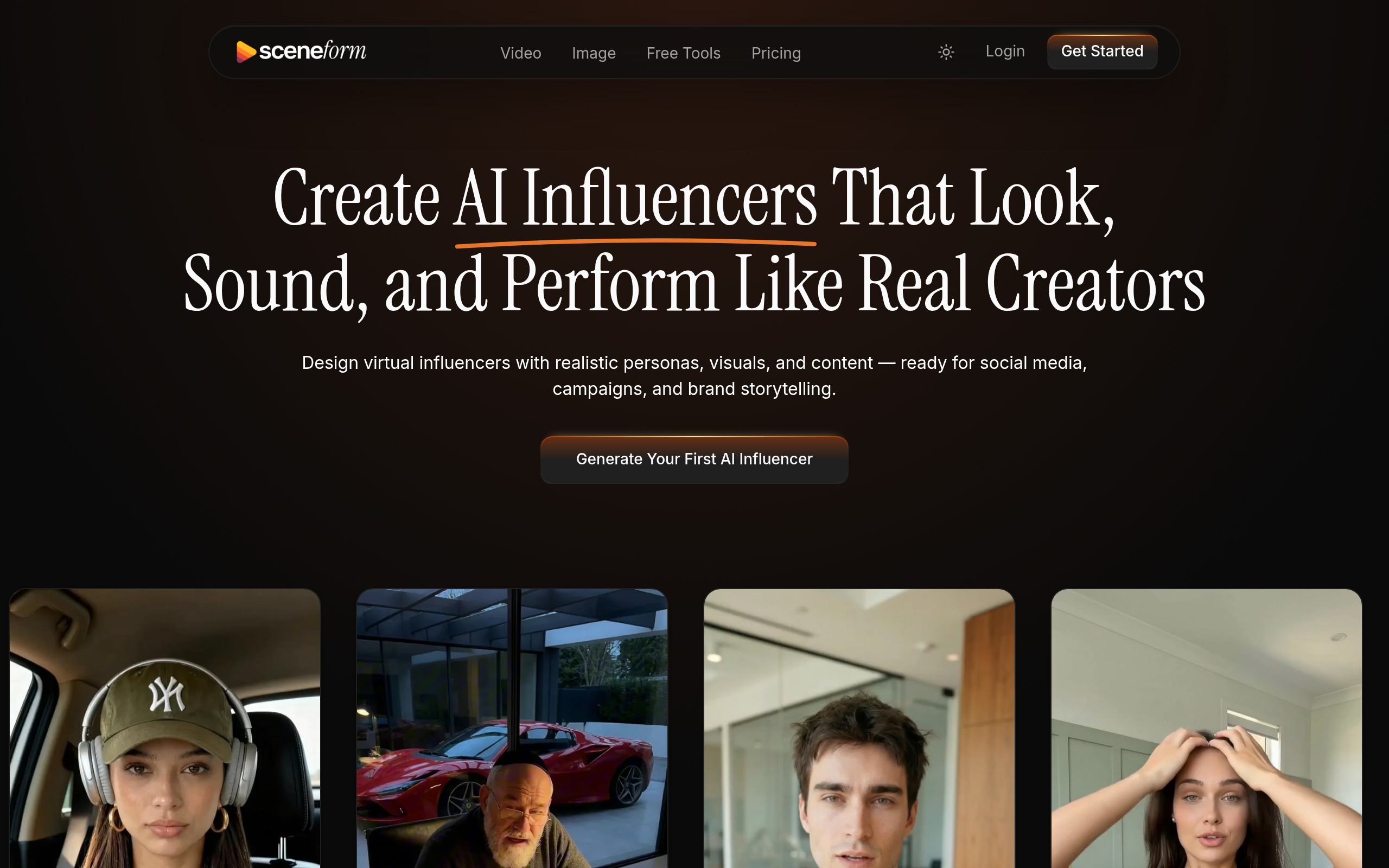
AI Influencer Generator
Sceneform.ai helps users create realistic AI influencers, UGC ads, talking avatars, and social-ready videos using reusable personas, AI voices, lip sy
About
Sceneform.ai is an AI influencer and social video creation platform that helps brands, creators, and growth teams generate realistic virtual personas, UGC-style ads, talking avatar videos, images, voices, lip sync, captions, and campaign-ready social content from one workspace. Built for platforms like TikTok, Instagram, and other short-form channels, Sceneform lets users create reusable AI personas, produce multiple content variations, batch render videos, and export assets in social-ready formats. It is designed to make high-volume creator content faster, more scalable, and easier to test without needing traditional filming, editing, or talent coordination.
Key Features
Persona Builder
Create reusable AI influencers by defining face, age range, wardrobe, personality traits, tone, and speaking tempo to ensure consistent creator identity across content.
Master Identity Lock
Anchor a persona's visual appearance, voice, and mannerisms so every video and image looks and sounds like the same creator for brand consistency.
Motion Sync & Trend Templates
Auto-map scripts and pacing to trending short-form formats with beat-matched cuts and pre-built templates for TikTok, Reels, and Shorts to mimic viral patterns.
Batch Rendering & Multi-Platform Export
Generate dozens of variants in one run and export campaign-ready assets in multiple aspect ratios and specs for native posting across social platforms.
Voice, Lip-Sync & Smart Captions
Built-in AI voices and accurate lip-sync for talking avatars plus auto-generated captions/subtitles and smart caption editing for accessibility and engagement.
How to Use AI Influencer Generator
1) Define a persona: open the Persona Builder and choose niche, visual traits, voice, personality and default styling to create a reusable influencer. 2) Add context and script: provide a short script or select a trend template and set aesthetics, pacing and target platform (TikTok, Reels, etc.). 3) Generate variants: use instant variants and batch rendering to produce multiple looks, angles, and caption variants; enable voice/lip-sync and captions. 4) Export & publish: download social-ready assets in required aspect ratios or push to campaign workflows for paid and organic posting, then iterate based on performance.