
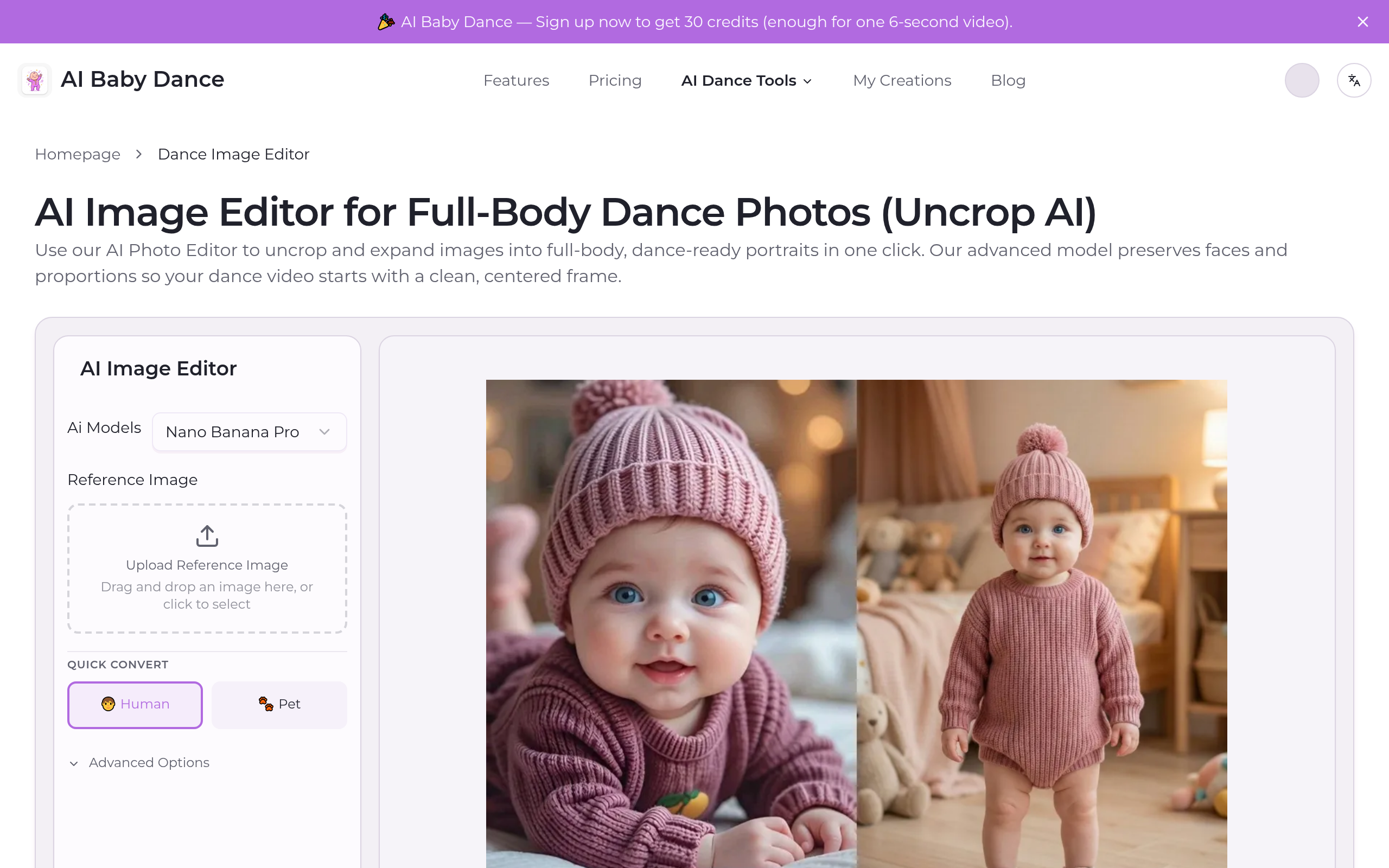
AI Image Editor for Full-Body Dance Photos (Uncrop AI)
One-click AI: Baby photos → viral dance videos instantly
About
AI Photo Editor to Uncrop, Expand, and Create Full-Body Dance Inputs Turn any portrait into a full-body, dance-ready image with an AI Photo Editor built for uncrop and expand workflows. The model delivers cleaner edges, consistent faces, and stable proportions, so your dance video generator starts with the best possible input. Full body expansion Uncrop and expand photos into complete head-to-toe frames that fit dance video templates. One-click workflow Upload, expand, and export in seconds—no editing skills, no complex prompts. Pro-grade image quality Google’s most advanced image model keeps faces sharp, backgrounds clean, and proportions realistic.
Key Features
Full‑Body Expansion (Uncrop)
Automatically rebuilds missing legs, feet and lower body to expand cropped portraits into full head‑to‑toe frames suitable for dance templates.
One‑Click Magic Editor
Simple upload → select mode → export pipeline that produces a full‑body, centered image in seconds with no manual editing or prompt crafting required.
Face & Edge Stabilizer
Pro-grade enhancement that preserves facial identity, sharp eyes, and clean hair/clothing edges to avoid blurred or drifting faces during animation.
Background Extension & Replacement
Seamlessly extends or swaps backgrounds while keeping the subject intact, producing distraction‑free, studio‑style frames that reduce motion artifacts in animations.
How to Use AI Image Editor for Full-Body Dance Photos (Uncrop AI)
1) Upload a clear, centered portrait (face sharp, torso visible). 2) Choose mode (Human or Pet) and enable Uncrop + Expand to rebuild missing lower body and extend the canvas. 3) (Optional) Select background or advanced options to replace or tidy the scene. 4) Generate and export the full‑body, dance‑ready image — use it as the input for your dance/video generator.