
AI Image Combiners
Combine two reference images with AI, assign each image a clear role, then generate, review, edit, and download one coherent new composition.
About
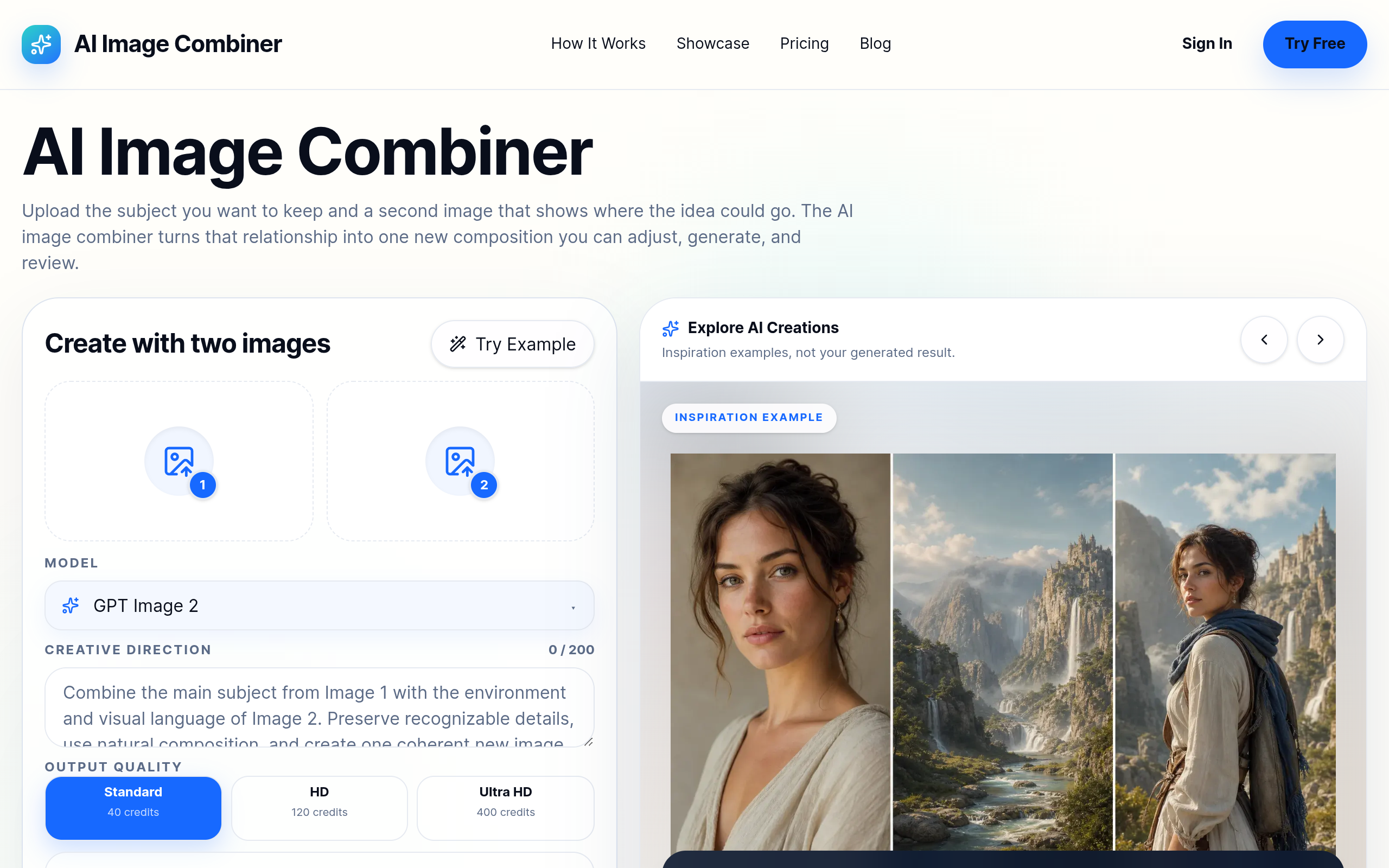
AI Image Combiner is a web-based AI image creation workspace built for combining two reference images into one newly generated composition. Upload a clear subject such as a person, pet, or product as Image 1, then use Image 2 to guide the environment, lighting, outfit, materials, palette, or composition. A focused prompt tells the AI what must stay recognizable and what may change. The workspace supports model and output-quality selection, shows the exact credit quote before generation, and keeps task states visible from upload through processing. Users can review the result, continue editing from a successful generation, and download the finished image. It is useful for pet portraits, profile images, product lifestyle scenes, original fantasy characters, and illustrated concepts. Signed-in accounts receive daily Credits. Free generations use Standard quality and include a visible site watermark; paid monthly plans add monthly Credits, image understanding, all quality tiers, longer creative directions, and results without the site watermark. Private input and generated files stop being downloadable after 24 hours.
Key Features
Two-reference generation
Assign one image to the subject and a second image to the environment, lighting, outfit, material, palette, or composition for a coherent new result.
Focused creative direction
Explain what must remain recognizable and what may change so the generation has clear, reviewable roles for both references.
Model and quality controls
Choose from currently available generation models, supported aspect ratios, and Standard, HD, or Ultra HD output tiers.
Transparent credit quote
See the exact Credit cost before submitting, with daily and subscription balances handled in a visible usage flow.
Review, edit, and download
Inspect the generated result, continue editing from a successful task, and download private files during the 24-hour availability window.
How to Use AI Image Combiners
1. Upload two JPG, PNG, or WebP reference images. Use Image 1 for the subject you want to preserve and Image 2 for the setting, lighting, outfit, material, or visual direction. 2. Write a focused creative direction explaining what must remain recognizable and what may change. 3. Sign in, choose an available model, output quality, and aspect ratio, then review the exact Credit quote. 4. Submit the generation and follow the visible task status. 5. Inspect important details such as faces, hands, paws, labels, geometry, shadows, and reflections. 6. Continue editing if needed, then download the result before the 24-hour file window ends.
Use Cases
Frequently Asked Questions
Q: What does AI Image Combiner do?
A: It uses two images as creative references for one newly generated composition. One can anchor the subject while the other guides the setting, lighting, palette, clothing, material, or layout.
Q: How is it different from a collage or image merger?
A: A collage keeps original pixels as separate layers. AI Image Combiner interprets the relationship between the references and generates new pixels for a coherent scene, so it is not an exact masking or layer-compositing tool.
Q: Will the result match my references exactly?
A: No. Every output is a new generation and can vary. Review important identity details, anatomy, text, logos, product shape, geometry, shadows, and reflections before publishing or using the result.
Q: Can I use AI Image Combiner for free?
A: Yes. Signed-in accounts receive daily Credits. Free generations use Standard quality and include a visible site watermark. Paid monthly plans add Credits and unlock more controls.
Q: How long are uploaded and generated files available?
A: Private input and generated files stop being downloadable after 24 hours. Download any result you want to keep before that availability window ends.