
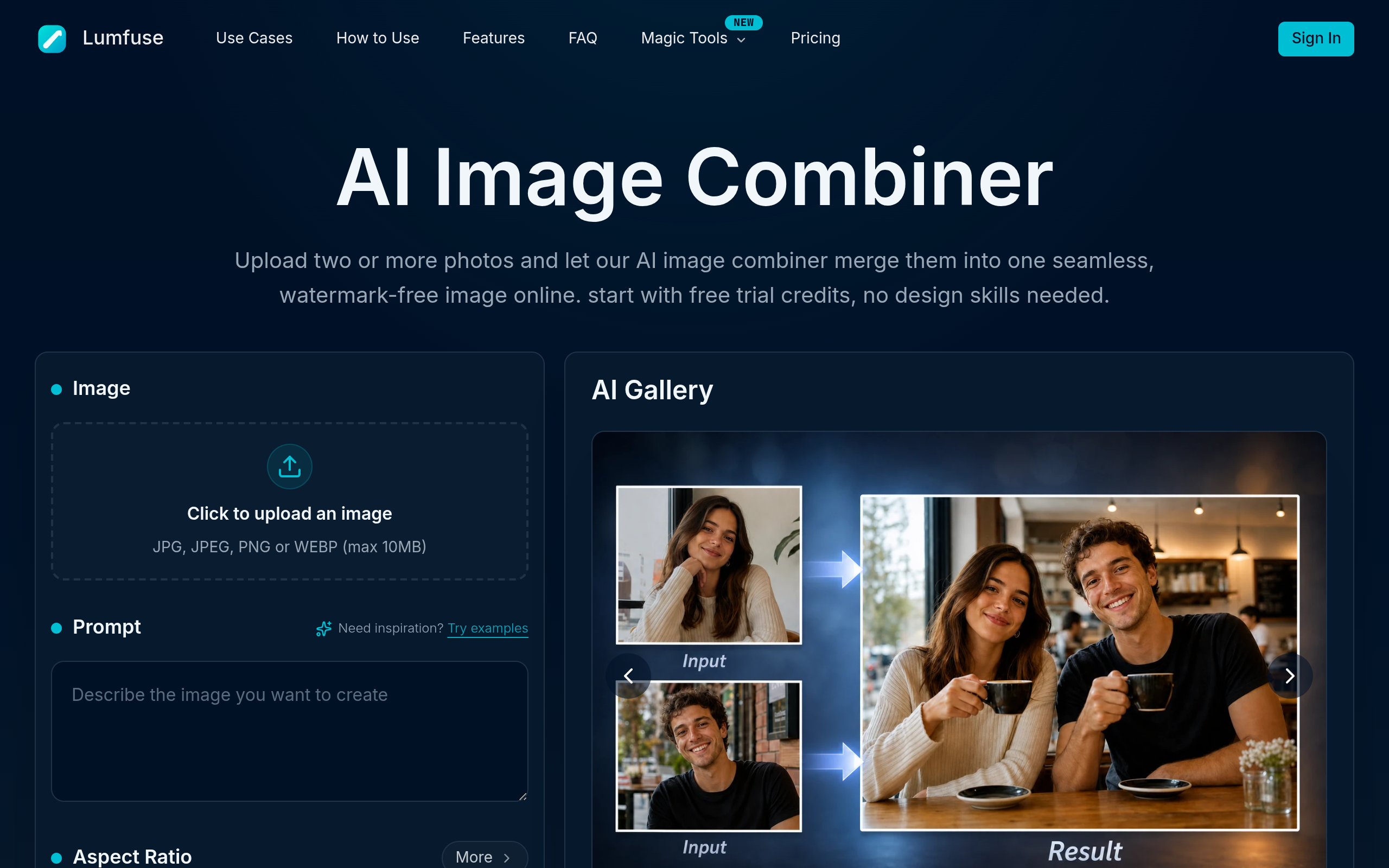
AI Image Combiner
Free online tool to merge and blend two images naturally with multiple overlay modes and adjustable opacity.
About
AI Image Combiner is a free, browser-based tool that lets you merge two images into one cohesive visual. Whether you are creating a composite photo, overlaying a logo onto a background, or blending textures for a design project, the tool gives you an intuitive canvas to position, scale, and adjust each layer. Upload a background image and a foreground image, then drag, resize, and rotate the foreground until it fits perfectly. A real-time preview shows the result instantly, so you can experiment with different placements without leaving the page. Once satisfied, download the merged image in PNG format with transparency preserved. The tool supports multiple blend modes—Normal, Multiply, Screen, Overlay, and more—so you can achieve effects ranging from subtle watermark integration to dramatic double-exposure looks. An opacity slider lets you fine-tune how strongly the foreground blends with the background, giving you full creative control. AI Image Combiner is completely free and requires no account or installation. It runs entirely in the browser, which means your images are processed locally and never uploaded to a server. This makes it a fast and privacy-friendly choice for quick editing tasks. It is especially useful for social media creators who need a thumbnail or story image, graphic designers working on mockups, marketers preparing ad creatives, and hobbyists who want to experiment with photo composites. The simple interface keeps the workflow short: upload, arrange, blend, and download. Because the tool focuses on combining rather than generating images, it works well alongside AI image generators. You can take an AI-generated background and overlay text, logos, or additional elements to produce a final asset ready for publishing.
Key Features
Intuitive Canvas & Layer Controls
Drag, resize, rotate and position foreground layers on a live canvas for precise composition and alignment.
Multiple Blend Modes
Choose from Normal, Multiply, Screen, Overlay and more to achieve subtle watermarks, double-exposure effects, or dramatic composites.
Opacity Slider & Real-time Preview
Adjust foreground opacity with an interactive slider and see instant updates in the preview to fine-tune blending.
Prompt-Guided Style Control
Add a short text prompt to guide lighting, mood, and composition so the merged image looks coherent and stylistically consistent.
Local, Privacy-Friendly Processing & PNG Export
Runs fully in the browser so images are processed locally (not uploaded), and lets you download high-resolution PNGs with transparency preserved.
How to Use AI Image Combiner
1. Open AI Image Combiner in your browser. 2. Click the upload area for the background image and select the image you want to use as the base. 3. Upload the second image (foreground) that you want to overlay. 4. Drag the foreground image to the desired position on the canvas. 5. Use the corner handles to resize and the rotation handle to rotate the overlay. 6. Choose a blend mode from the dropdown and adjust the opacity slider until the merge looks natural. 7. Preview the result in real time. 8. Click the Download button to save your combined image as a PNG file.