
AI Image Cleaner
AI Image Cleaner removes people, clutter, watermarks, and text with brush-mask AI inpainting. Three guest cleans per IP; Google sign-in unlocks starte
About
AI Image Cleaner is a free, browser-based photo cleanup tool designed for people who need to erase unwanted people, objects, text, or watermarks - and fill the hole with AI inpainting - without installing desktop software or hitting a payment wall on day one. Positioning: AI Image Cleaner is both the brand and the product domain (ai-image-cleaner.com). The homepage is the workbench (upload -> brush mask -> clean -> download). Tool landing pages under /tools/ handle specific intents such as AI object remover, remove person from photo, AI watermark remover, remove text from image AI, and remove object from photo, so the main workspace stays uncluttered. Getting started: visit https://ai-image-cleaner.com, upload a JPEG or PNG, paint only the region that should disappear, then run clean. Oversized images are resized automatically for reliable processing. Preview with before/after, then download. Guests can complete three cleans per IP with no account. Google sign-in grants 10 starter credits and 4 daily credits on the first visit each local day; each successful clean costs 2 credits. Failed jobs refund credits. Signed-in history is retained on the order of about 30 days. What AI Image Cleaner is not: it is not a full design suite, auto-detect-everything magic wand, video editor, or generative text-to-image app. You paint the mask yourself for thin wires, partial people, and mixed clutter where auto-select often fails. Monetization via paid plans is waitlisted; there is no paid subscription required for core cleaning in the MVP. Content and rights: users should only process images they own or are authorized to edit. Platform: modern desktop and mobile browsers; English and Chinese. Cloud processing requires an internet connection. Privacy and Terms explain Google account data, uploads, masks, results, guest IP hashing for quotas, retention, and processors. For directory editors and partners, contact hello@ai-image-cleaner.com. In short: AI Image Cleaner packages an
Key Features
Brush-precise Eraser
Manual brush mask lets you paint exactly the region to remove (people, wires, stamps, logos) for precise control where automatic selection often fails.
AI Inpainting Fill
Large-mask inpainting reconstructs background textures, color and grain to seamlessly fill removed areas, based on modern research (e.g., LaMa-style approaches).
Free Guest Cleans & Credit System
Guests get three free cleans per IP; Google sign-in grants starter and daily credits (each successful clean costs 2 credits) with failed jobs refunded.
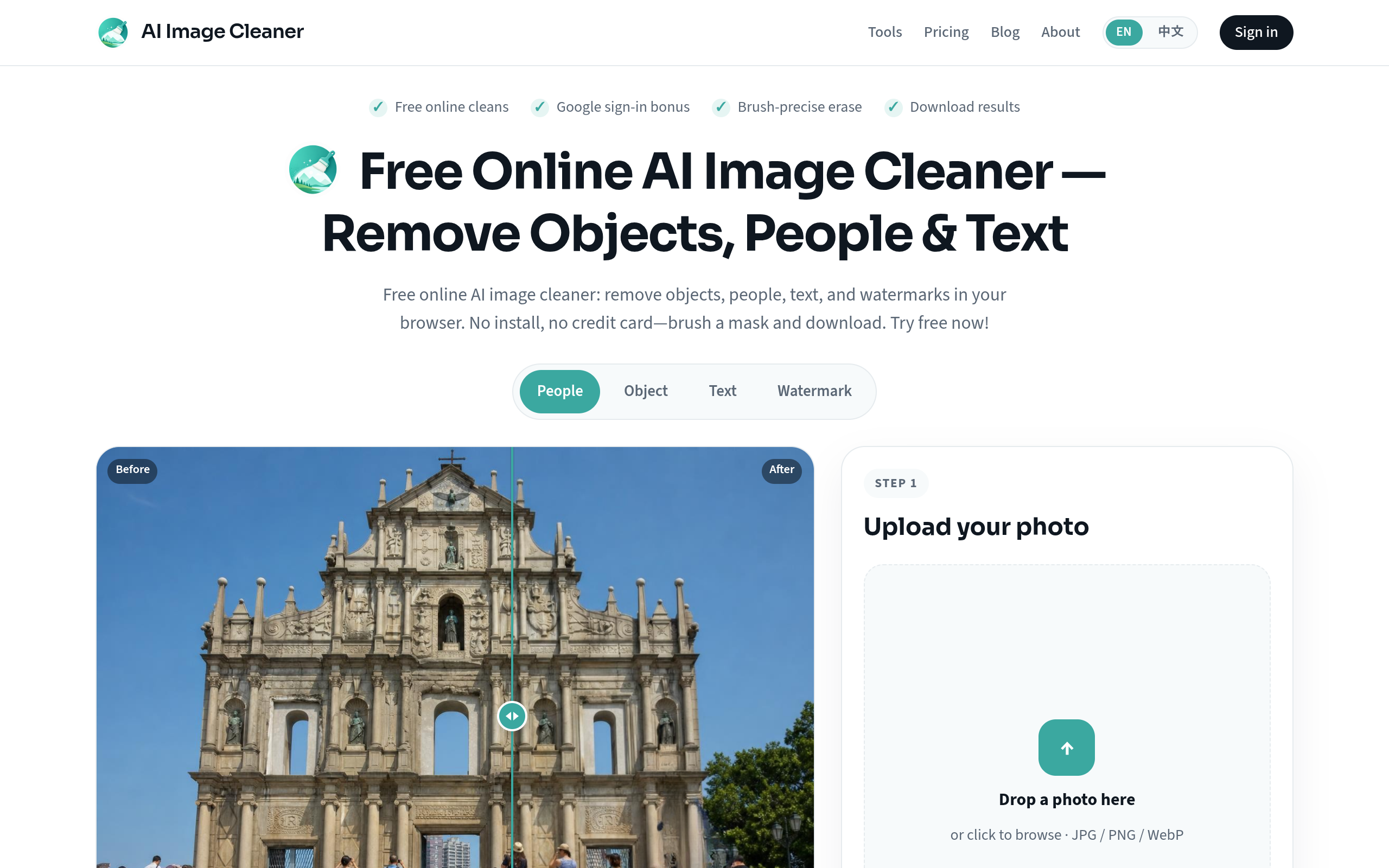
Before/After Preview and Download
Instant preview of results so you can compare original and cleaned images, then download the final JPG/PNG without installing software.
Browser-based & Mobile Friendly
Runs in modern desktop and mobile browsers (English and Chinese supported), with automatic resizing of oversized images for reliable processing.
How to Use AI Image Cleaner
- Homepage workbench: upload -> brush mask -> clean -> preview -> download - Free guest trial: 3 cleans per IP, no signup - Google sign-in: 10 starter credits + 4 daily on first visit each local day - 2 credits per successful clean; failed jobs refund credits - Brush, eraser, undo, and redo for precise masks - Automatic resize of oversized image edges - Before/after comparison preview - Tool landings for object / person / watermark / text removal - Signed-in generation history (~30 days) - English + Chinese UI - No credit card / no paid tier required in MVP (paid plans on waitlist) - Mobile-responsive web UI; no software install - Email support at hello@ai-image-cleaner.com