
AI FREE FOREVER
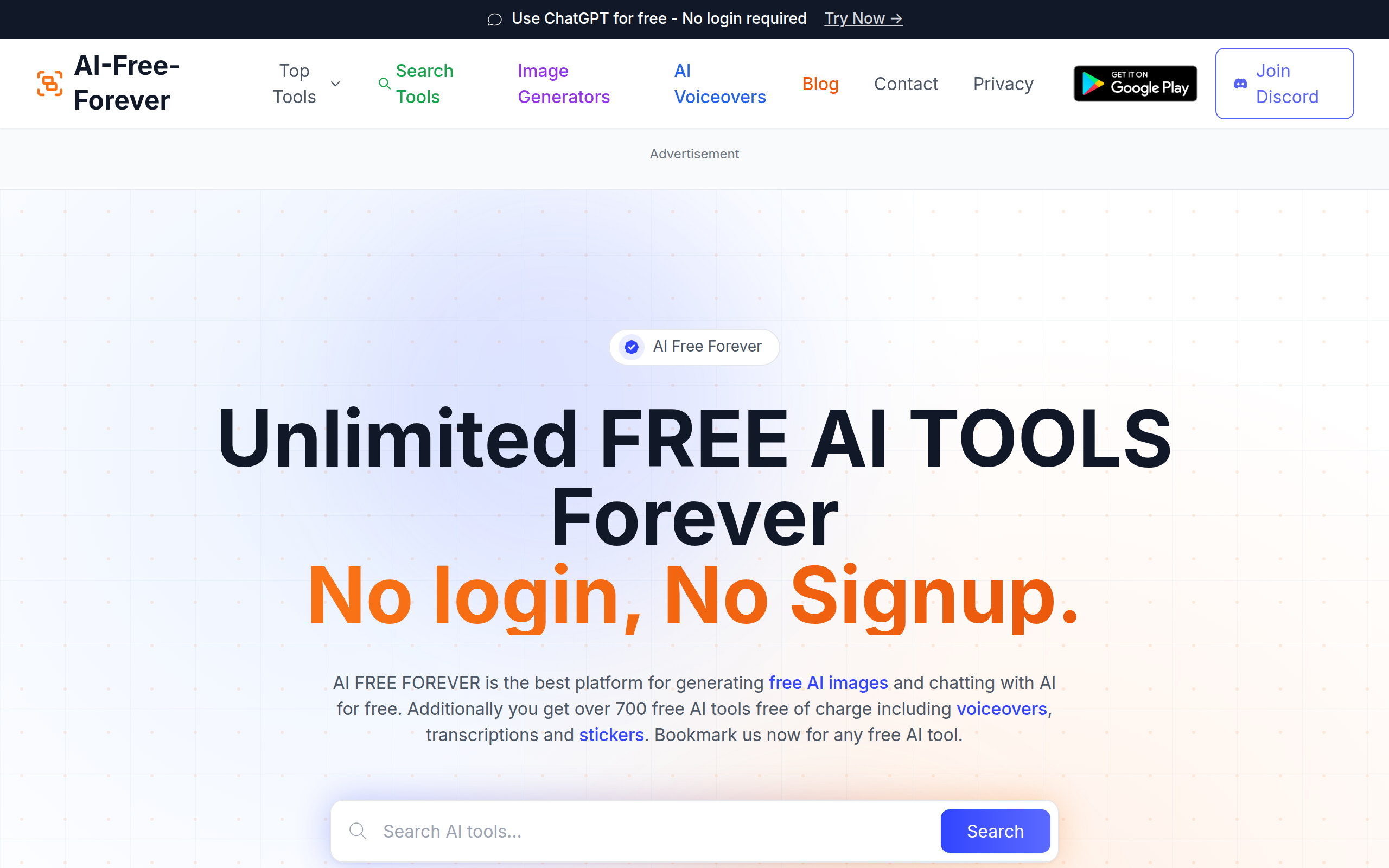
AI Free Forever provides unlimited free AI tools including image generation, chat, voiceovers, transcription, and stickers.
About
AI Free Forever is your top destination for creating images with AI and chatting with AI—completely free. Plus, you get access to over 700 additional tools at no cost, including voice generation, audio transcription, and sticker creation. Bookmark us for any free AI tool you need. AI tools deliver real value, but cost has become a barrier. Students struggle to afford $20–$50 monthly fees just to get help with essays or study materials. Freelancers and small businesses hit the same wall paying for basic features like social media posts, blog writing, or product copy feels out of reach. The outcome? People skip AI entirely instead of using it to work smarter. Creativity stalls and productivity suffers because price tags block access.
Key Features
Unlimited Free AI Tools
Access 700+ AI tools across categories with no signup, no credit card, and no usage fees—bookmark and use immediately.
Free AI Chat (LLMs)
Chat with multiple large language models (e.g., GPT-5, Gemini Flash, Qwen, Mistral) for brainstorming, Q&A, and content generation.
AI Image Generators
Generate images in many styles (realistic, anime, watercolor, cyberpunk, portraits, landscapes, and more) from text prompts.
Text-to-Speech & Voiceovers
Convert text into natural-sounding speech with multiple male and female voices for videos, audiobooks, and narration.
Speech-to-Text & Audio Transcription
Transcribe audio with AI-powered speech recognition (OpenAI Whisper) supporting 99+ languages, ideal for podcasts, interviews, and lectures.
How to Use AI FREE FOREVER
1) Open https://aifreeforever.com and use the search or top tool menu to find the tool you need (Chat, Image Generator, Transcription, Voiceover, Sticker Maker, etc.). 2) Select the tool, then enter your text prompt or upload your file (image or audio) and choose style/voice/settings. 3) Click Generate / Transcribe / Start Chat; review results and adjust prompts or settings to refine output. 4) Download or copy the generated image, audio, or transcript; repeat as needed — no login required.