
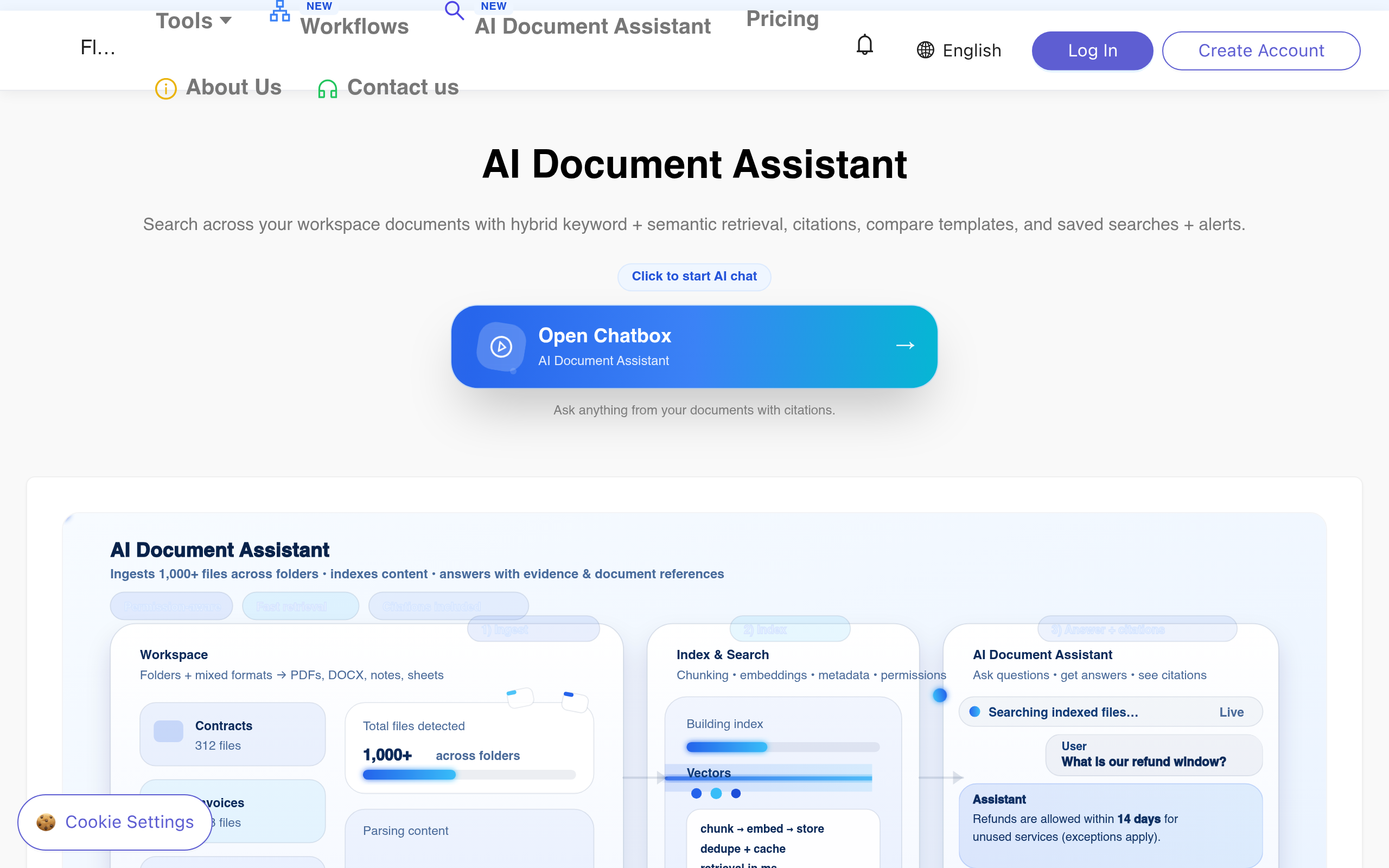
AI Document Assistant
Search across your workspace documents with hybrid keyword + semantic retrieval, citations, compare templates, and saved searches + alerts.
About
An AI Document Assistant is not just a convenience tool — it is a strategic asset. By combining automation, contextual understanding, and intelligent interaction, it transforms how documents are created, analyzed, and managed.
Key Features
Hybrid Retrieval (Keyword + Semantic)
Combines traditional keyword search with semantic vector retrieval so queries return relevant results even when exact keywords aren't present.
Citations & Source Linking
Answers include inline citations and direct links to source documents or passages so users can verify and trace information back to the original content.
Saved Searches & Alerts
Save frequent searches and receive alerts when new documents match saved queries or when relevant content changes in your workspace.
Template Comparison & Versioning
Compare document templates or versions side-by-side to identify differences, track changes, and standardize outputs across teams.
Multi-format Document Support & Integrations
Index and search PDFs, Word docs, spreadsheets, and cloud storage content with permission-aware access and connectors to common workspace platforms.
How to Use AI Document Assistant
1) Connect your workspace or upload documents (cloud drives, PDFs, Word, spreadsheets) and set access permissions. 2) Let the assistant index the content—configure retrieval settings (keyword vs semantic weighting) and enable citation preferences. 3) Ask natural-language questions or run keyword queries to find documents; refine results using filters, template comparison, or citation links. 4) Save important searches, enable alerts for new matching docs, and export or share findings with direct links to source passages.