
AI Convert Hub
Batch convert and compress MP4/MOV, MP3/WAV, JPG/PNG/WEBP and 200+ formats with codec-aware presets, AI compression, and secure routing.
About
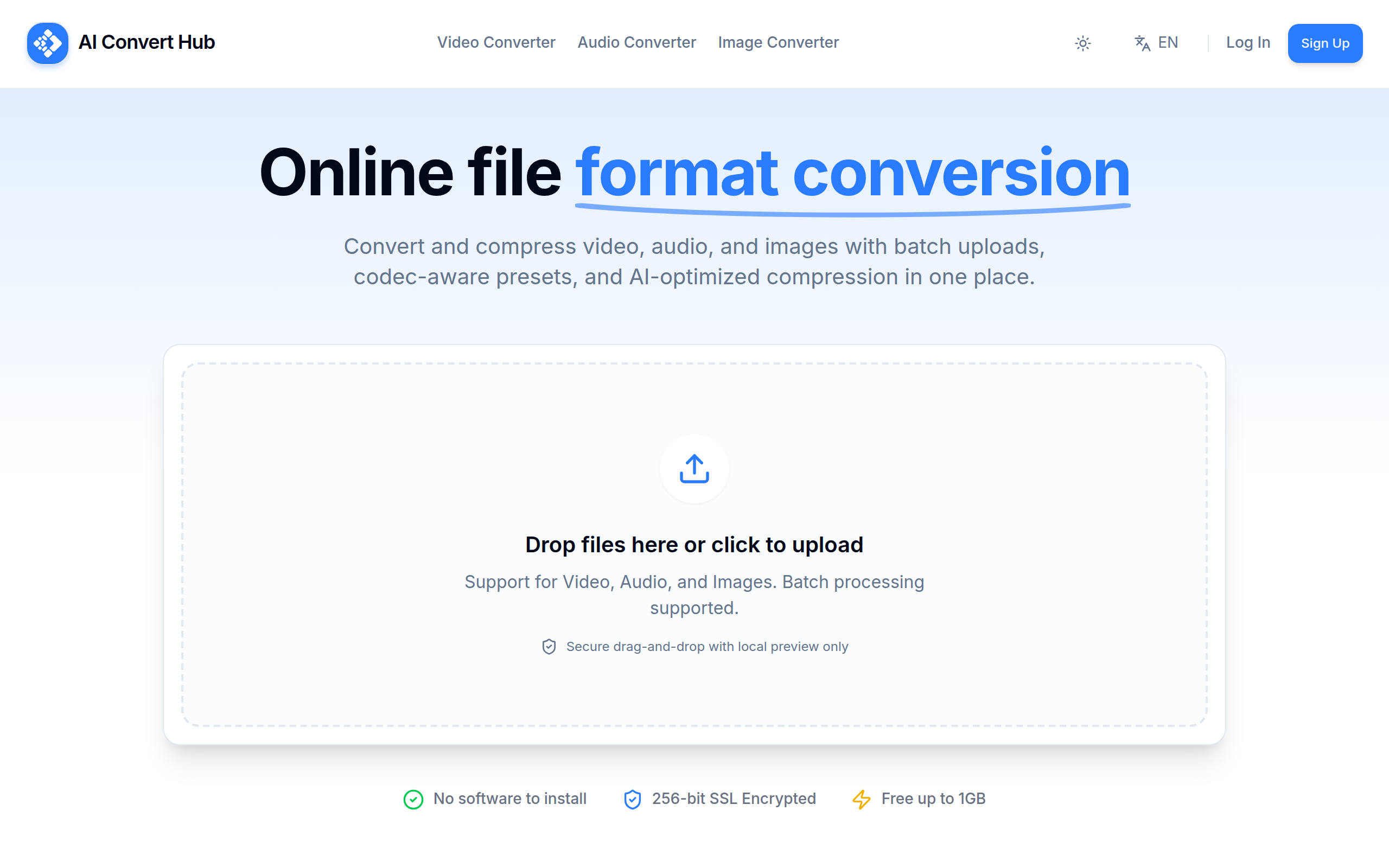
AI Convert Hub is an online file conversion and compression platform for video, audio, and images, built for speed, control, and security, supporting 200+ formats (MP4/MOV/WEBM/AVI, MP3/WAV/AAC/FLAC, JPG/PNG/WEBP/AVIF/HEIC/RAW), running in the browser with no software install, handling batch uploads or folders in one drag-and-drop flow, using a distributed pipeline and AI-tuned compression to keep quality high while shrinking size, with transfers protected by 256-bit SSL and optional post-processing cleanup to ensure privacy, offering power users codec-aware controls such as video codec, resolution, CRF/bitrate, frame rate, pixel format, profile, and preset; audio codec, bitrate, sample rate, channels, VBR; image resize and quality; plus custom command parameters, with a free tier up to 1GB to help creators, developers, and teams convert or compress 4K/HD video, podcasts and music, or web-ready images fast, featuring dedicated video/audio/image converter pages, a 200+ format library for from/to routes, multi-language and light/dark modes, clear status indicators for uploading, queued, processing, and finished tasks, and one-click CTAs to add more files, clear all, and download results, while SEO-friendly positioning highlights “online file converter,” “video converter,” “audio converter,” “image converter,” “batch converter,” “file compressor,” and “200+ formats,” emphasizing fast, secure, and quality-preserving conversion in the browser.
Key Features
Online file converter (200+ formats)
MP4/MOV/WEBM/AVI, MP3/WAV/AAC/FLAC, JPG/PNG/WEBP/AVIF/HEIC/RAW; browser-based, no software install.
Batch converter with drag-and-drop
Multi-file/folder uploads, sticky convert CTA, clear states (uploading/queued/processing/finished), quick add-more/clear-all/download actions.
AI-optimized compression + FFmpeg
Fast, quality-preserving conversion for 4K/HD video, podcasts, and web-ready images.
Advanced codec controls
Video codec, resolution, CRF/bitrate, frame rate, pixel format, profile, preset; audio codec, bitrate, sample rate, channels, VBR; image resize/quality; custom command parameters.
Secure, private, and free tier
256-bit SSL, local preview-only uploads, optional cleanup after processing; free up to 1GB; SEO focus on “online video converter”,“audio converter”,“image converter”,“batch converter”,“file compressor”.
How to Use AI Convert Hub
Upload one or multiple videos, audio files, images, or documents, choose your desired format or compression settings, apply optional presets for social platforms, click Start to process, and download your optimized files — all without installing any software.
Use Cases
Frequently Asked Questions
Q: Is AI Convert Hub free to use?
A: Yes! The basic conversion and compression features are completely free. There may be limits on file size for free users, but you can upgrade for larger files and faster speeds.
Q: Do I need to install any software?
A: No installation required. AI Convert Hub works entirely in your browser — just upload, convert, and download.
Q: What file formats do you support?
A: We support over 200 formats, including MP4, MOV, AVI, MP3, WAV, FLAC, JPG, PNG, WebP, PDF, and more.
Q: Is my data secure?
A: Yes. Files are processed securely, and we automatically delete them from our servers within a short time after conversion.