
AI Content Shield
Hide Google AI Overviews and block AI videos & posts on YouTube, social media, & the web. Private, on-device, works just like your favorite ad blocker
About
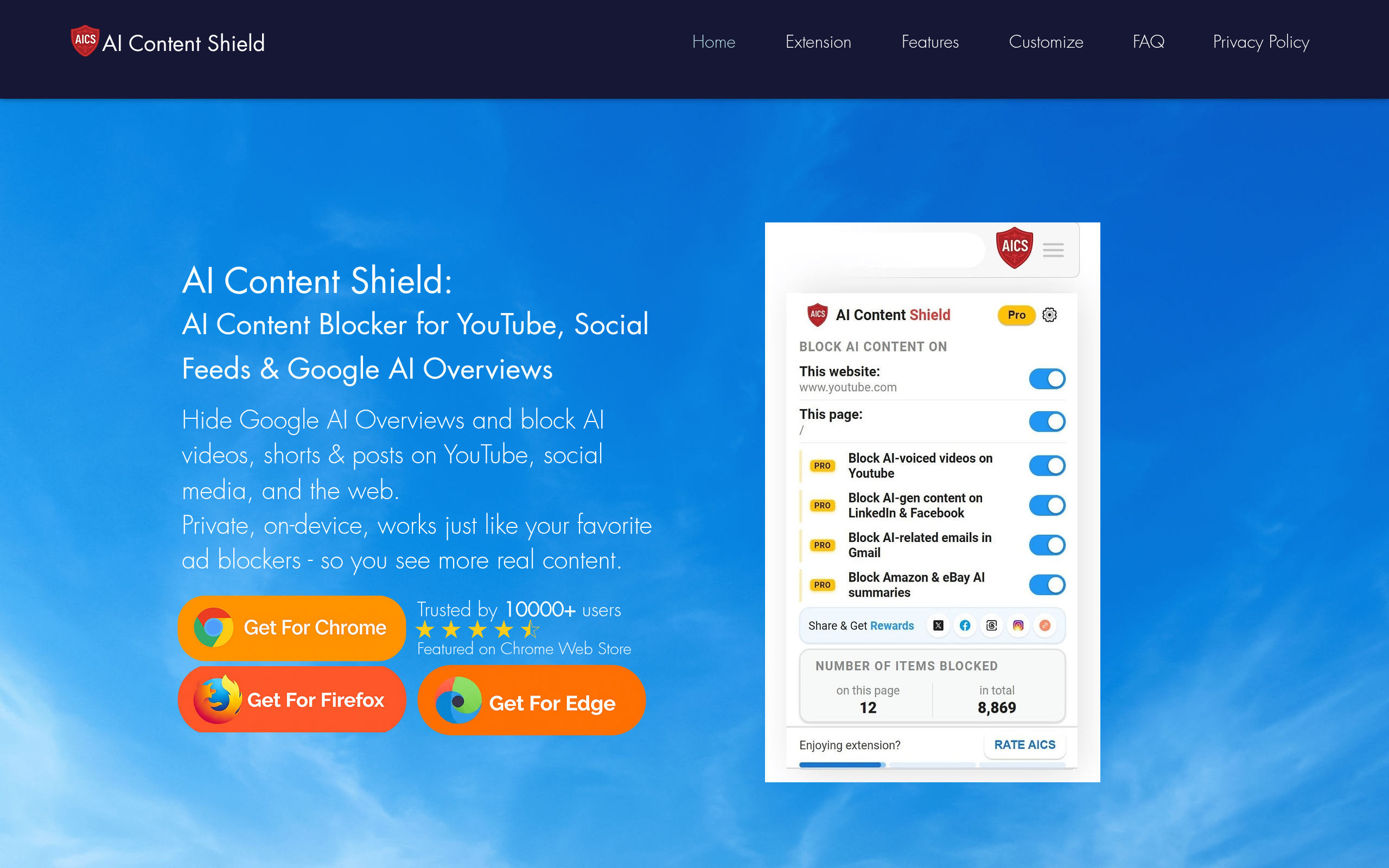
AI Detector & AI Content Blocker - AI Content Shield: Block Google AI overviews, AI videos, posts on YouTube, social media, and web. 60% of Internet Content Is AI-Generated. Save hours by automatically blocking AI content so you only see what’s real and worth your time. Free features: - Block AI-generated YouTube videos, Shorts, recommendations, AI music channels, and AI video summaries. - Hide Google AI Overviews, AI Mode, Bing/DuckDuckGo AI answers, AI images, and AI buttons on search engines. - Filter AI content on TikTok, X, Instagram, Facebook, Threads, Reddit, Pinterest, Spotify, YouTube Music, and other websites. View real-time blocked content stats. PRO features: - Advanced AI voice detection on YouTube, Instagram & TikTok - Custom YouTube channel blocking - LinkedIn/Facebook AI text filtering, Gmail AI/email filtering, news site AI blocking - Custom keyword rules, Focus Mode scheduling, advanced local analytics, and UI themes.
Key Features
Cross‑site AI Blocking
Block AI‑generated videos, shorts, posts and summaries across major platforms (YouTube, TikTok, X, Instagram, Facebook, Reddit, Pinterest, Spotify, news sites and search engines).
Hide Search AI Overviews
Remove or hide Google AI Overviews, Bing/DuckDuckGo AI answers, AI images and AI buttons so search results focus on original content.
Advanced AI Voice & Video Detection (Pro)
Pro-level on-device detection that identifies AI‑voiced videos and AI‑generated content on YouTube, Instagram and TikTok to filter synthetic voices and clips.
Custom Filters & Scheduling (Pro)
Create custom keyword rules, block specific channels, schedule focus mode blocking, apply platform-specific rules and choose UI themes.
Private Local Analytics
View real-time local stats of blocked content, showing how many AI items were filtered without sending your browsing data to external servers.
How to Use AI Content Shield
1) Install the AI Content Shield browser extension from the official site or Chrome Web Store. 2) Open the extension panel and enable platform toggles (YouTube, Search Engines, TikTok, X, Instagram, etc.) to start blocking AI content immediately. 3) (Optional) Upgrade to Pro to enable advanced voice/video detection, custom channel blocking and Gmail/news filtering. 4) Customize keyword rules, schedule Focus Mode and review local blocked‑content stats in the extension settings.