
AI Comic Book Maker
AI Comic Book Maker — Your Story, Panel by Panel
About
AI comic book maker for your original stories. Plan four editable story beats and download a free text storyboard in your browser. AI artwork and paid plans are coming soon.
Key Features
Free in‑browser Story Workspace
Write and edit your story seed directly in your browser—no signup or account required. Drafts remain local to the tab for privacy.
Four editable panel beat planner
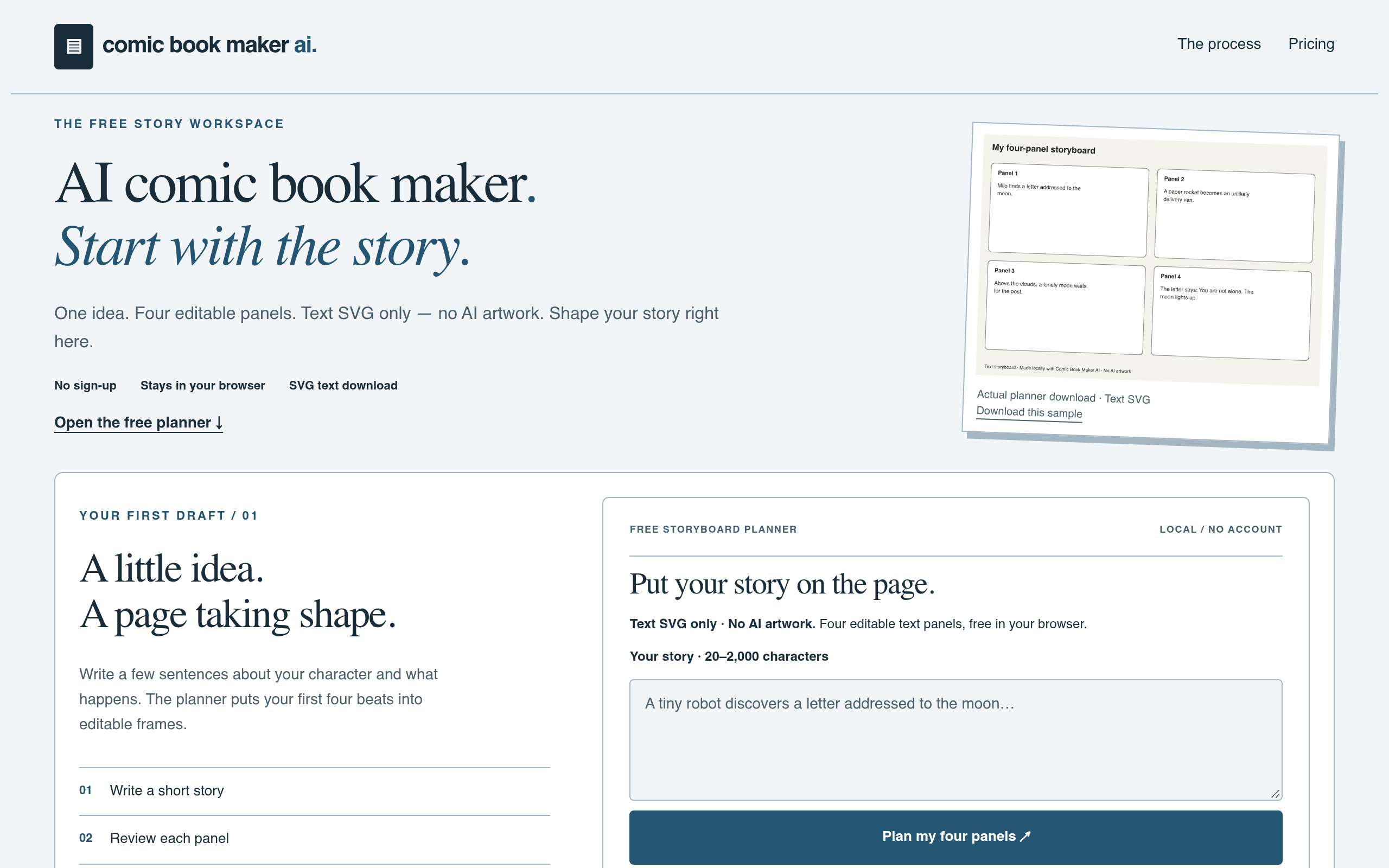
Automatically splits your input (20–2,000 characters) into four story beats displayed in framed panels you can edit, reorder, and refine.
SVG storyboard export
Download an SVG file containing four panel frames and your edited captions—ready for reference, printing, or further design work.
Local drafts & privacy-first workflow
Your draft is stored only in your browser tab (no upload). Use the Clear my draft option to remove it instantly.
AI artwork & paid plans (coming soon)
Planned future features include AI-generated illustrations and premium plans to pair artwork with your storyboard.
How to Use AI Comic Book Maker
1) Start with a short story seed (a few sentences) in the planner input. 2) Review and edit the four generated panel captions in the built-in editor—move panels Earlier or Later to change order. 3) Refine wording and panel sequence until satisfied. 4) Download the text storyboard as an SVG or use Clear my draft to remove the local draft.