
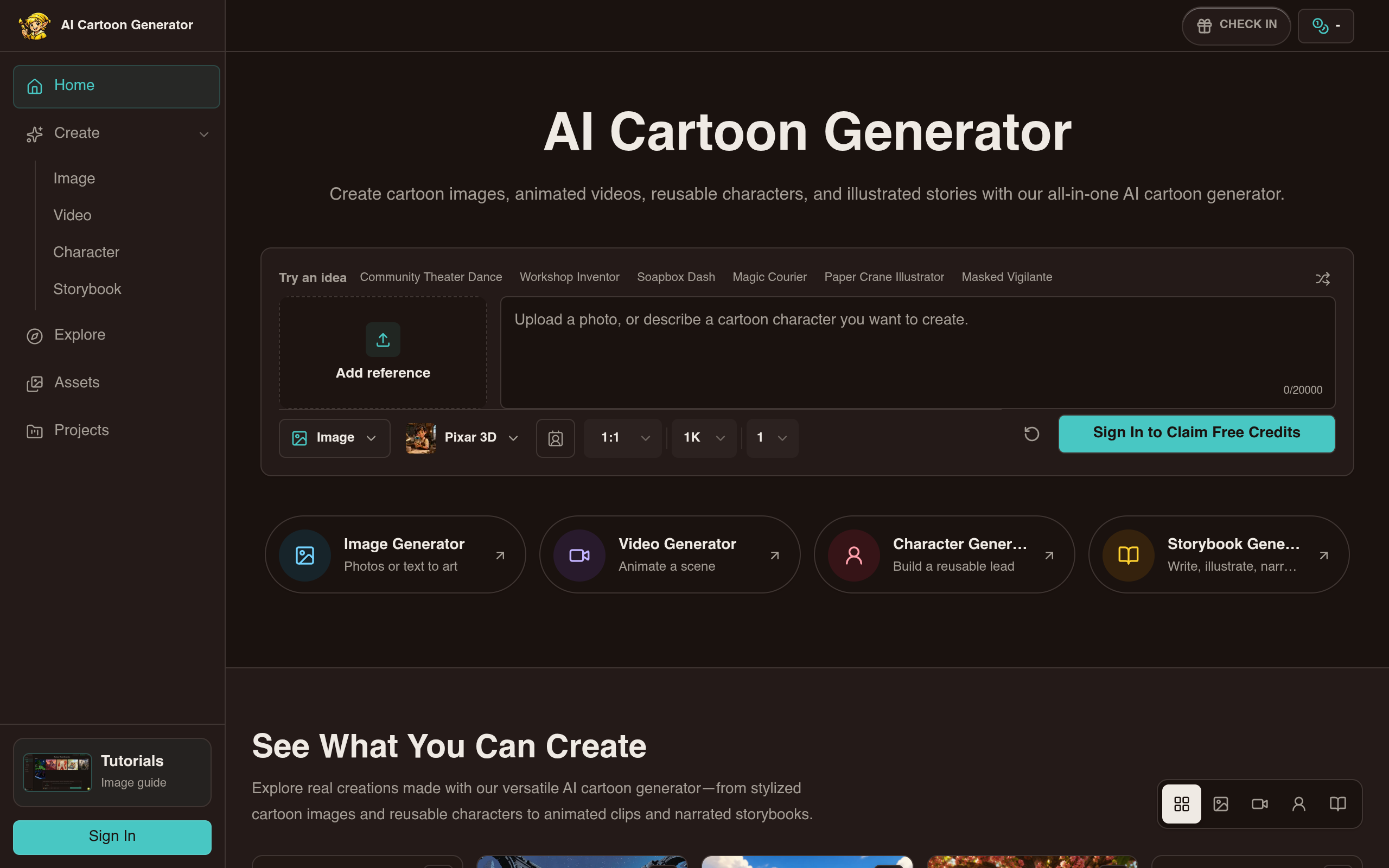
AI Cartoon Generator
All-in-one AI cartoon generator: turn photos and prompts into cartoon images, videos, reusable characters, and narrated storybooks.
About
AI Cartoon Generator is an all-in-one creative studio that turns photos, references, saved characters, and written ideas into cartoon images, animated videos, reusable characters, and illustrated storybooks. Four dedicated creation types: the Image Generator turns photos into cartoon art or creates original scenes from text prompts, references, and selected styles; the Video Generator animates any still creation with subject movement, camera motion, and short actions; the Character Generator designs and saves a consistent character to reuse across poses, expressions, scenes, and stories; and the Storybook Generator develops an idea into illustrated pages with page-by-page narration and shareable books. A shared style library spans Pixar 3D, Ghibli, Disney, Marvel, Minecraft, LEGO, pixel art, anime, watercolor, and cel shading. Free to try online in nine languages.
Key Features
Image Generator
Convert photos or text prompts into stylized cartoon images with selectable art styles (Pixar, Ghibli, anime, pixel art, watercolor, etc.) and control over composition, lighting, and pose.
Video Generator
Animate still creations into short clips by directing subject movement, camera motion, and simple actions — exportable as shareable animated videos.
Character Generator
Design, save, and reuse consistent characters across poses, expressions, scenes, and formats so a single character identity persists between images, videos, and storybooks.
Storybook Generator with Narration
Turn ideas into illustrated, multi-page storybooks with page-by-page narration, editable text, and shareable book exports for read-aloud or publication.
How to Use AI Cartoon Generator
1) Choose a source: upload a photo for likeness-based art, enter a text prompt for original scenes, or load a saved character for continuity. 2) Pick a style and refine visuals: select from styles (Pixar, Ghibli, anime, pixel, LEGO, watercolor, etc.) and set pose, setting, composition, and lighting. 3) Select the output type: create a single image, save a reusable character, animate the scene into a short video, or build a narrated storybook. 4) Review and export: tweak results with iterative edits, save to Projects/Assets, then download or share your image, video, character pack, or storybook.