
AI Botkit
Train an AI chatbot on your content, deploy it on your website in minutes, and let your team take over live when the conversation needs a human touch.
About
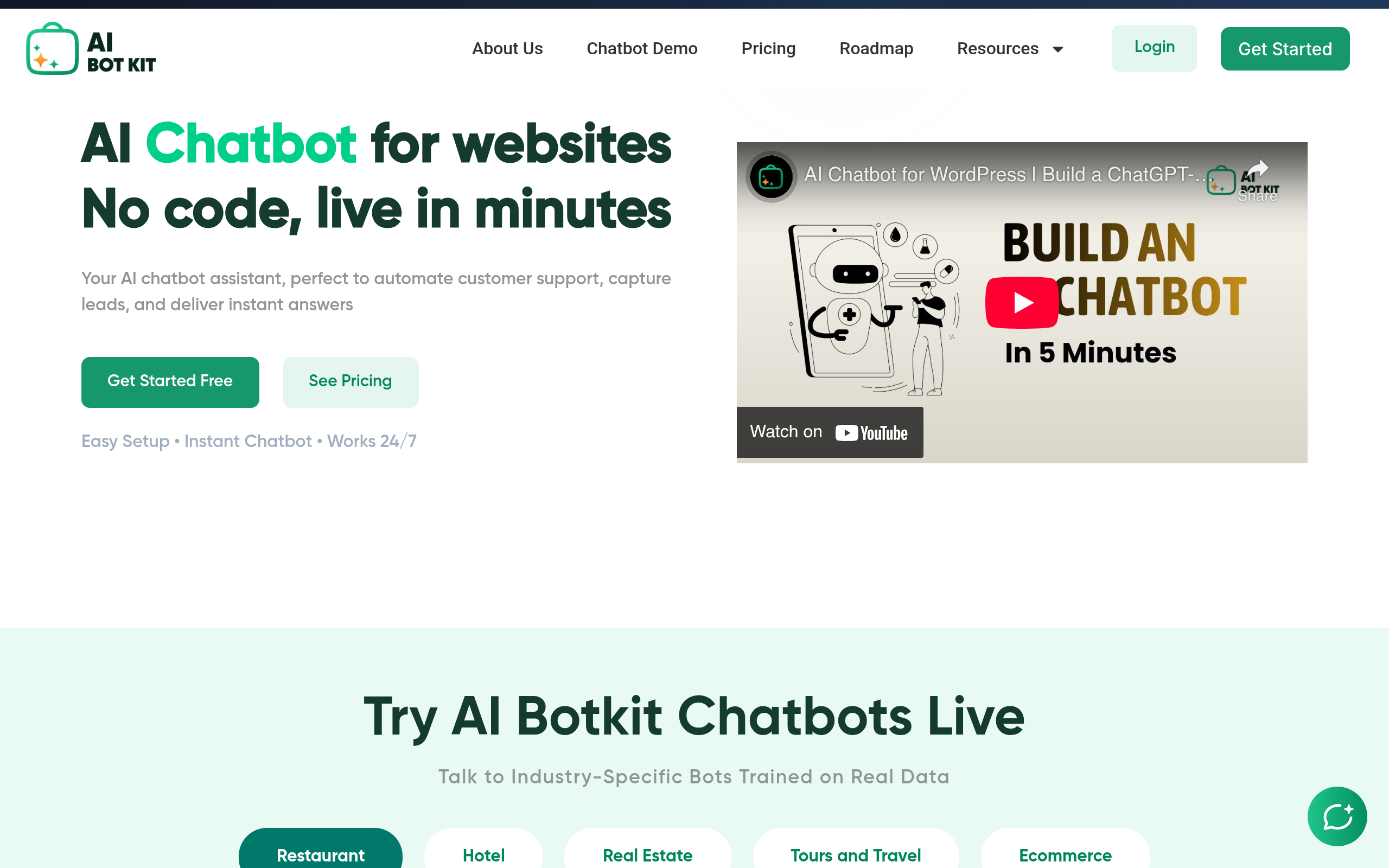
AIBotKit is a simple, no-code platform that helps businesses create and manage AI chatbots. You don’t need any technical skills. In just a few minutes, you can train your chatbot using your own content like FAQs, documents, or website links, and start using it on your site. It helps you: Answer customer questions automatically Capture leads Engage visitors 24/7 If needed, your team can take over the conversation anytime through a smooth human handoff. AIBotKit comes with: A clean chat widget for your website Multi-channel support (use it across platforms) Analytics to track chatbot performance Support for 75+ languages Easy customization to match your brand It’s built for business owners, marketers, and agencies who want to quickly add smart chatbots to their own or their clients’ websites.
Key Features
No-code Training from Your Content
Train the chatbot by uploading documents (PDF, DOCX, TXT), adding website links, FAQs, or YouTube videos — the bot learns from your content without any coding.
Easy Website Embed & Multi-channel
Deploy the chat widget with a single embed code or smart link. Works on WordPress, Squarespace and any landing page; supports multi-channel usage.
Human Handoff & Team Takeover
Seamlessly transfer conversations to a live agent anytime, allowing your team to step in when interactions need human attention.
Analytics & CRM-ready Lead Capture
Built-in analytics to track chat performance (chat logs, missed queries, lead volume) and export captured leads or integrate with CRMs for follow-up.
Customization & Multilingual Support
Customize welcome messages, tone, avatar, colors and themes; supports 75+ languages and right-to-left locales for global audiences.
How to Use AI Botkit
1) Sign up and create a bot: Register on AI Botkit and start a new chatbot project. 2) Add training content: Upload FAQs, documents, website URLs or YouTube links so the bot can learn your knowledge base. 3) Customize appearance & behavior: Edit the welcome message, conversational tone, avatar and color scheme to match your brand. 4) Deploy & monitor: Embed the provided script or share a smart link to go live on your site, set up integrations (CRM, WhatsApp, Google Calendar), and track performance in the analytics dashboard. Use live handoff when a conversation needs a human.