
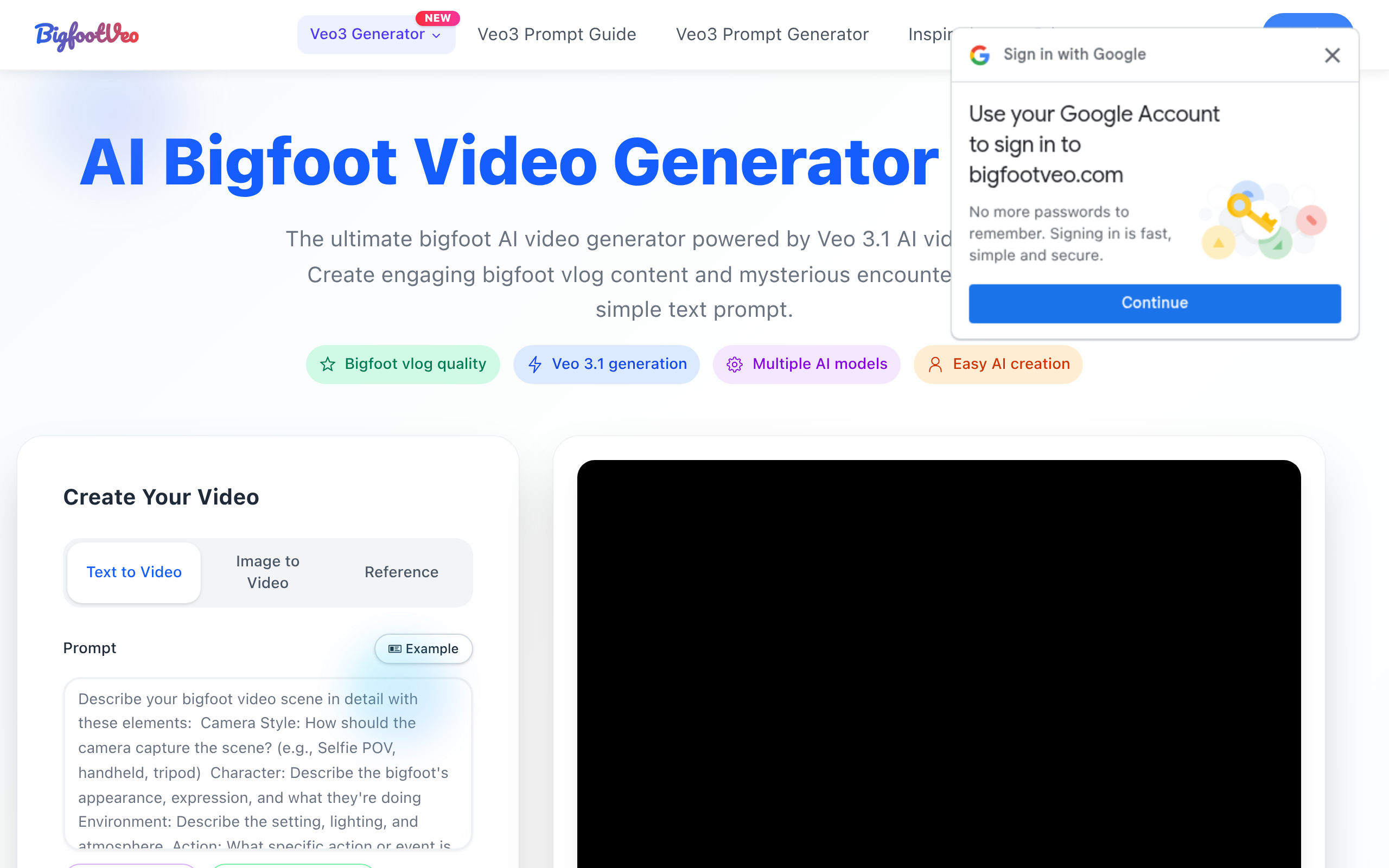
AI Bigfoot Video Generator
BigfootVeo - AI Bigfoot video Generator use google Veo 3.1 AI
About
AI Bigfoot Video Generator brings your bigfoot stories to life with Veo 3 technology. Create HD, loop-ready, TikTok-style AI bigfoot content in seconds — no camera needed.
Key Features
Text-to-Video (Veo 3.1)
Generate high-quality AI videos from simple text prompts using Veo 3.1, optimized for realistic Bigfoot scenes and natural motion.
Image-to-Video & Image Reference
Turn images or image references into animated scenes or guide the AI's visual style and composition for more controlled results.
Multiple Models & Presets
Choose between models (Veo 3.1, LTX-2, etc.) and presets for speed vs. quality to match your output needs (fast demo or pro HD).
Aspect Ratio & Loop-ready Outputs
Export in common aspect ratios including 9:16 for TikTok/Reels and 16:9 for YouTube, with options for loop-ready clips suitable for short-form platforms.
HD Download & Commercial License
Download finished videos in HD (MP4) and purchase plans that include commercial-use permissions, priority processing, and support.
How to Use AI Bigfoot Video Generator
1) Sign up or log in and buy credits if needed. 2) Open the AI Bigfoot Video Generator and choose a mode (Text-to-Video or Image-to-Video) and select the Veo 3.1 model (or another model). 3) Enter a descriptive prompt (e.g., "Yeti tracks fresh snow at dawn") or upload an image reference; set aspect ratio (9:16 for TikTok) and presets. 4) Click Generate, review results, refine the prompt if needed, then download the HD MP4 or save/share the loop-ready clip.