
AGNT
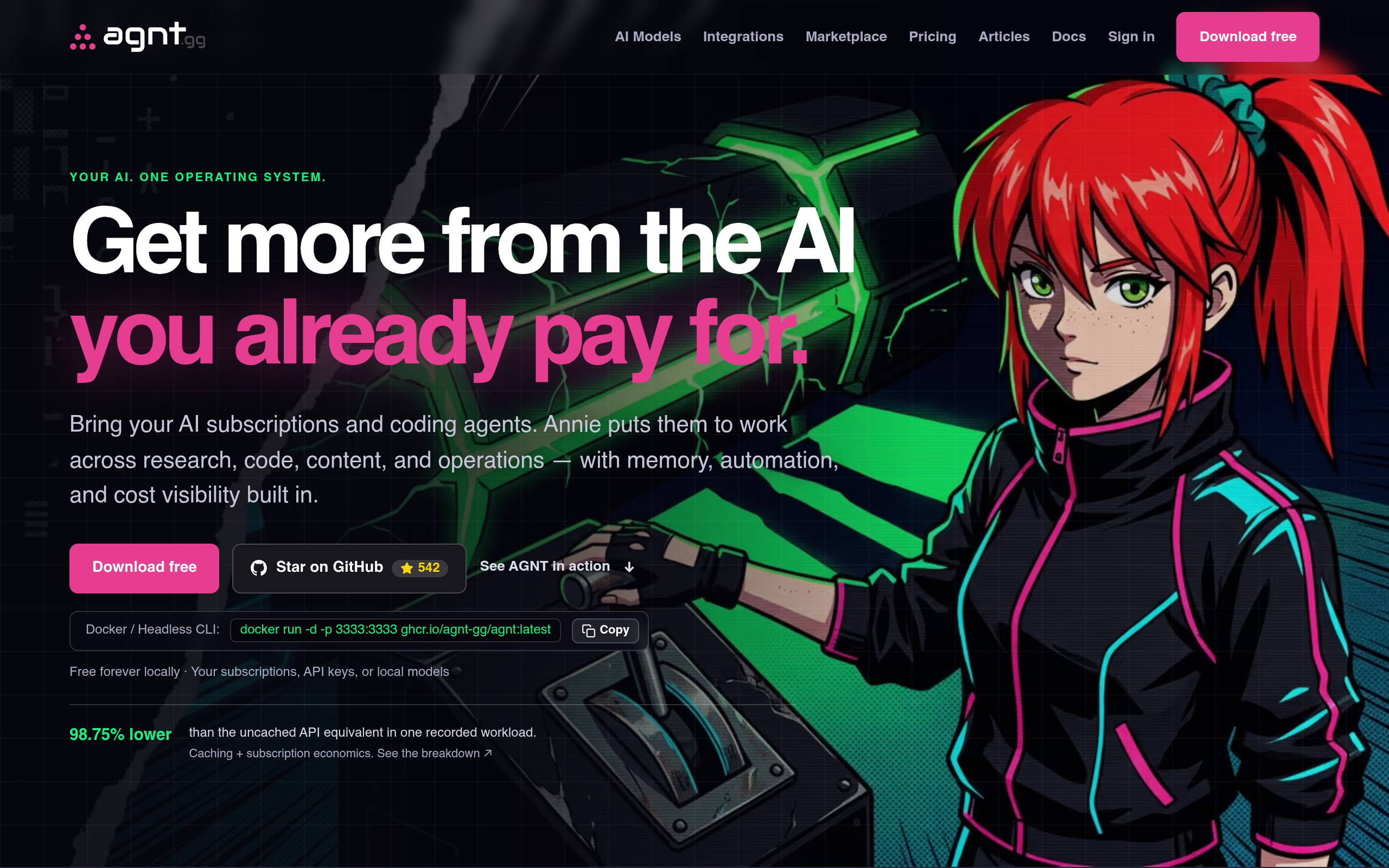
Build and run AI agents, visual workflows and goal-driven automation in one local-first workspace.
About
Bring your AI subscriptions, models, and coding agents into one workspace. Annie coordinates research, code, content, and operations with memory, automation, and cost visibility built in. AGNT is a local-first agent operating system for agents, visual workflows, goals, persistent memory, tools, plugins, MCP connections and execution traces. Use desktop apps for Windows, macOS and Linux, or self-host the backend. Community Core is free for self-run local use; optional paid cloud plans and third-party AI costs are separate. Official logo: https://raw.githubusercontent.com/agnt-gg/agnt/main/assets/icon.png . Screenshot: https://agnt.gg/_assets/images/chat-ui-md-1.png
Key Features
Annie — Built-in Coordinator Agent
A persistent local assistant that builds and coordinates agents, workflows, tools and retains memory across tasks to improve continuity and contextual accuracy.
Visual Workflows
Drag-and-drop workflow canvas to connect triggers, tools, code, and approvals so repeatable jobs can be inspected, run, and iterated visually.
Local-first with Self-hosting
Run Community Core locally on macOS, Windows, or Linux (Docker supported) with optional cloud plans — keep data and execution on your machines if desired.
Integrations & Tooling
Native connectors and plugins for providers and tools (OpenAI-compatible models, ChatGPT, Claude, Google AI, GitHub, Gmail, Google Drive, Slack, Notion, etc.) plus a registry of 100+ actionable tools.
Execution Traces, Memory & Cost Visibility
Persistent memory, detailed execution traces, approvals, evidence, and per-task cost tracking to keep operations transparent and auditable.
How to Use AGNT
Download AGNT from https://agnt.gg/downloads/ or self-host it. Connect a supported AI provider or local model. Start a chat with Annie, create an agent, or build a visual workflow. Review results and execution traces in the workspace.