
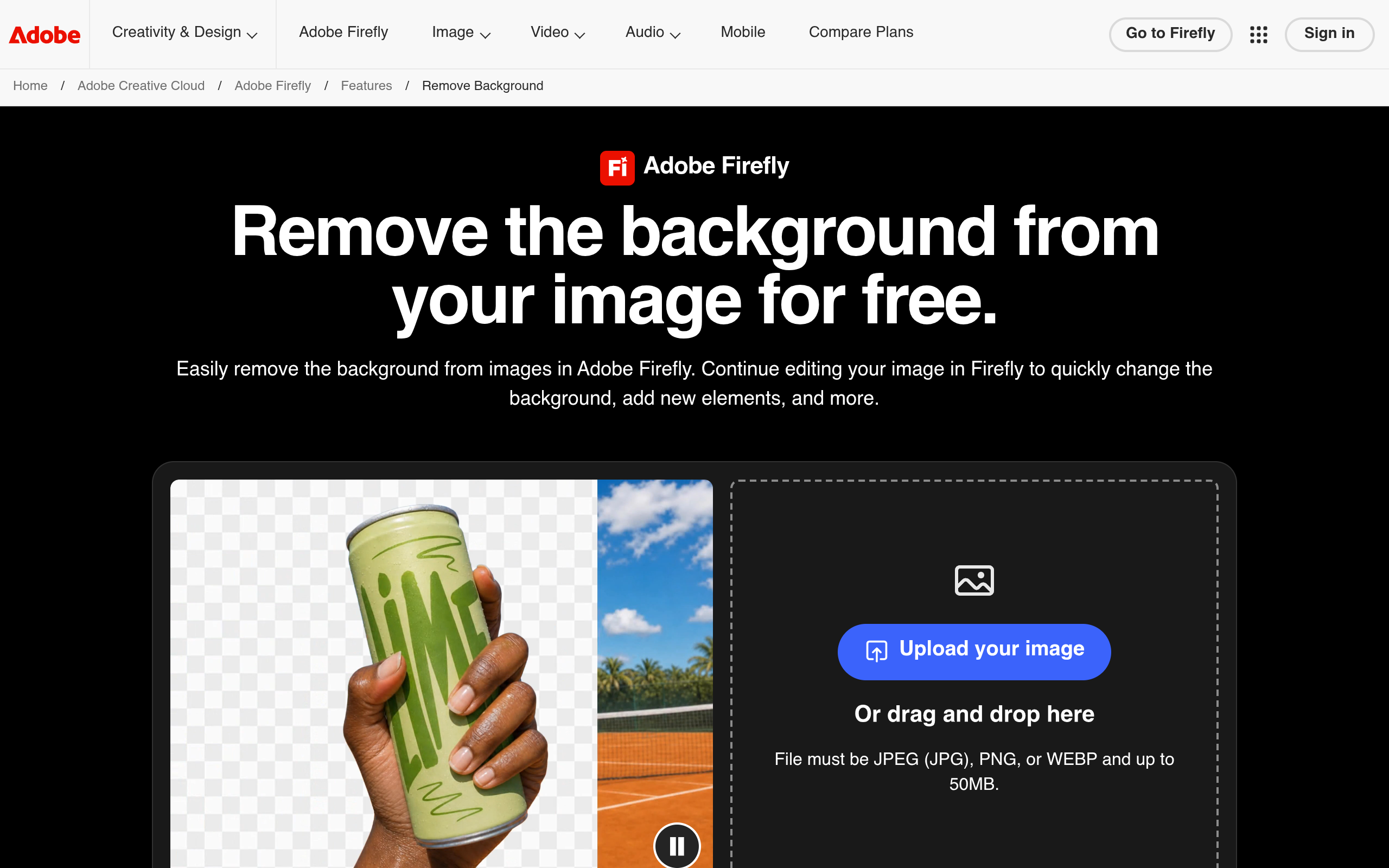
Adobe Firefly Background Remover
Adobe Firefly Background Remover lets you strip the background from a product photo, portrait or graphic with a single click.
About
Looking for the best free AI background remover that works in one click, without Photoshop? Adobe Firefly Background Remover lets you strip the background from a product photo, portrait or graphic with a single click. Adobe's AI finds the subject, separates it from everything behind it, and hands back a transparent PNG you can use right away. It accepts JPEG and PNG files, and you don't need any editing skills to get a polished result. Want to replace the background, not just remove it? The cutout is only the first step with Adobe Firefly Background Remover. Inside Adobe Firefly you can generate a new scene behind your subject from a text prompt, drop it onto a solid color, touch up areas with Generative Fill, upscale the image, extend the canvas, or create stickers. Prefer another tool? Take the image into Adobe Photoshop or Adobe Express to finish banners, flyers, posters and social graphics. It runs in your browser and on mobile.
Key Features
One‑Click Background Removal
Automatically detects the subject and removes the background with a single click, returning a transparent PNG ready for use.
Supports JPEG & PNG Inputs
Accepts common image formats and preserves image quality while producing transparent outputs for easy compositing.
Background Replacement & Generation
After removal you can replace the background with a solid color or generate a new scene using text prompts inside Adobe Firefly.
Integrated Editing Tools
Includes Generative Fill for touch-ups, upscaling, canvas extension and easy handoff to Adobe Photoshop or Adobe Express for further design work.
Browser & Mobile Access
Runs in the browser and on mobile devices so users can remove and edit backgrounds without installing desktop software.
How to Use Adobe Firefly Background Remover
1) Open Adobe Firefly Background Remover in your browser or mobile device and upload a JPEG or PNG image. 2) Click the Remove Background button — the AI will detect the subject and produce a transparent PNG. 3) (Optional) Replace the removed background by choosing a solid color or generating a new scene with a text prompt; use Generative Fill to refine edges or missing areas. 4) Export the PNG or send the image to Adobe Photoshop / Adobe Express to finish layouts, banners, or other designs.