
Active Dictionary
Language practice with texts, videos and PDFs, contextual vocabulary and AI support.
About
Active Dictionary is a language-learning web app for adults at B1 and above. Study texts, supported videos and PDF documents, look up words in context and save useful vocabulary for spaced repetition. An AI assistant helps explore the current material, while speaking and writing activities support practice with its language. Public materials can be explored without registration; personal features require an account. YouTube study needs available captions, PDF support depends on the document, and AI usage limits apply. Freemium with paid features.
Key Features
Contextual Dictionary
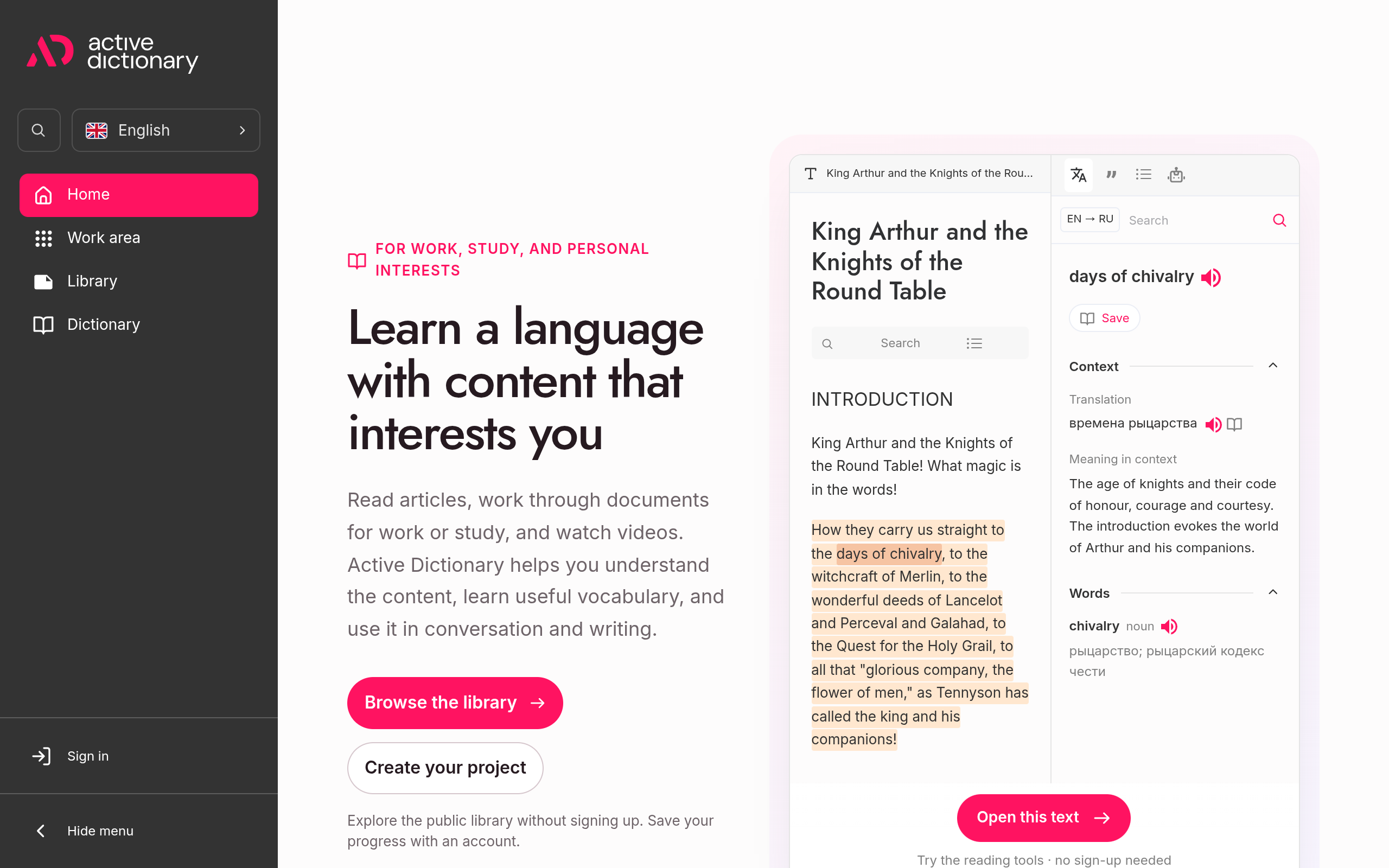
Look up words and phrases directly inside texts, videos (with captions) or PDFs to see meanings, translations and usage examples without leaving the content.
AI Tutor (Expert Chat)
Ask an AI assistant questions about the current material—clarify difficult passages, explore grammar points, or request explanations and examples drawn from the text.
Personal Dictionary & Spaced Repetition
Save useful vocabulary and phrases to a personal dictionary and review them with built-in flashcards using spaced-repetition to reinforce learning.
Multimedia Content Support
Study a variety of content types—articles, captioned YouTube videos and supported PDFs—and create projects from public library items or your own documents.
Active Practice Tasks
Practice speaking and writing based on the content: converse with an AI partner, complete writing tasks with hints, and collect personalized phrases for reuse.
How to Use Active Dictionary
1) Open a public project from the library or create/upload your own text, captioned video or supported PDF. 2) Read or watch and use the inline dictionary/translation to check unfamiliar words; add useful words/phrases to your personal dictionary. 3) Use the AI Tutor/Expert chat to ask about meanings, grammar, or content-specific questions; then launch speaking or writing practice tasks to use new vocabulary. 4) Review saved items with the flashcard/spaced-repetition system in the web app or mobile app; sync via the browser extension if desired.