
3dSynth.app
A browser-based tool that skips the STL/Slicer workflow entirely.
About
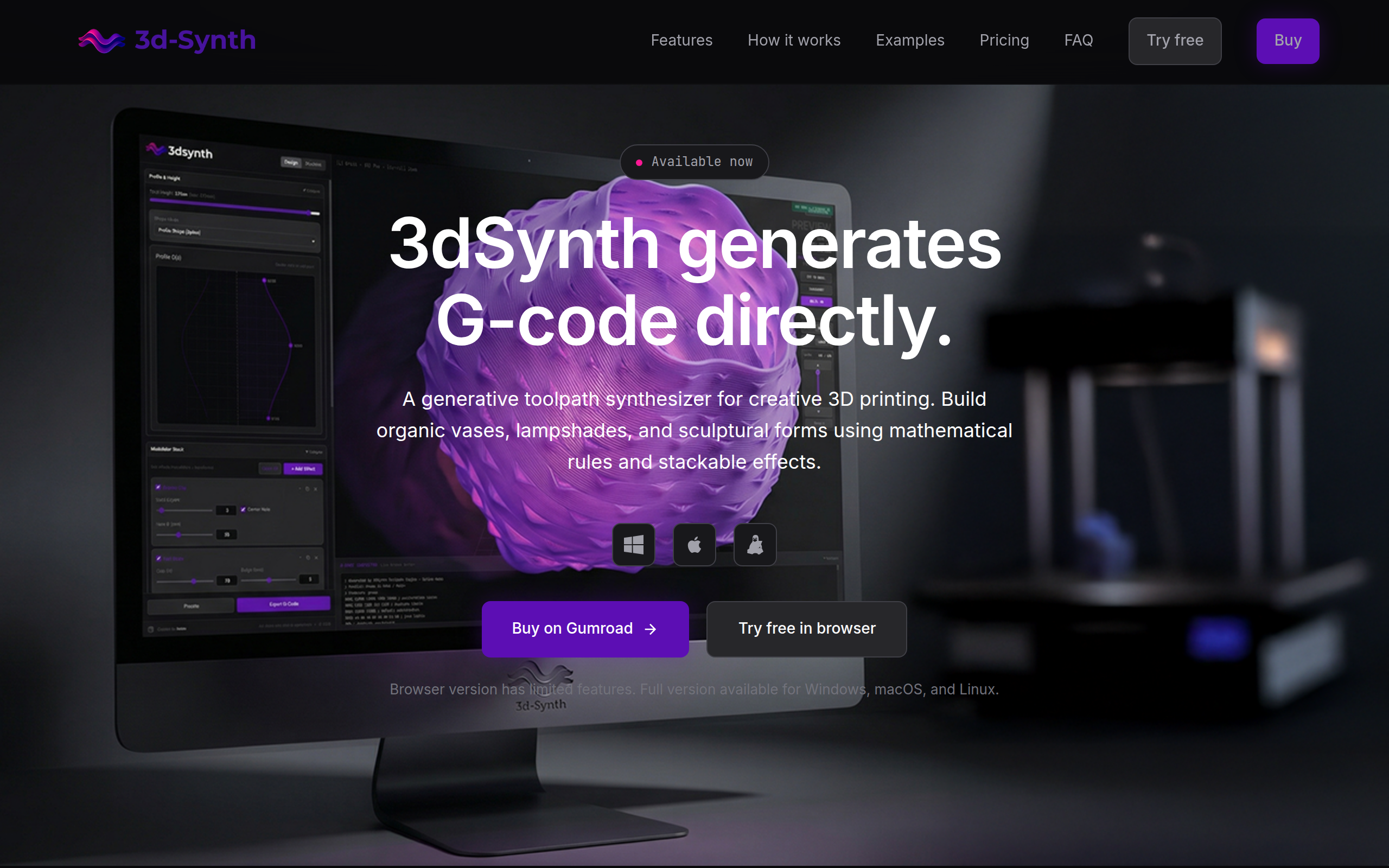
Meet 3DSynth: A browser-based tool that skips the STL/Slicer workflow entirely. 🌊 Generate G-code from math: Create organic textures using Wave, Noise, and Twist modulators. ⚡ Real-time Preview: See toolpaths update instantly. 🖨️ Ready to Print: Profiles for Prusa, Bambu, & Creality. Free to use: https://app.3dsynth.app
Key Features
Direct G-code Generation
Generates printer-ready G-code directly from parameters (no STL/OBJ or slicer required), including proper start/end sequences and machine-specific commands.
Modular Effect Stack
Layer stackable modulators (Wave, Noise, Twist, Blobs, Polygons, etc.) and control their height ranges to build complex organic surfaces procedurally.
Real-time Toolpath Preview
Instantly see toolpaths update in a 3D viewer, inspect individual layers, measure dimensions, and catch issues before exporting.
Spiral Vase / Continuous Z Mode
Dedicated spiral vase printing mode for single-wall continuous-Z prints that create translucent, seamless vessels and lampshades.
Printer Profiles & Export
Built-in profiles for popular printers (Prusa, Bambu Lab, Creality, Voron) with estimated print time/filament usage and ability to configure custom printer settings.
How to Use 3dSynth.app
1) Choose a printer profile (or configure a custom printer) and open the spline editor to draw the base silhouette of your object. 2) Add modulators from the effect library (Wave, Noise, Twist, Blobs, etc.) and tweak their parameters and height ranges to shape the form. 3) Use the real-time 3D preview to inspect toolpaths, view layers, and verify dimensions and printability. 4) Export the generated G-code and load it to your printer — the file includes start/end sequences and print estimates. (Note: the browser demo has limited features; buy the desktop app for full modulators and unlimited stacks.)