
3D AI Tools
Compare AI 3D generators and check generated GLB, OBJ, and STL exports locally.
About
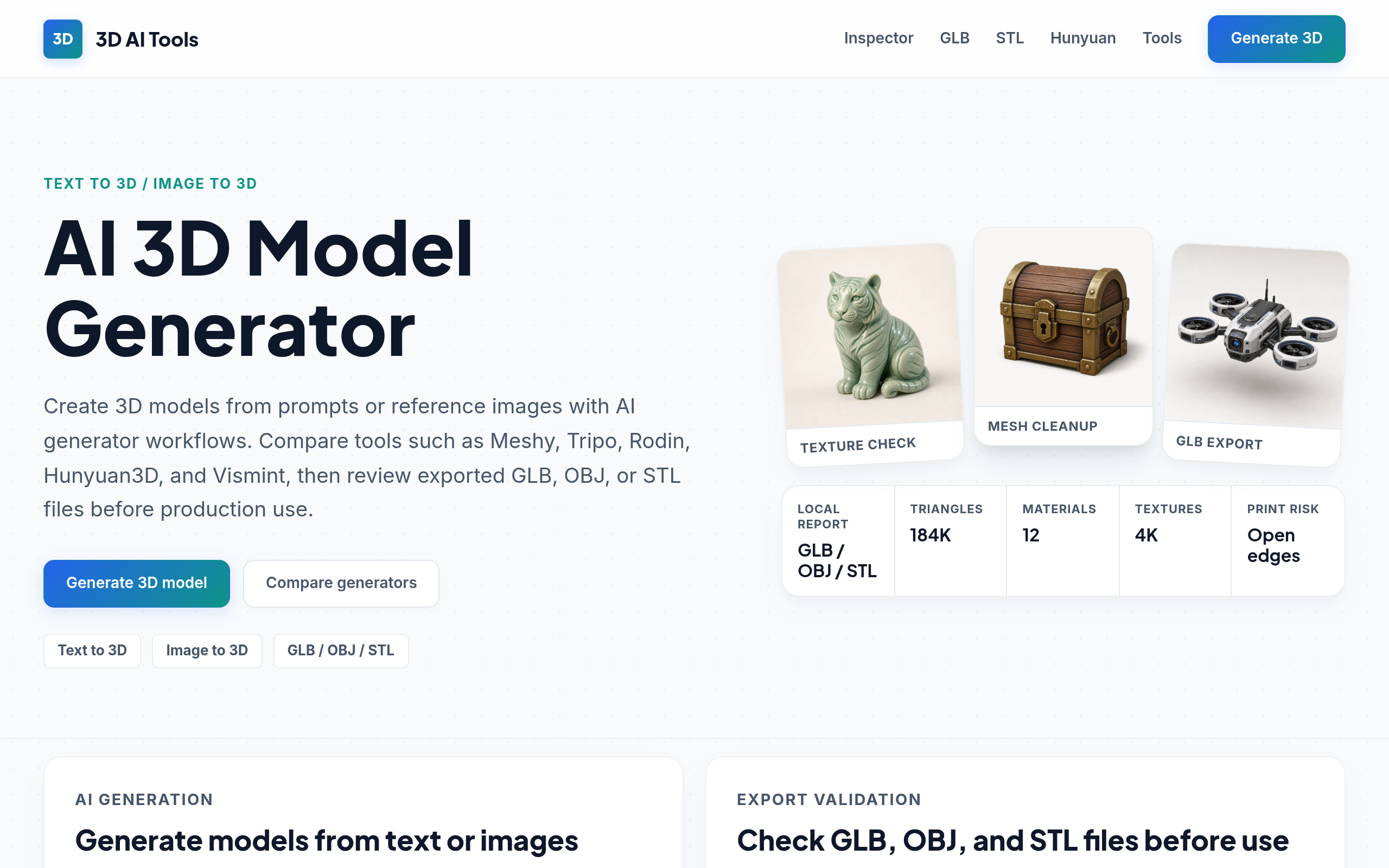
3D AI Tools helps creators compare AI 3D model generator workflows for text-to-3D, image-to-3D, Hunyuan3D, Meshy alternatives, Tripo alternatives, JPG-to-STL, and GLB optimization. It also provides a browser-based local checker for GLB, GLTF, OBJ, and STL exports so users can review geometry, materials, textures, scale, and print risks before using generated 3D assets in production.
Key Features
Generator Comparison Matrix
Side-by-side comparison of active AI 3D generators (Meshy, Tripo, Rodin, Hunyuan3D, Vismint, etc.) including inputs, export formats, API availability, and free plan support to help pick the right workflow.
Browser-Based Local 3D Inspector
Open GLB, GLTF, OBJ, and STL files locally in the browser to inspect geometry, materials, textures, scale, and identify problematic shells or floating geometry without uploading assets to a server.
Export Validation & Inspection Report
Automated checks that report triangle/vertex budget, material slot fragmentation, texture payload sizes, non-manifold/watertight issues for STL, and scaling/print risk warnings to determine production readiness.
Workflow Guides & Best Practices
Detailed guides for common pipelines (text-to-3D, image-to-3D, Hunyuan3D, Meshy/Tripo alternatives, JPG-to-STL) showing how to generate, export, inspect, and prepare models for web, game, AR, or 3D printing.
Optimization Recommendations
Actionable suggestions such as decimation, remeshing, texture atlas baking, and texture resizing to reduce draw calls, lower polycount, and improve runtime or print compatibility.
How to Use 3D AI Tools
Choose a generator workflow, create or export a 3D model, then open the resulting GLB, OBJ, or STL file in the local checker before publishing or editing it.
Use Cases
Frequently Asked Questions
Q: Does 3D AI Tools upload model files?
A: No. File inspection runs locally in the browser.