
1Match
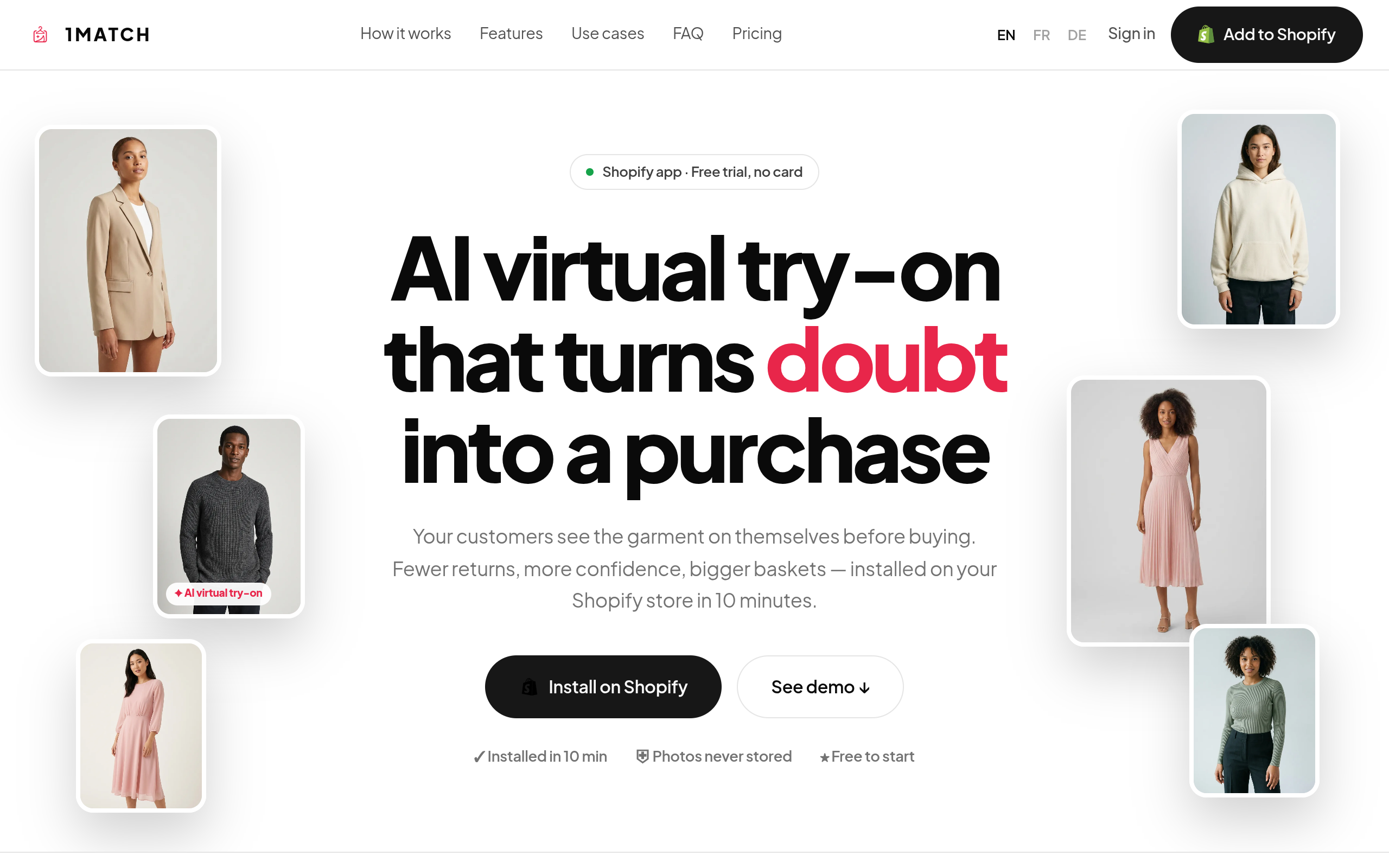
Add AI virtual try-on to your Shopify store in 10 minutes. Photorealistic results for clothing, accessories, hands & faces. No 3D.
About
1Match is an AI-powered virtual try-on app that lets Shopify shoppers see how clothing and accessories look on a real person before they buy. Customers upload a photo, and 1Match generates a photorealistic image of them wearing the product — no 3D modeling, no lengthy setup, no complicated integrations. Built for fashion and apparel merchants, 1Match focuses on three things: image quality, speed, and privacy. The results are sharp and true-to-product, covering full-body clothing, headwear and accessories, and even hand and face detail that most try-on tools ignore. Merchants can go live in about 10 minutes directly from the Shopify App Store — the widget drops into product pages with no developer work required. 1Match is more than a try-on gadget: it's a growth engine. Every try-on doubles as a lead-capture and funnel-analytics moment, so merchants turn browsing shoppers into identified, engaged customers while measuring exactly where conversions happen. And because 1Match uses a zero-storage approach to customer photos, merchants stay GDPR-friendly by design — images aren't retained after processing. Whether you sell dresses, streetwear, eyewear, hats, or accessories, 1Match helps reduce return rates, boost buyer confidence, and increase conversion by letting customers try before they buy — entirely online.
Key Features
Photorealistic AI Try‑On
Generate photorealistic images of a shopper wearing your products from a single uploaded photo — no 3D models or manual editing required.
Quick No‑Code Shopify Integration
Install from the Shopify App Store and drop the widget onto product pages in about 10 minutes — works with every Shopify theme and requires no developer work.
Privacy‑First Photo Processing
Customer photos are processed in memory and never stored, keeping the experience GDPR-friendly and minimizing privacy risk for merchants and shoppers.
Lead Capture & Marketing Integration
Each try-on tags the customer in Shopify and feeds native customer segments for use in email, SMS and ad campaigns (integrates with tools like Klaviyo).
Dashboard & ROI Analytics
Track try‑ons, conversion lift, attributed sales, average order value and return-rate impact in a single dashboard so you can measure real business value.
How to Use 1Match
1. Install 1Match from the Shopify App Store — it connects to your store in a few clicks. 2. The try-on widget is automatically added to your product pages; no coding or theme editing required. 3. Configure which products are eligible for try-on (rules for clothing, accessories, and more) from the app settings. 4. Shoppers open a product, upload a photo, and instantly see a photorealistic image of themselves wearing the item. 5. Track try-ons, captured leads, and conversions from your dashboard to optimize your funnel. Most merchants are live in about 10 minutes.
Use Cases
Frequently Asked Questions
Q: Does 1Match work with any Shopify store?
A: Yes. 1Match installs directly from the Shopify App Store and adds a try-on widget to your product pages with no coding required.
Q: What can customers try on?
A: Clothing, headwear, eyewear, and accessories — including detailed hand and face results. It's built for fashion and apparel of all kinds.
Q: Is customer data safe?
A: Yes. 1Match uses a zero-storage approach — customer photos aren't retained after the try-on is generated, keeping you GDPR-friendly by design.
Q: Do I need 3D models or scans?
A: No. 1Match works from a single photo — no 3D modeling, scanning, or special assets required.
Q: How long does setup take?
A: About 10 minutes. Install from the App Store, set your product rules, and you're live.